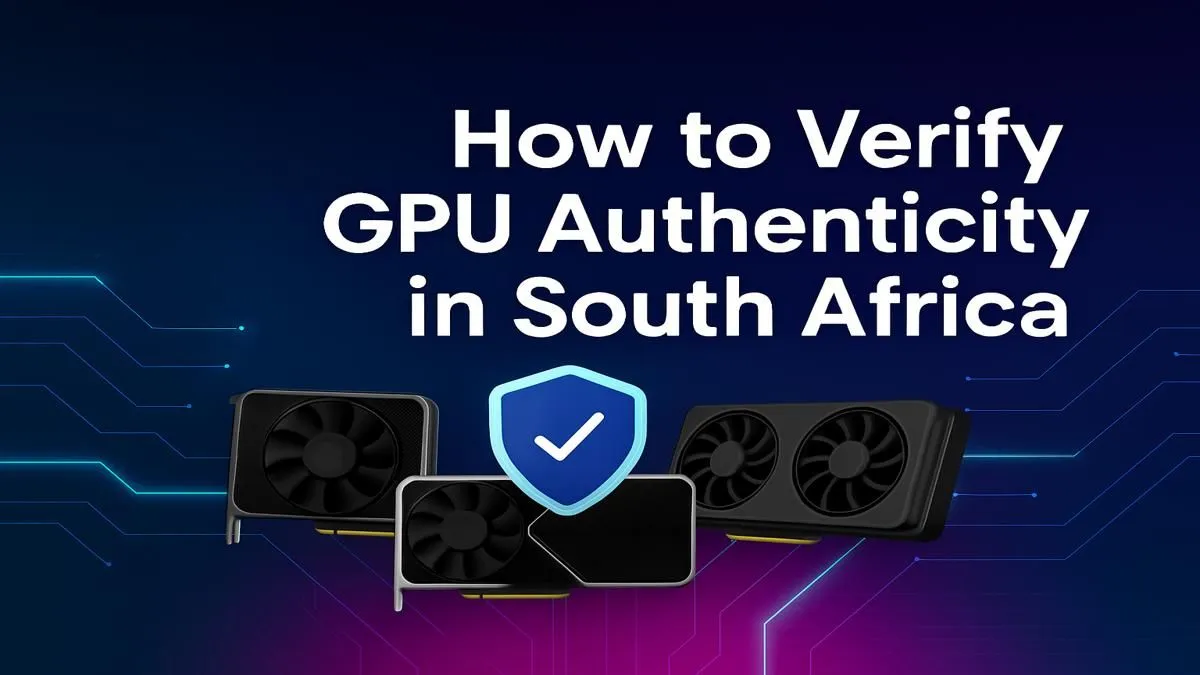
That unbelievable deal on a "new" RTX 4080 you saw online... is it legit? In South Africa's thriving PC market, knowing how to verify GPU authenticity isn't just smart; it's essential for protecting your investment. A counterfeit graphics card won't just cripple your frame rates; it could be a fire hazard or damage your entire rig. Before you part with your hard-earned Rands, let's walk through the crucial checks to ensure you're getting the real deal.
The Physical Inspection: Your First Line of Defence
Before a graphics card even touches your motherboard, you can spot many fakes with a careful eye. Scammers often cut corners on the physical product because that's where costs are highest. Start here.
Check the Box and Serial Number
Authentic GPUs come in high-quality, professionally printed boxes. Look for crisp logos, clear text, and a factory seal. Scammers often use blurry prints or flimsy cardboard. Crucially, check that the serial number on the box matches the one on the sticker on the GPU's backplate or PCB. If they don't match... that's a massive red flag. 🚩
Examine the Cooler, Ports, and PCB
Counterfeit cards often use cheap, generic coolers that look nothing like the official designs from ASUS, MSI, Gigabyte, or others. Google image search the exact model you're buying and compare the shroud, fan design, and heat pipes. Also, check the I/O bracket. Does it have the correct ports (DisplayPort, HDMI) in the right configuration? A common trick is selling an old card with a modern-looking cooler, but the ancient VGA port gives it away. The overall build quality, from the circuit board colour to the feel of the plastic, should feel premium, not cheap. Sometimes, even the smallest details, like using the right quality graphics card accessories, are overlooked by counterfeiters.
Software Verification: The Digital Deep Dive
So, the card looks legit. Now it's time to plug it in and see what the software says. This is where most fakes are conclusively exposed. The goal here is to verify the GPU's authenticity by matching its reported specs against the official specifications for that model.
The Ultimate Tool: GPU-Z
TechPowerUp's GPU-Z is a free, lightweight utility that is essential for any PC builder. Once installed, it reads the GPU's BIOS and reports its core specifications.
- Download and run GPU-Z.
- Compare the reported specs: Pay close attention to the 'GPU,' 'Memory Type,' 'Memory Size,' and 'Shaders' (or CUDA Cores/Stream Processors).
- Cross-reference: Open a new tab and search for the official specs of your GPU model. Do the numbers match? A fake GTX 1060 might be a re-flashed GTS 450, and GPU-Z will show the ancient memory type (GDDR3 instead of GDDR5) and a tiny number of shader cores. This is a dead giveaway for both genuine NVIDIA GeForce cards and authentic AMD Radeon GPUs.
Pro Verification Tip ⚡
GPU-Z has a 'Lookup' button that will take you to the TechPowerUp database page for your specific card's BIOS. This is a powerful one-click check. If the specs on that page don't align with the product you thought you bought, you've likely got a counterfeit card. It's the fastest way to confirm your hardware's identity.
Official Driver Installation
Fake GPUs often struggle with official drivers. Scammers might provide a dodgy driver on a USB stick because they know the card's fake ID won't be recognised by NVIDIA, AMD, or Intel's official software. Always download the latest drivers directly from the manufacturer's website. If the installer fails to recognise your hardware, that's another major warning sign. This applies to all modern cards, including the latest Intel Arc graphics cards.
Common Scams to Watch Out For in Mzansi
The most common scam involves "flashing" the BIOS of an old, weak GPU to make it report itself as a newer, more powerful model. An ancient NVIDIA GT 710 might show up in Windows as an RTX 2060, but its performance will be abysmal. This scam even happens with niche cards like professional workstation graphics cards, so always be vigilant.
Running a benchmark like 3DMark or FurMark will quickly expose the lie. The performance scores will be drastically lower than expected for the supposed model. If a deal seems too good to be true... it probably is.
The Safest Bet: Buy From a Trusted Retailer ✨
While hunting for a bargain is tempting, the risk of receiving a counterfeit, damaged, or faulty card from an unverified seller is high. The best way to verify GPU authenticity in South Africa is to remove the doubt entirely.
Buying from a reputable, authorised retailer like Evetech guarantees you get a brand-new, factory-sealed, authentic product. You get a full manufacturer's warranty, local support, and the peace of mind that your multi-thousand Rand investment is protected. You don't have to spend hours running verification checks; you can just plug in and play. When you buy from a trusted source, you know you're getting one of the best legitimate graphics card deals available, backed by a proper warranty. It's the smart, safe way to upgrade your rig and ensure you get the performance you paid for from any of our new graphics cards.
Ready for a Guaranteed Genuine Upgrade?
Don't risk your rig on a dodgy deal. Buying from an authorised dealer is the only way to ensure 100% authenticity, a full warranty, and the performance you deserve. Explore our massive range of graphics card deals and find the perfect, genuine GPU to power your passion.