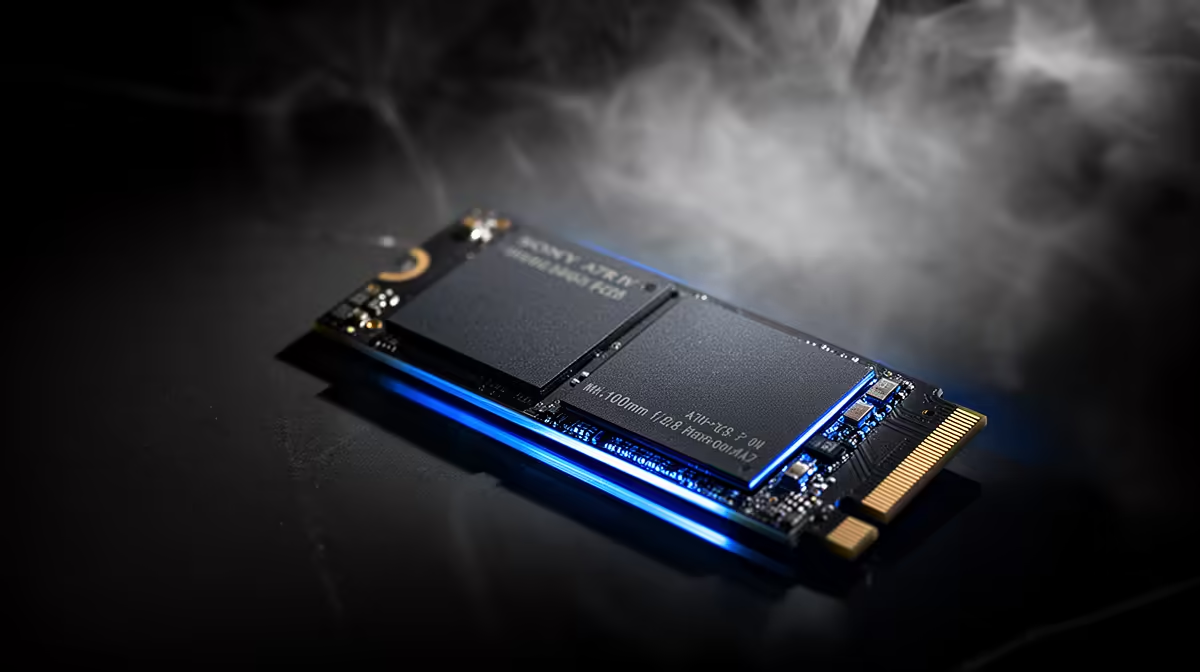
A Gen 5 NVMe drive that drops out or shuts the system down on a gaming PC is failing to hold a stable connection under load. Heat and power delivery to the slot are the usual reasons a fast drive disappears.
Quick Answer
A Gen 5 NVMe SSD shutting down or dropping out on a gaming PC usually overheats, runs old firmware, or loses power through aggressive link management. Fit a heatsink, flash firmware, and disable PCIe link power saving. With the drive cooled and on current firmware, dropouts stop in most builds.
Stabilise heat and firmware on a gaming rig
Gaming loads keep a Gen 5 drive busy, pushing it past 70C without a heatsink and into throttling or dropout. Fit the M.2 heatsink and ensure a case fan reaches it, then flash the latest firmware to clear known dropout bugs. A drive that holds under 70C during long sessions is far less likely to vanish mid-game.
Check power delivery and the M.2 slot
Disable PCIe link state power management in the power plan so the drive is not starved during quiet moments. Re-seat the drive and confirm the slot runs full Gen 5 width in BIOS, because a degraded link drops out under load. If the system shuts down entirely rather than just losing the drive, also confirm the PSU has headroom over your CPU and GPU draw.
FAQ
Why does my SSD drop out during gaming?
Heat and aggressive power management are the usual causes. A drive past 70C throttles and can drop its link, so cooling and relaxed power settings keep it stable.
Could the PSU cause the SSD to drop out?
If the whole system shuts down, an undersized PSU under peak gaming load is possible. If only the drive disappears, focus on heat, firmware and the M.2 slot instead.
How do I confirm the slot runs at full speed?
Check the M.2 slot's reported link width and generation in BIOS or a storage utility. A degraded link points to seating or a slot configuration issue.
Cool the drive and relax its power settings first. If dropouts continue at safe temperatures, compare reliable Gen 5 NVMe drives at Evetech for your gaming rig.