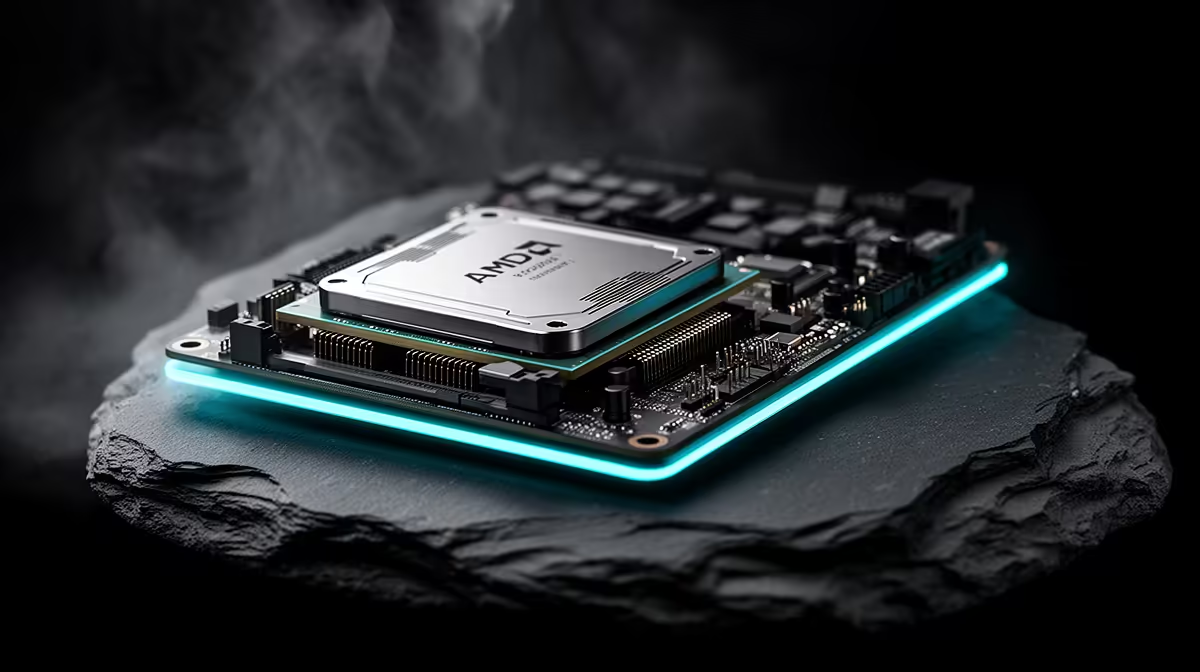
An SA build around the Ryzen 7 9800X3D that keeps crashing usually has a memory, driver, or power weak point that the powerful chip exposes. Work through them in order rather than guessing at the CPU.
Quick Answer
Crashing on a Ryzen 7 9800X3D build most often traces to an unstable EXPO memory profile, a GPU driver fault, or insufficient power. Re-run memory training or drop one speed grade, clean-install the GPU driver, and confirm PSU headroom. Stable DDR5-6000 with a current driver fixes most crashes.
Stabilise the EXPO memory profile
The 9800X3D pairs best with DDR5-6000, but an aggressive EXPO profile can be marginal and crash under load. Clear CMOS and re-run training, then test stability; if crashes continue, step down one speed grade or loosen the primary timings. A four-pass MemTest86 with zero errors confirms the memory is solid before you look elsewhere.
Clean drivers and confirm power
Clean-install the GPU driver to clear corrupt files, a common crash cause regardless of the CPU. Then check that the PSU exceeds the combined CPU and GPU draw with headroom and that the EPS and PCIe cables are seated. The 9800X3D is efficient, so a crash under gaming load more often points at the GPU side of power than the CPU.
FAQ
What memory speed suits the Ryzen 7 9800X3D?
DDR5-6000 with a stable EXPO profile is the sweet spot. If a faster kit is unstable, stepping down to DDR5-6000 usually restores reliability.
Why clean-install the GPU driver for a CPU build?
A corrupt GPU driver crashes the system regardless of the CPU. Clean-installing it is a quick, common fix worth doing early in any crash hunt.
Is the 9800X3D power-hungry?
No, it is efficient for its performance. Crashes under gaming load usually point at the GPU's power draw rather than the CPU itself.
Pro Tip
Re-run EXPO training or drop one speed grade, then clean-install the GPU driver; that order resolves most Ryzen 7 9800X3D crashing in SA builds.