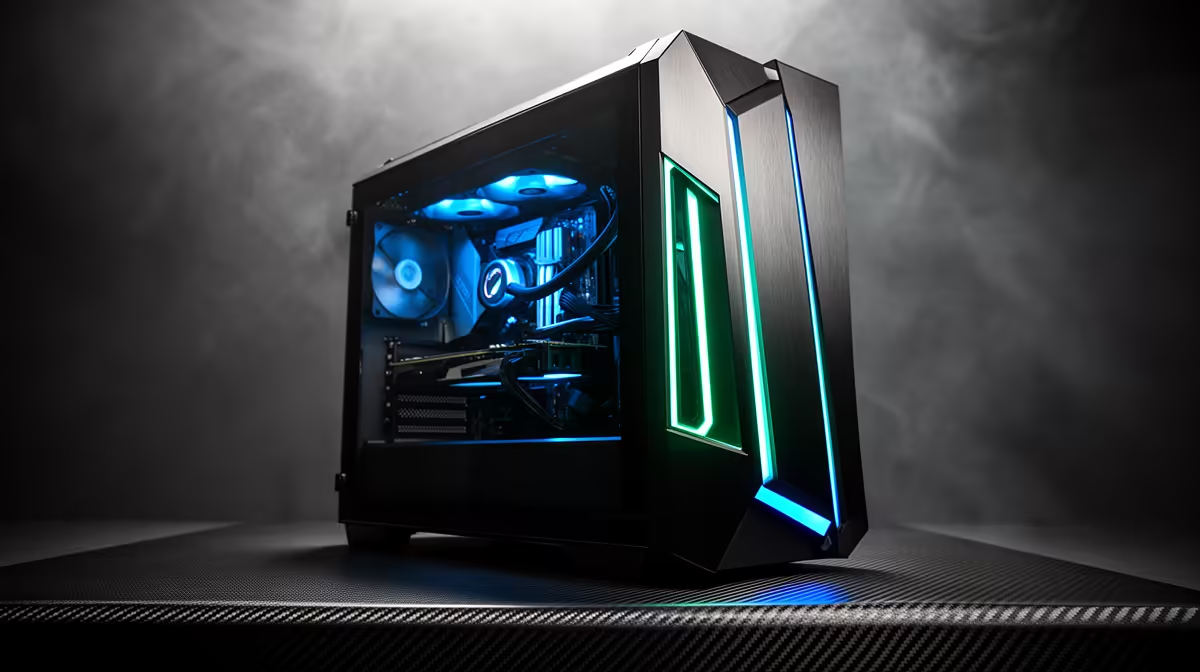
A Ryzen 9 9950X3D that starts rebooting under load is almost always a driver, firmware or thermal issue rather than a faulty chip. The 3D V-Cache models are sensitive to BIOS and chipset versions, so a structured check usually fixes this in under an hour without swapping any parts.
Quick Answer
In most cases the Ryzen 9 9950X3D itself is fine: random reboots usually mean a thermal trip, an unstable overclock or an undersized PSU. Update the AMD chipset driver, flash the latest motherboard BIOS for AGESA support, and set Curve Optimizer or PBO back to defaults before testing. This 16 cores / 32 threads chip runs a 170W package power target, so pair it with a 280mm or 360mm AIO and confirm temps stay under 90 deg C under load.
What usually causes Ryzen 9 9950X3D random reboots
The likeliest triggers, in order: an out-of-date AMD chipset driver after the Windows update reset it; an old BIOS that predates current AGESA microcode for the 9000-series; an aggressive PBO or Curve Optimizer undervolt that was stable before but drifts after a firmware change; or EXPO memory running tighter than the kit's rated profile. Check load temperatures, reset PBO and EXPO to stock, and confirm the PSU comfortably exceeds the build's draw. Start by writing down exactly what changed before the issue appeared, then undo one change at a time and retest the same scene so the result stays clean.
Step-by-step fix for Ryzen 9 9950X3D builds
Reinstall the latest AMD chipset driver from a fresh download, then reboot and let Windows finish its background tasks. Flash the newest stable BIOS for your X870E or B650 board to pick up current AGESA support. In BIOS, load optimised defaults, re-enable EXPO at the kit's rated speed (DDR5-6000 CL30 is the sweet spot for these chips), and leave PBO at Auto for the first test. Confirm your AIO pump header is set to full speed and that temps under a 10-minute stress run stay below 90 deg C.
{{TipBox title:"Pro Tip" , Run a clean 10-minute stress test after each change and log peak temperature, package power and the exact moment random reboots returns. A single logged run per change makes the real cause obvious far faster than tweaking several settings together. }
FAQ
Is the Ryzen 9 9950X3D faulty if it keeps rebooting under load?
Rarely. On 9000-series 3D V-Cache chips this is almost always a chipset driver, BIOS or cooling problem rather than dead silicon. Reset BIOS to optimised defaults and update drivers before considering an RMA.
What cooler does the Ryzen 9 9950X3D need in South Africa?
Pair it with a 280mm or 360mm AIO. With summer ambient temperatures above 30 deg C in much of SA, a quality AIO or a large dual-tower air cooler keeps the 170W package comfortably under its thermal limit.
Will resetting PBO hurt my Ryzen 9 9950X3D performance?
No meaningful loss. The 3D V-Cache cache, not aggressive boost, drives gaming performance, so running at stock with EXPO enabled gives you nearly all the gaming fps while restoring stability.
Build on a stable Ryzen 9 9950X3D platform
Browse Evetech's current X870E and B650 boards, DDR5-6000 kits and AIO coolers matched to the Ryzen 9 9950X3D, all stocked locally with nationwide delivery.