Start with evidence from your own machine before swapping any part. Below is an ordered, South African gaming checklist for the symptom in the heading, written so each step is something you can verify yourself before booking a repair or buying a replacement.
Quick Answer
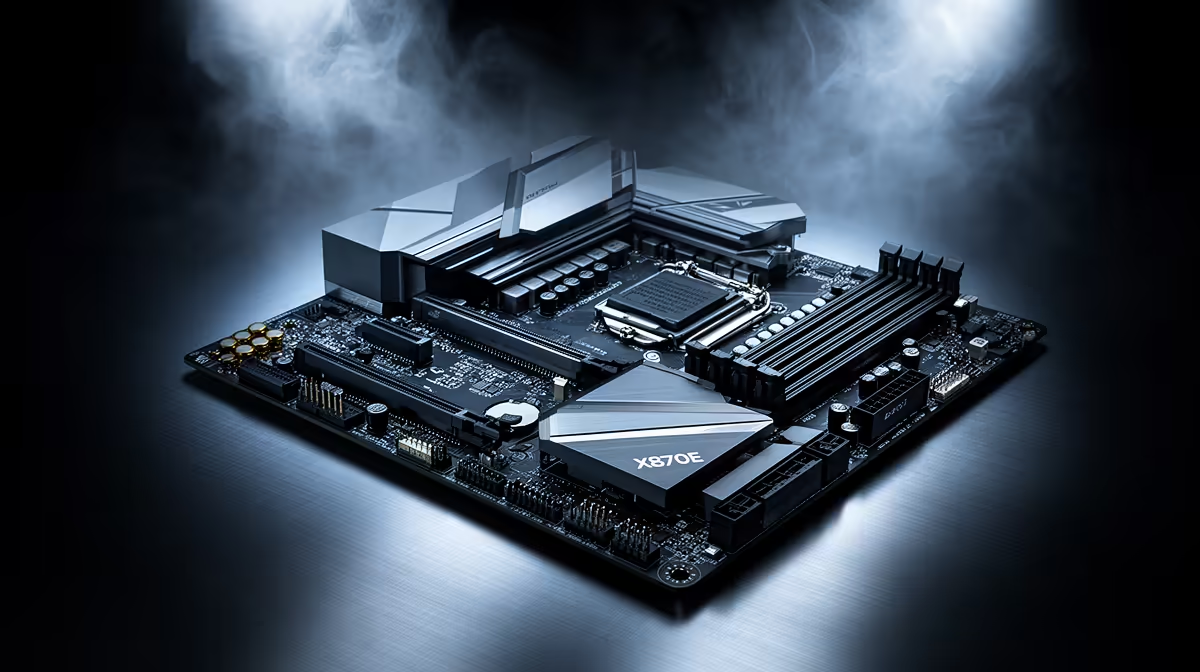
Start with evidence from your own machine before swapping any part. This usually comes down to heat, an unstable EXPO profile or background load rather than a faulty X870E motherboard. Run a fixed 20-minute test after each change and keep the one that holds at a steady frame rate or a stable temperature under 85C.
Heat and airflow checks
Reseat the cooler and apply a fresh pea of paste if temps spiked after a recent strip-down. Reseat the cooler and apply a fresh pea of paste if temps spiked after a recent strip-down.
RAM and EXPO checks
Run a short MemTest86 pass overnight to rule the 32GB kit in or out before blaming anything else. Re-test with the EXPO or XMP profile off; an unstable 6000MT/s kit can throw stutters and crashes that look like a board fault.
Drivers, BIOS and Windows
Check that a recent Windows feature update did not swap your tuned driver for a generic Microsoft one overnight. Roll the GPU driver back to the last stable release, then do a clean reinstall using DDU so leftover files do not clash.
Drive health and thermals
Check SMART data for a failing 1TB or 2TB SSD that is silently retrying reads. Move the boot drive off a shared lane if a second M.2 device steals bandwidth from the GPU slot.
FAQ
Is the X870E motherboard actually the problem?
Not until the software, heat, power and cable checks all pass. The X870E motherboard is the platform under review, so rule out the cheaper causes first and only suspect the hardware once a clean reinstall and a default-BIOS test still fail.
How do I know it is not the GPU driver?
Run DDU in safe mode and install one clean driver. If the symptom vanishes you found it; if it returns, move on to heat, power and memory checks.
How long should each test run?
Use a fixed 20-minute load that reliably triggers the fault. A shorter burst can hide a thermal or memory problem that only appears once the system is fully warmed up at 80C or higher.
Pro Tip
one variable per test: adjust a setting, re-run the same 20-minute load, then decide.