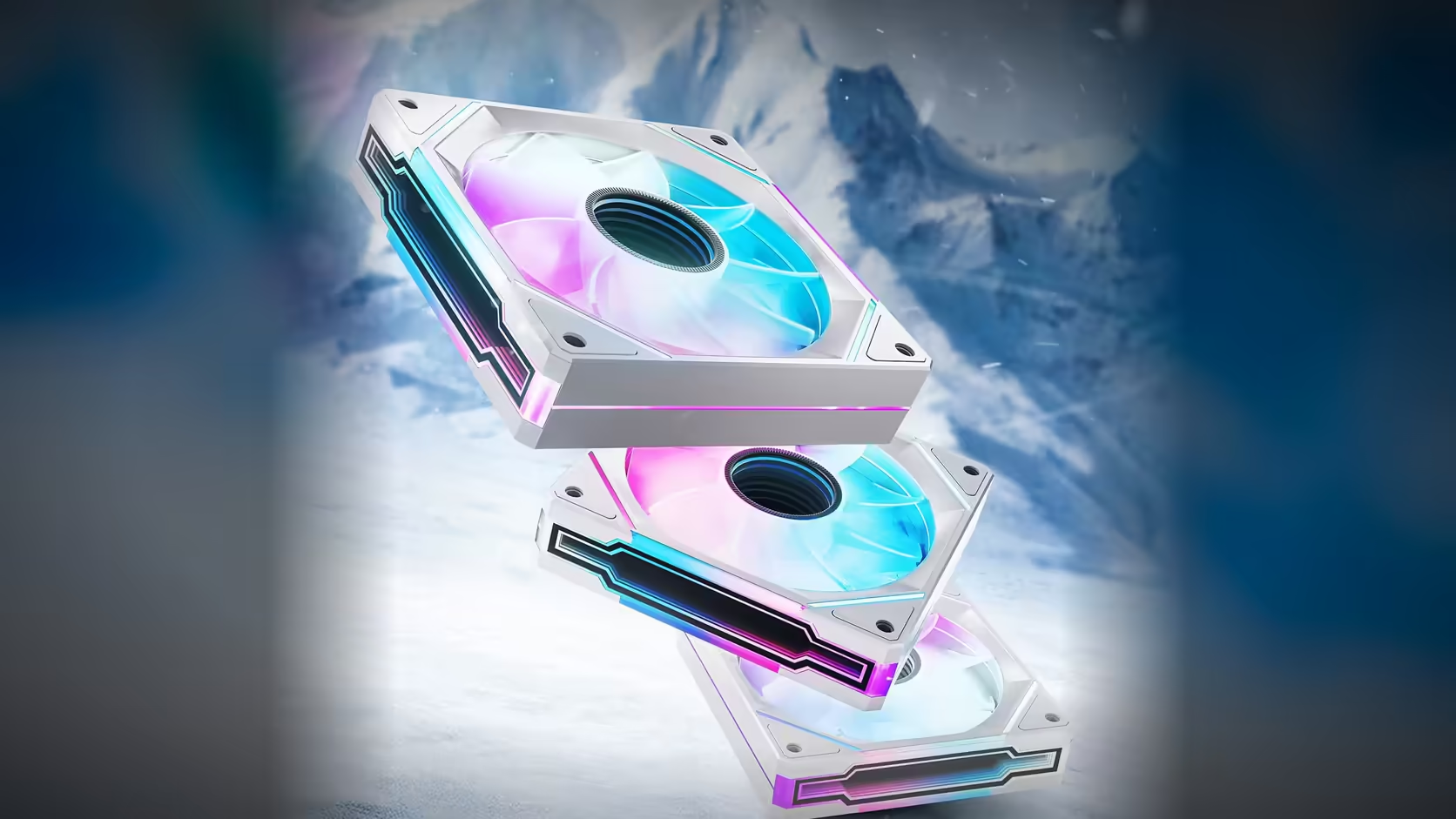
A cable tray hides a great deal, and once Amici 5GT fans are mounted and routed behind one, every four-pin lead looks exactly like its neighbour. A connection map drawn before that happens turns a future troubleshooting session from a cable-pulling exercise into a two-minute check.
Quick Answer
A connection map for an Amici 5GT build records which fan position connects to which motherboard header, drawn up before the cables disappear behind a tray or panel. Since each fan carries its own 4-pin PWM lead, the map takes only a few minutes to produce, while tracing an unlabelled cable through a finished build afterward can take considerably longer.
What the map should record
At minimum, note each fan's position in the case, the specific header its PWM lead reaches, and whether a splitter sits anywhere between them. For builds running an ARGB chain, note the order the fans are linked in as well, since that determines which fan sits upstream of a fault if the lighting develops a problem later.
Why position matters as much as the header
A header label alone, without a note on which physical position it serves, is only half useful. If a fan in the front-top position stops responding, the map needs to answer "which header is that" immediately, not require cross-referencing a separate diagram of the case layout. Recording both together, position and header side by side, is what makes the map genuinely fast to use later.
Why this is worth doing before, not after
An unlabelled 4-pin lead disappearing behind a tray looks identical to every other unlabelled 4-pin lead once the build is finished. Tracing a specific one back to its header at that point usually means following the cable by hand, which can mean partially disassembling a section of the build just to confirm one connection. A map drawn during the install, while every cable is still visible and freshly connected, avoids that entirely.
Recording the lighting chain order
Where fans are linked for ARGB, the order they are chained in matters for troubleshooting. A fault in the first link of a chain affects everything downstream of it, so a map that records the chain order, first fan through last, narrows a lighting fault to a specific segment rather than the whole row.
How much detail the map actually needs
A rough sketch is enough for most builds; this does not need to be a formal wiring diagram. What matters is that every fan position is named consistently with how the case labels them, and every header is identified the same way the board's manual identifies it, so the map and the physical build use the same vocabulary when it is time to cross-reference them.
When the map earns its keep
The most common moment a connection map proves its worth is when a single fan stops reporting or stops spinning. Rather than guessing which of several similar leads belongs to the affected position, the map narrows the search immediately to one specific cable, cutting a diagnostic process that could take twenty minutes of tracing down to checking one labelled connection.
Splitters deserve extra attention on the map
A splitter combines several fans onto one physical header connection, and boards typically report only a single reading from that combined connection. Marking splitters clearly on the map matters more than marking a direct connection, because a stopped fan behind a splitter can hide behind a normal-looking reading from its neighbours on the same splitter.
Keeping the map somewhere it survives
A photograph of the sketch, or a note kept with the build's other documentation, outlasts a loose piece of paper left on a desk. Since the map is most useful months or years after the install, when the original layout is no longer fresh in memory, keeping it somewhere it will still be findable later is as important as drawing it accurately in the first place. For anyone planning a new layout worth mapping, current Amici 5GT stock sits in Evetech's case fans section, and case accessories covers splitters and extensions that are worth marking clearly on any map.
Frequently Asked Questions
What should a connection map record at minimum?
Each fan's position, the specific header its PWM lead reaches, and whether a splitter sits between them.
Why not just work out the connections later if a problem comes up?
Because an unlabelled four-pin lead behind a tray looks identical to every other one, and tracing it without a map usually means pulling cables to check by hand.
Should the lighting chain order be recorded too?
Yes, since a fault in the first link of an ARGB chain affects everything downstream, so recording the chain order narrows a lighting fault to a specific segment.
How detailed does the map actually need to be?
A rough sketch is sufficient, provided every fan position is named clearly and every header is identified consistently with the board's own labelling.
When is the map most useful in practice?
When a fan stops reporting or stops spinning, since the map narrows the search to one specific lead instead of every similar-looking cable in the build.
Why mark splitters specifically on the map?
Because a splitter usually reports one combined reading, which can hide a stopped fan behind a normal-looking result from the others sharing that connection.
Where should the finished map be kept?
With the build's other documentation, or photographed, so it survives longer than a loose sketch and remains findable when it is actually needed.
Documenting a new fan layout before the cables disappear?
Check Evetech's case fans and case accessories ranges while you plan the connections.