




Chrome secure DNS: Check the provider before changing your router
Chrome secure DNS: Encrypted DNS is not a VPN and does not guarantee a working connection. Check browser DNS mode.
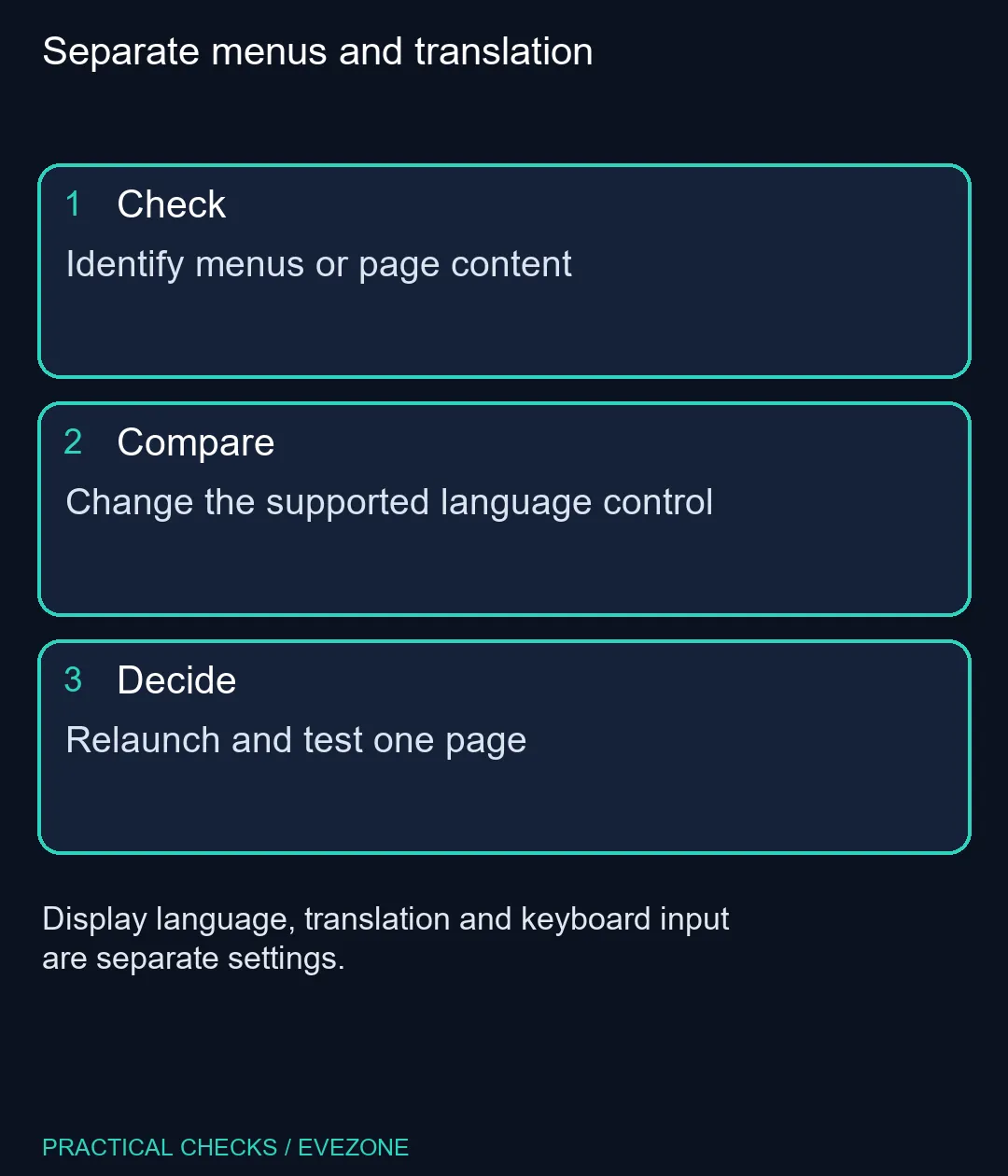
Read moreChrome change language: Display language, translation and keyboard input are separate settings. Identify menus or page content.
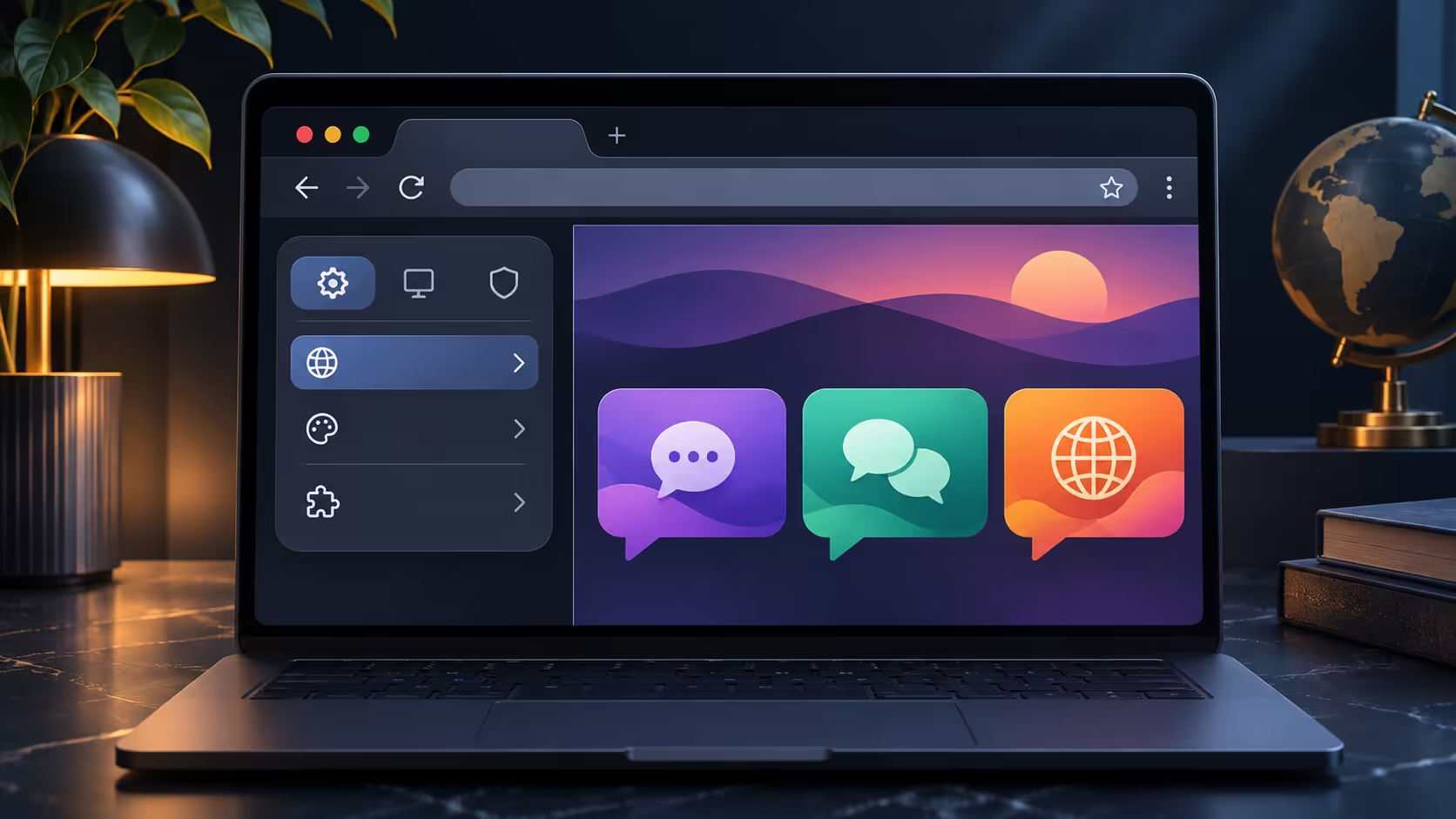
A Chrome change language problem may concern the menus, the text on a website or the characters typed by your keyboard. Those are three different controls. Naming the part that is wrong prevents a translated article from being mistaken for a broken browser installation.
On Windows, open Chrome Settings, choose Languages, add the preferred language if necessary, then use its menu to select Display Google Chrome in this language and restart Chrome. On Mac and Linux, Chrome uses the system display language. This adjustment costs R0; it does not require a new laptop or automatically change the language of every website.
Look at the browser's own Settings menu first. If its labels are wrong but the website reads correctly, focus on the interface choice. If only one article is in another language, translation or that website's language selector is more relevant. A keyboard producing unexpected characters is a separate input-layout issue.
Write down a recognisable destination language before changing the interface, especially when helping someone else. On a shared computer, ask which language the user needs to read comfortably instead of selecting your own preference. The aim is a usable daily browser, not a machine configured around the person troubleshooting it.
Windows offers the Chrome display-language option under the menu beside a preferred language. Adding a language to a list and selecting it for the interface are different actions. Restart after making the display choice, then open Settings again to check that the labels changed as intended.
Mac and Linux users should look to their system language settings rather than hunting for the Windows-only checkbox. Keep unsaved work safe before a relaunch. If a workplace or school owns the machine and a control is restricted, use the administrator's process rather than removing management settings.
After relaunching, inspect the browser menu, a familiar website and a short line of typing. A website may still present its own language even when Chrome's menus have changed. Use its controls or Chrome translation where appropriate, and avoid repeating the interface change because an individual site behaves differently.
This separation matters in multilingual South African households. One person may want English menus while another reads pages in a different language. Record the agreed settings and test with the person who uses the laptop. Replacing hardware cannot resolve an unselected language option.
For context, the captured catalogue listed an ASUS Vivobook Go 15 at R8,499 and an HP Notebook 255R G10 at R8,999. Browse asus laptops or hp laptops when hardware requirements change, but treat menu language as a free setup task first. Neither price establishes that one brand handles your chosen language better.
Open Settings, Languages, then the menu beside the preferred language and select the display-language option.
Chrome follows the Mac system language. The browser-specific display option described here is for Windows.
Not necessarily. Select the interface language and restart Chrome to apply that choice.
No. Website translation and the browser interface are separate settings.
No. Unexpected typed characters require checking the keyboard input language or layout separately.
The built-in setting costs R0. A laptop purchase is not required to change readable menu labels.
Separate menus and translation Identify menus or page content.
Open Settings, Languages, then the menu beside the preferred language and select the display-language option.
Chrome follows the Mac system language. The browser-specific display option described here is for Windows.
Not necessarily. Select the interface language and restart Chrome to apply that choice.
No. Website translation and the browser interface are separate settings.
No. Unexpected typed characters require checking the keyboard input language or layout separately.
The built-in setting costs R0. A laptop purchase is not required to change readable menu labels.
Chrome secure DNS: Encrypted DNS is not a VPN and does not guarantee a working connection. Check browser DNS mode.
Read more
Chrome always use secure connections: An encrypted connection does not establish that a website is trustworthy. Read the full destination.
Read more
Chrome install web app: A separate app window does not promise offline support or a native desktop program. Confirm the genuine website.
Read more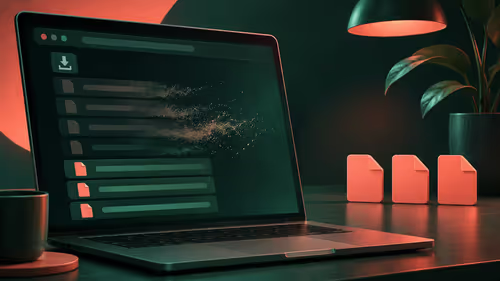
Chrome clear download history: Clearing the browser list does not securely erase the actual downloaded files. Locate important downloaded files.
Read more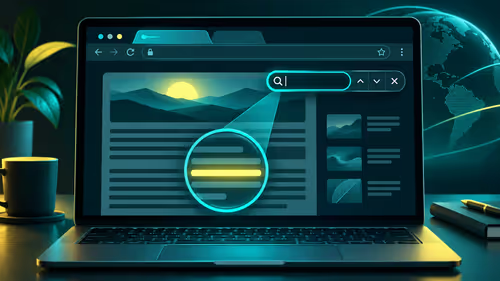
Chrome find on page: Find on page searches loaded page text; it is not a search of every website. Open the intended page.
Read more
Chrome Safety Check reviews browser warnings for updates, saved passwords, extensions and permissions. Act on the precise finding while keeping connection security separate from claims about a website being trustworthy.
Read more Chrome Safety Check reviews browser warnings for updates, saved passwords, extensions and permissions. Act on the precise finding while keeping connection security separate from claims about a website being trustworthy.

Stalker 2 Heart of Chornobyl PC build under R50,000 should start with balance, not one headline part. Compare CPU, GPU, RAM, SSD, cooling, case airflow, and monitor target before buying in South Africa.

Best 240HZ setup for video editing 4K needs careful context before choosing parts. Use this guide to check parts, settings, compatibility, cooling, and upgrade timing for a South African gaming PC without relying on live stock, price, or benchmark promises.

Peripheral loadout for Kingdom Come Deliverance should be shortlisted around the job it must do. South African buyers should compare fit, performance, compatibility, and upgrade room, warranty path, and upgrade room before treating any pick as best.
Chrome Safety Check reviews browser warnings for updates, saved passwords, extensions and permissions. Act on the precise finding while keeping connection security separate from claims about a website being trustworthy.

Chrome delete saved passwords removes a stored login through Google Password Manager. Match the site and username, confirm another working sign-in method and use the individual action instead of deleting every saved credential.

Chrome microphone not working needs separate checks for the selected input, site permission and operating system access. Test the trusted call site after one change before replacing a microphone or granting broader recording permissions.
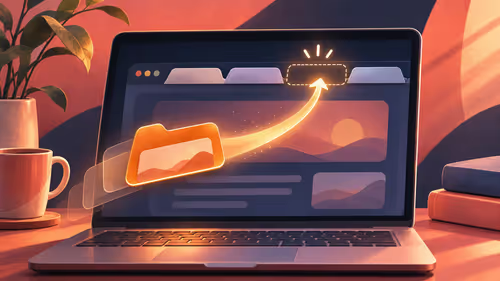
Chrome reopen closed tab starts with Ctrl+Shift+T on Windows or Linux. Recover the intended page, inspect its actual state and save valuable work separately before changing how the browser behaves at startup.
A fitness-class headset mic should stay put through jumping, resist sweat and connect to your sound system's input. Check the fit, the sweat protection and the receiver output, and make sure the battery covers a full session.
The Ryzen 5 5500U has six cores and twelve threads; the Ryzen 7 3700U has four and eight, so the 5500U is stronger. It is also a newer design. The laptop around the chip matters too, since cooling and single-channel RAM change what you feel.
svchost.exe is not one program but a host that runs Windows services, so the fix is finding which service is busy. Right-click it in Task Manager and use Go to services, then check Windows Update, Delivery Optimization and the file location.
The 12600K leads in games and includes integrated graphics, while the 5700X sits on cheaper AM4 boards. Neither ships with a cooler, so budget for one before you compare the final totals in Rand.