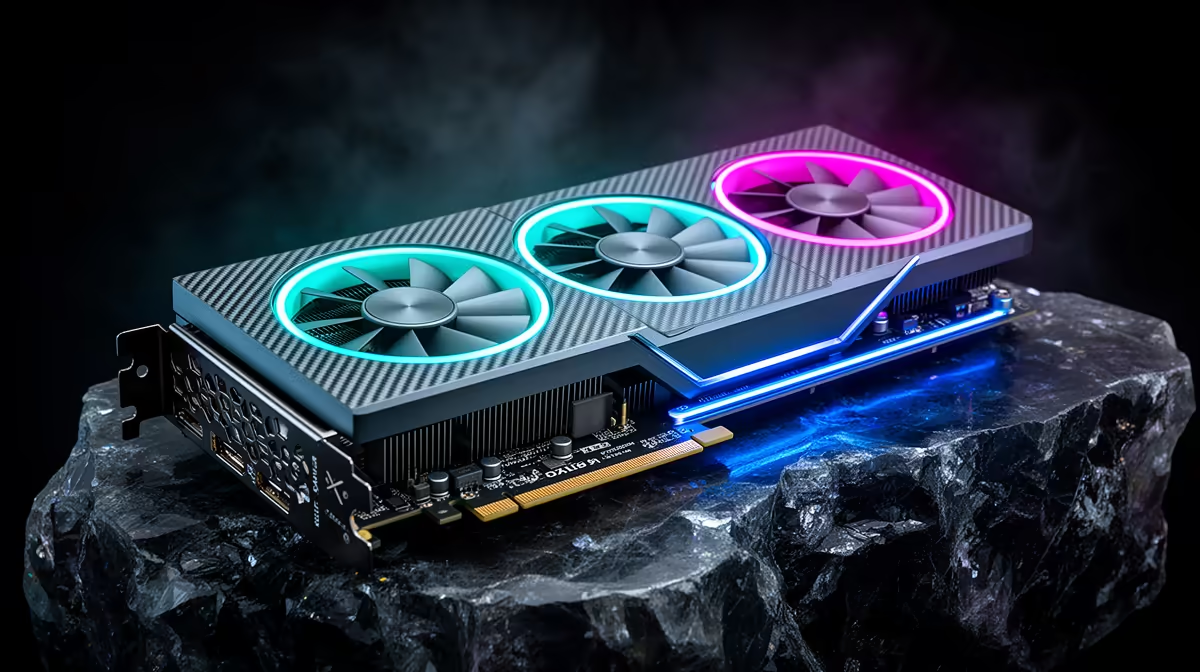
The RTX 5080 is a genuinely strong local AI coding card right up to the point where its 16GB of VRAM runs out of room, and that point is sharper than the marketing suggests. It comfortably holds 7B, 8B and 14B coding models with fast token speeds, and it can squeeze in a 27B-class model like Gemma 3 27B at Q4. Push to a 32B model such as Qwen 2.5 or Qwen 3 32B and the 16GB ceiling stops you cold.
Quick Answer
The RTX 5080 is good for local AI coding up to roughly the 27B tier. Its 16GB VRAM fits 7B, 8B, 14B and Gemma 3 27B at Q4 (around 15GB) with room for modest context. A 32B model at usable quantisation needs more than 16GB, so that is the wall. For 32B-and-up you step to the RTX 5090 and its 24GB.
Where 16GB carries you comfortably
For everyday coding assistants, the sweet spot lives below 20B parameters, and the 5080 thrives there. A 14B model runs fast enough to feel interactive, in the region of well over 100 tokens per second on this card, which is plenty for autocomplete, refactors and chat-style help inside an editor. Gemma 3 27B at Q4 quantisation needs roughly 15GB, so it loads, but you are trading context length for the privilege and token speed drops into the 45 to 55 range. That is workable for slower, considered queries rather than rapid-fire completion.
Where it hits a wall
The 32B class is the hard stop. A Qwen 32B coder at Q4 wants more than 16GB before you even add context, so it will not sit fully in VRAM on a 5080. You can offload layers to system RAM, but the moment part of the model lives off the GPU, token speed collapses to the point where it stops feeling like a coding assistant and starts feeling like waiting. If 32B is genuinely your target, the honest recommendation is the extra VRAM of a 5090 rather than fighting the 5080. For builders who want the card pre-fitted and tuned, the AI-ready PC range at Evetech pairs the 5080 with enough system memory to make offloading at least tolerable.
Is the 5080 the right buy for your workflow
If your daily models top out at 14B, the 5080 is arguably the best-value 16GB card for local inference, and the headroom to occasionally run a 27B model is a real bonus. If you already know you need 32B-and-larger models at speed, do not buy down and regret it. The 5080 sits high on the best-selling PC list at Evetech precisely because it lands in the bracket most coders actually live in, but matching the card to your real model tier matters more than the headline.
Frequently Asked Questions
Can the RTX 5080 run Gemma 3 27B?
Yes, at Q4 quantisation it needs around 15GB, which fits inside 16GB. Expect roughly 45 to 55 tokens per second and limited context headroom, so it suits considered queries rather than fast autocomplete.
Why can it not run Qwen 32B?
A 32B model at Q4 needs more than 16GB before context is added. With nowhere to put the overflow except slow system RAM, the model cannot run fully in VRAM, and speed drops sharply.
Is the 5080 enough for AI coding in general?
For the 7B to 14B models most coding assistants use, yes, and comfortably so. The 16GB only becomes a limit once you specifically want 32B-class models at full speed.
Should I buy a 5090 instead?
Only if 32B or larger models are your real workload. The 5090's 24GB clears that tier. If you live at 14B with the odd 27B run, the 5080 saves money without holding you back.
Does quantisation change the ceiling?
Quantisation lowers memory use, which is how 27B fits at Q4. But dropping a 32B model to very low quantisation to force it into 16GB usually costs enough quality that you are better off on a smaller model that fits properly.
Building a local AI coding rig around the 5080 means getting the surrounding RAM and storage right too. Explore the AI PC range at Evetech for systems sized to run the models you actually use.