



YouTube View Counts Change on 24 August: Creator Guide
YouTube will count public views from the first frame across video formats from 24 August, while earnings and eligibility remain tied to engaged viewing.
Read moreVisual Artifacts: Possible GPU Issue Issue #3. Diagnosis steps, proven fixes & when to seek professional help. SA-specific support info included.
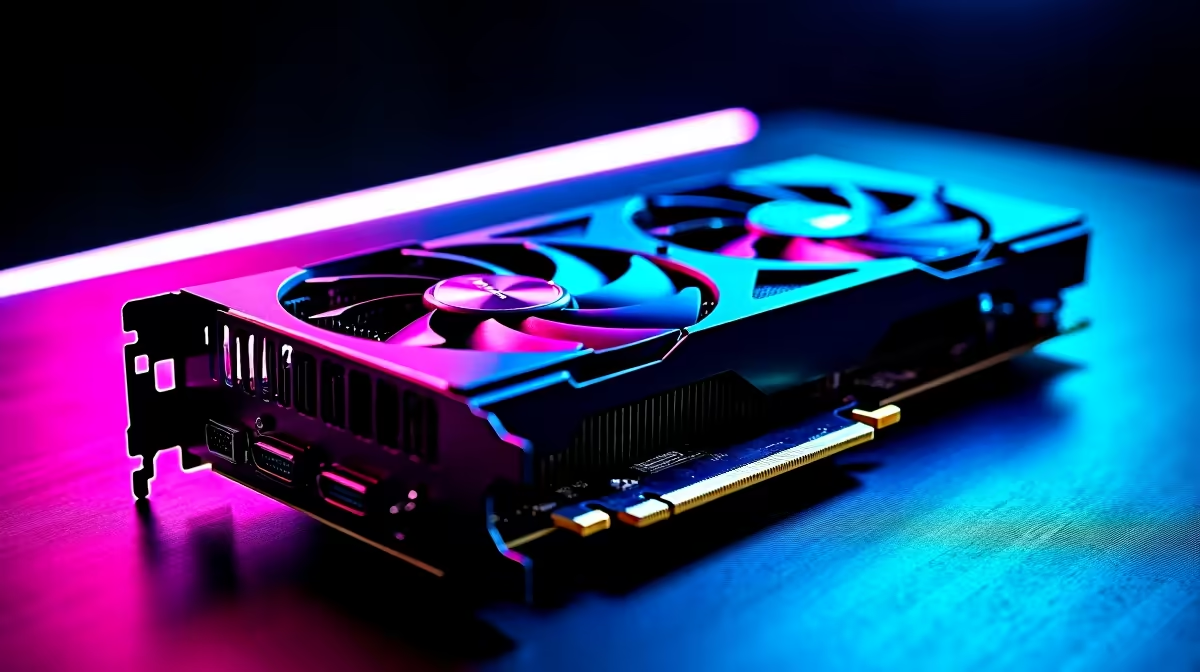
Seen flickering textures or strange glitches in your favourite games? Visual artifacts are frustrating—and often hint at a graphics card problem. South African gamers dealing with bizarre screen issues should consider that a GPU fault might be behind it. This is especially true when those distracting fragments show up during graphically intense moments like raids or fast-paced firefights. Diagnosing a possible GPU issue early helps avoid costly damage or game downtime.
Visual artifacts happen when your graphics card can't properly process or output images. Glitches like random colours, pixel blocks, or screen tearing suggest your GPU may be overheating, malfunctioning, or struggling with driver conflicts. Sometimes, damaged VRAM or insufficient power delivery triggers these problems. It pays to isolate the cause before replacing components.
If these sound familiar, it’s worth examining your hardware and drivers first before diving into full system overhauls.
Start by updating your GPU drivers via official sources — outdated software is a common cause of visual bugs. Next, test your card under load using benchmarking tools or graphically demanding games to see if the artefacts worsen. Monitor GPU temperatures closely; anything stable above 85°C is cause for concern.
South African PC builders shopping around? Explore our wide range of graphics cards to swap in more robust options if needed. Proper airflow and cooling can make a big difference to graphic fidelity.
Balance between visual quality and cooling is key. Slightly lowering game graphics settings can drastically reduce GPU stress and eliminate some artifact issues.
If your system isn’t overheating and drivers are current, persistent visual artifacts often signal failing hardware. VRAM degradation or solder joint issues can develop over time, especially in hotter South African environments. For a smoother experience, consider browsing our best gaming PC deals to find turnkey solutions optimised for local gamers.
Alternatively, pre-built PCs featuring the latest GPUs provide peace of mind with warranty coverage. Laptops with dedicated graphics capability are another option if you prefer portability without compromising gaming visuals—check out our top notebooks selection.
Keeping an eye on our specials page ensures you get the best value on upgrades and peripherals too.
Visual artifacts aren’t just a nuisance, they warn of potential GPU failure. Early diagnosis saves your gameplay and wallet. Keep your drivers fresh, rigs cooled, and components checked regularly. Whether tweaking your existing rig or investing in new tech, aim for consistent, pristine visuals.
Ready to Fix Your Graphics Issues? No more guesswork—upgrade or repair confidently with Evetech. Shop now at Evetech for performance that leaves lag in the dust.
Visual Artifacts: Possible GPU Issue Iss available at Evetech.co.za with local warranty and fast delivery.
Visual Artifacts: Possible GPU Issue Iss - check Evetech for latest stock and SA pricing.
Depends on your use case. Visual Artifacts: Possible GPU offers good value at current Rand pricing.
YouTube will count public views from the first frame across video formats from 24 August, while earnings and eligibility remain tied to engaged viewing.
Read more
Microsoft is testing a simpler File Explorer context menu with controls for built-in commands, app extensions, icon labels and the position of Properties.
Read more
O-Week throws a packed schedule at new students, so a durable laptop for O-Week has to handle the chaos. Match the university floors of 16GB RAM, 512GB storage and Windows 11 before lectures start. The IdeaPad Slim 3 at R10,499 keeps orientation costs sensibly down.
Read more
Before the November Black Friday rush in SA, lock in your specs and budget so deals are easy to judge. Set the 16GB and 512GB university floor as your minimum. Shortlist the ExpertBook P1 at R12,999 and ThinkBook 15 G4 at R17,599 so you know each model's real price going in.
Read more
Matric studies rarely require 165Hz, but the monitor can be a good buy if it combines smooth use with clear reading for notes, videos and research. South African students should focus on comfort, panel quality and desk fit before treating refresh rate as the deciding feature.
Read more
The Epomaker RT75 is a tri-mode 75% keyboard with a removable TFT screen. Local screen-equipped compact boards started at R1,199 in our snapshot.

Gigabyte has launched two B450M D3HP boards for Ryzen 3000 to 5000 CPUs. The exact models had no confirmed Evetech listing on 15 August.

Attackers are exploiting a patched Mac screen-sharing flaw to gain root access. Update macOS and remove public port 5900 exposure immediately.

An auto-clamping phone holder offers seamless, one-handed convenience for your vehicle. Discover how it compares to manual cradle mounts to see which keeps your device secure during your daily drive. 🚗📱

A 10,000-hour test found similar image retention across older and newer OLED TVs, while newer panels were brighter and more efficient. Local OLED monitors started at R9,999.

Canonical expects Ubuntu on WSL users to outnumber native Ubuntu desktop users before the end of 2026. The software is open source and runs inside supported Windows PCs.

Telkom's daily bundles pair WhatsApp access with 10 all-network voice minutes. The R15 option includes 300MB, while the R17 option uses a fair-use threshold.

PC Partner expects entry-level graphics-card shortages to worsen in the second half of 2026. Current Evetech GPU listings started at R4,399 in our snapshot.
YouTube will count public views from the first frame across video formats from 24 August, while earnings and eligibility remain tied to engaged viewing.

CXMT memory has been demonstrated at DDR5-9000 and DDR5-6000 CL28, but the results depend on tuned hardware and do not represent a broad retail specification.
Microsoft is testing a simpler File Explorer context menu with controls for built-in commands, app extensions, icon labels and the position of Properties.

Lexar's THOR ULTRA is a DRAMless PCIe 5.0 SSD rated up to 11,000MB/s reads and 10,000MB/s writes, with capacities from 512GB to 4TB.