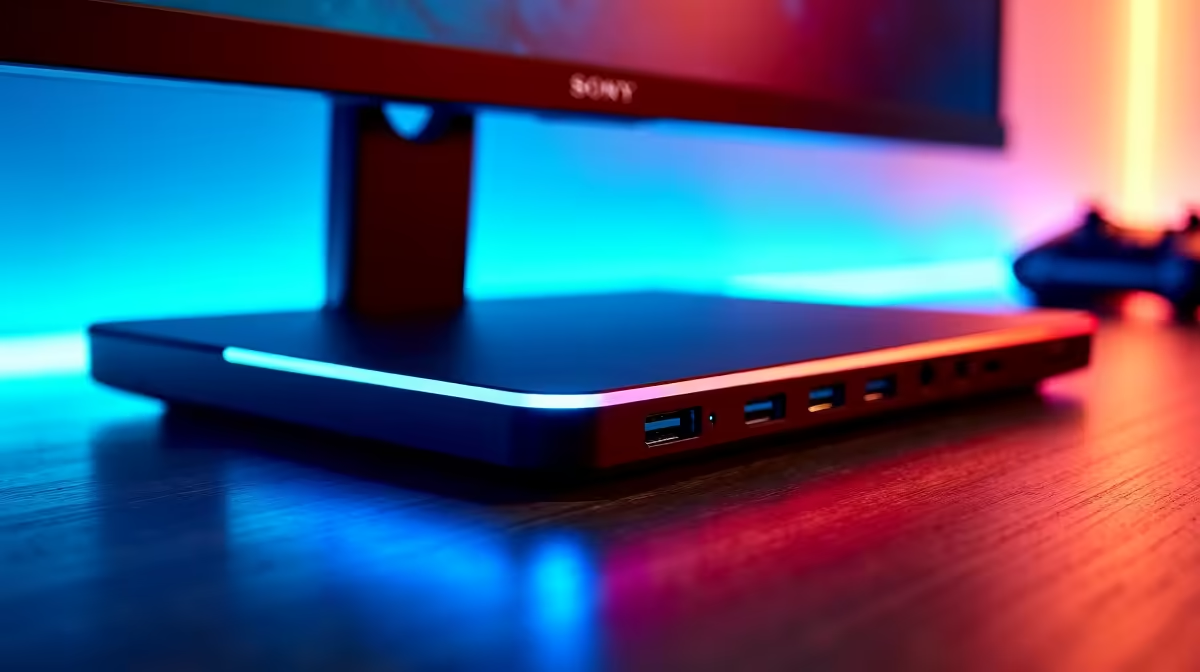
You’ve spent your hard-earned cash on a beastly gaming laptop and a high-refresh-rate monitor. You plug everything into your old docking station, ready for some ultra-smooth action... only to be met with a choppy, 60Hz nightmare. Sound familiar? Your setup is being bottlenecked. It's time to unlock the fluid performance you paid for with a modern 120Hz+ docking station that keeps up with your gear. 🚀
Why a Standard Dock Just Won't Cut It
Think of your data connection like a highway. A standard dock is a single-lane road during rush hour... everything slows to a crawl. Your powerful GPU and monitor are ready to push 120, 144, or even 240 frames per second, but the dock simply doesn't have the bandwidth. This caps your glorious external display at a sluggish 60Hz, no matter how powerful your rig is.
A proper high-refresh-rate dock acts as a multi-lane superhighway. It uses modern standards like DisplayPort 1.4 or HDMI 2.1 to carry the immense amount of data needed for both high resolutions and high refresh rates. The result? The buttery-smooth, responsive gameplay and desktop experience you deserve. For those looking to build a premium, no-compromise setup, exploring top-tier options under R2000 is the perfect place to start.
Key Features for an Ultra-Smooth Display
When hunting for docking stations that deliver an ultra-smooth display, specs matter. Don't just grab the first one you see. Here’s what to prioritise:
- Display Outputs: Look for DisplayPort (DP) 1.4 or HDMI 2.1 ports. These are the current gold standards for pushing high refresh rates at 1080p, 1440p, and even 4K.
- Host Connection: A USB-C or Thunderbolt (3 or 4) connection to your laptop is essential. Thunderbolt offers the most bandwidth, but many USB-C ports with DP Alt Mode are perfectly capable.
- Power Delivery (PD): Want a true one-cable solution? Find a dock with Power Delivery to charge your laptop while it’s connected. Less cable clutter, more wins. ✨
Brands like Promate often deliver a great balance of features, packing the right display ports and connectivity into a sleek package.
Check Your Port!
Before you buy, check your laptop's USB-C port specifications. Does it support Thunderbolt or DisplayPort Alt Mode? Not all USB-C ports are created equal, and this single detail determines if you can output video at high refresh rates. A quick search of your laptop model will tell you what you need to know.
Finding the Right 120Hz+ Dock for Your Budget
Upgrading your hub doesn't have to break the bank. While top-spec Thunderbolt 4 docks command a premium, there are many fantastic 120Hz+ docking stations that offer incredible value. You can easily find a unit that supports 120Hz at 1080p or 1440p without emptying your wallet.
The key is to match the dock to your specific needs. If you're running a single 144Hz 1080p monitor, you won't need the same beastly dock as someone driving dual 4K displays. There are plenty of excellent, budget-friendly docking stations under R1000 that will get the job done beautifully.
Ready to Ditch the Stutter?
Stop letting an outdated dock bottleneck your performance. Explore our massive range of docking stations to find the perfect match for your monitor and laptop. Shop all docking stations at Evetech and finally experience the ultra-smooth display you were promised.