



Hot-Swappable PCB Architecture in Modern Keyboards: Guide
Learn hot-swappable PCB architecture in modern keyboards—what it is, how sockets and traces work, and how to pick the right board. Speed up swaps, reduce risk, and upgrade faster 🔧⚡
Read more144Hz vs 165Hz vs 200Hz — find the best value monitor for gaming and productivity in 2026 with benchmarks, price-performance picks, and buying tips. 🎮💡
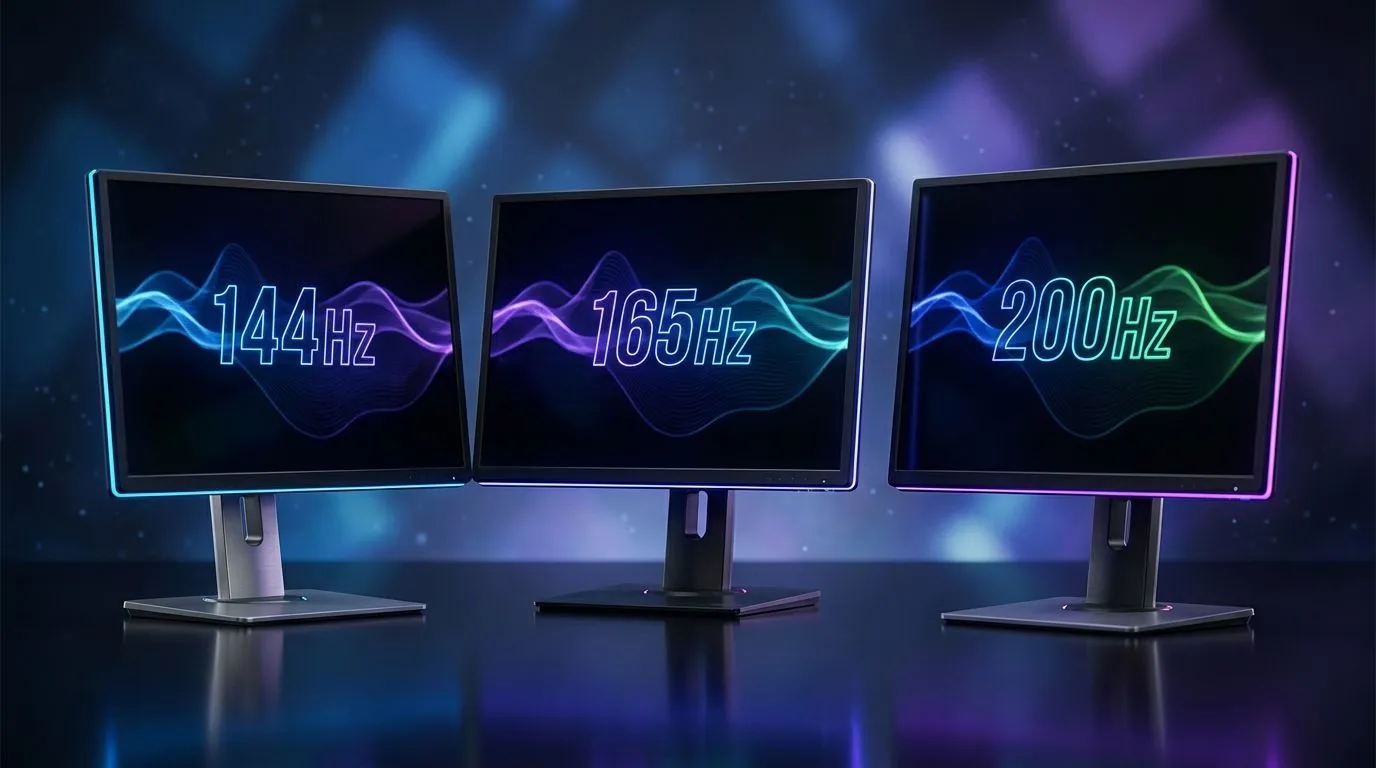
Staring at monitor specs can feel like deciphering a secret code. You know a higher refresh rate is better, but what’s the real difference between 144Hz, 165Hz, and 200Hz for a South African gamer? Is spending that extra cash on a few more hertz worth it, or could that money be better spent on more biltong for your next LAN? Let's break down the 144Hz vs 165Hz vs 200Hz debate and find the best value monitors for 2026.
Before we dive into the numbers, let's quickly get on the same page. A monitor's refresh rate, measured in Hertz (Hz), is how many times per second the screen updates the image. A 144Hz monitor refreshes 144 times per second. The higher the number, the smoother the motion appears.
For gaming, especially in fast-paced titles like Apex Legends or Valorant, a higher refresh rate gives you a competitive edge. It reduces motion blur, improves tracking, and can even make your inputs feel more responsive. The jump from a standard 60Hz screen to a high-refresh-rate gaming monitor is one of the biggest upgrades you can make to your rig. 🚀
For years, 144Hz has been the gold standard for serious PC gaming, and for good reason. It offers a massive leap in fluidity over 60Hz and is now more affordable than ever. If you're upgrading from an older office monitor, a 144Hz display will feel incredibly smooth and responsive.
For many local gamers on a budget, a 144Hz monitor is the perfect entry point into high-refresh-rate gaming. It delivers a fantastic experience without requiring a top-of-the-line graphics card to push those frames. You can find a huge wide selection of PC monitors that hit this sweet spot of price and performance.
This is where the 144Hz vs 165Hz battle gets interesting. While the jump from 144Hz to 165Hz isn't as dramatic as 60Hz to 144Hz, it's a noticeable refinement. Motion feels slightly cleaner, and for a minimal price difference in ZAR, it's often the smarter buy in 2026.
Think of it as a factory-overclocked 144Hz panel. Manufacturers often use the same panel technology but push it a little further. Many of the best value monitors today sit at 165Hz, often paired with fantastic colour accuracy from high-quality IPS panels, making them perfect for both gaming and content creation. It's the new benchmark for a modern gaming setup.
Before you splash out on a high-refresh-rate monitor, make sure your graphics card can actually push enough frames to take advantage of it. There's no point in having a 200Hz screen if your GPU can only manage 100 FPS in your favourite game. Use an in-game benchmark or a tool like MSI Afterburner to check your average framerate at your desired resolution first.
When we get to 200Hz and higher, we're entering the territory of diminishing returns for most players. The difference between 165Hz and 200Hz is subtle and primarily benefits highly competitive esports athletes who need every possible millisecond of advantage. To truly benefit, you'll need a powerful PC that consistently pushes 200+ frames per second.
If you're serious about climbing the leaderboards and have the hardware to back it up, exploring monitors in the 170Hz – 240Hz range is a logical next step. For the average gamer, however, the significant price increase might not justify the small performance gain over 165Hz.
Your monitor choice isn't just about Hertz. To find the best value monitor, you need to look at the whole package. ✨
Screen tearing is a gamer's worst enemy, happening when your monitor's refresh rate is out of sync with your GPU's frame output. Adaptive Sync technology solves this.
This often comes down to personal preference. Immersive curved monitors can enhance your field of view and make games feel more engaging, especially in larger screen sizes. On the other hand, many users, particularly those who do creative work like graphic design or video editing, prefer the precise, straight lines of traditional flat screens for their accuracy.
So, what's the final call in the 144Hz vs 165Hz vs 200Hz showdown?
Ultimately, the best monitor is the one that fits your budget, your PC's capabilities, and your gaming goals.
Ready to See the Difference? The debate over the perfect refresh rate is personal, but the right monitor is waiting for you. Explore our massive range of PC monitors and find the perfect screen to conquer your game.
Yes—165Hz offers a modest improvement over 144Hz with smoother motion. For competitive play, the difference helps; for casual gaming, 144Hz often suffices.
200Hz yields smoother frame pacing, but returns diminish. Only high FPS setups and pro players see major gains; check 200hz gaming monitor reviews.
Best value depends on budget and GPU. For most users, 165Hz balances price and performance; see price performance monitor 2026 picks.
Often yes—generating consistent high FPS for 200Hz needs a powerful GPU. Consider your GPU before upgrade to 165hz or 200hz.
No, many budget 165Hz monitors are priced close to 144Hz models in 2026, making budget 165hz monitors 2026 a strong value choice.
Crucial—adaptive sync (G-Sync/FreeSync) prevents tearing and smooths gameplay at varying FPS, improving experience across 144hz vs 165hz vs 200hz.
Creators prioritizing visual fidelity may prefer 144Hz with color accuracy. Gamers wanting responsiveness should consider 165Hz for best value.
Learn hot-swappable PCB architecture in modern keyboards—what it is, how sockets and traces work, and how to pick the right board. Speed up swaps, reduce risk, and upgrade faster 🔧⚡
Read more
Mechanical switch lifespan explained—what the 50 million keystroke rating really means, plus tips to extend switch life and reduce double-press issues 🔧⌨️
Read more
60-percent vs full-size mechanical keyboard layouts—learn what each layout includes, who it suits, and how to choose the right fit 🧩⌨️ for typing, gaming, and productivity.
Read more
Double injection keycaps last far longer than standard printed keycaps in most setups. Learn typical lifespan ranges, what shortens them, and how to maximize durability for smoother daily typing and gaming 😊⌨️
Read more
Full-key anti-ghosting: does it stop missed inputs during fast-paced gaming? We break down latency, polling, and key matrix limits so you can buy smarter 🎮⚡
Read more
Protect mechanical keyboard switches from South African dust and summer humidity with practical cleaning and storage habits. Keep your switches smooth, reduce failures, and extend lifespan. 🌬️💧
Read more
Wondering if a TKL wireless mechanical keyboard is worth it for everyday productivity? We break down latency, battery life, comfort, and workflow gains for real work. ⚡⌨️

Maximise battery life on a fanless 15-inch laptop using efficiency core architecture. Cut idle drain, tune power profiles, and improve thermals for longer runtime. 🔋⚙️

Learn how to reduce desk clutter with a TKL wireless keyboard using fewer cables, smart placement, and tidy essentials. Get a faster, calmer workspace with better ergonomics. ✅🧼

RGB keyboard lighting too distracting? Learn how to manage backlight modes, set brightness, and reduce distraction for focus and productivity 😌🖱️

Are themed gaming keyboards worth the extra cost? Compare build quality, switch options, features, and resale value to find the best fit for your setup 🎮⌨️

Full-Size vs Tenkeyless mechanical keyboards for gaming: find out if a smaller layout truly improves aim, speed, and comfort. We break down layout, desk space, latency-feel, and keybinds 🎮⌨️

Dedicated media rollers vs function key shortcuts: learn which setup gives you better workflow control, faster media access, and fewer mistakes. 🖱️🎧

Best Mechanical Switch Type for Gaming: Clicky vs Linear vs Tactile. Find your feel, speed, and noise balance with practical guidance for FPS, MOBA, and productivity 😄🎮

Direct mouse answer: Mouse not keeping up with your work? Everything that matters about dual-mode 2.4GHz + BT 5.0: DPI behaviour, channel switching, battery curves and per-app button mapping. Covers when 2.4GHz USB wins (low-latency desk) and when BT 5.0 wins (laptop, d

Plain wireless mouse guide: Mouse not keeping up with your work? Everything that matters about wireless productivity mouse: DPI behaviour, channel switching, battery curves and per-app button mapping. Includes DPI tuning tips, channel switch shortcuts, and ZAR-aware fea

Real productivity numbers: Set up your wireless mouse in this order: everything that matters about wireless productivity mouse: DPI behaviour, channel switching, battery curves and per-app button mapping. Includes DPI tuning tips, channel switch shortcuts, and ZAR-aware

Pen not feeling like paper? Stylus lag and skipping usually trace to old drivers, dirty nibs, or display refresh mismatches, not the pen itself. Covers pressure curve tuning, tilt thresholds, nib swap timing, and SA pricing brackets.