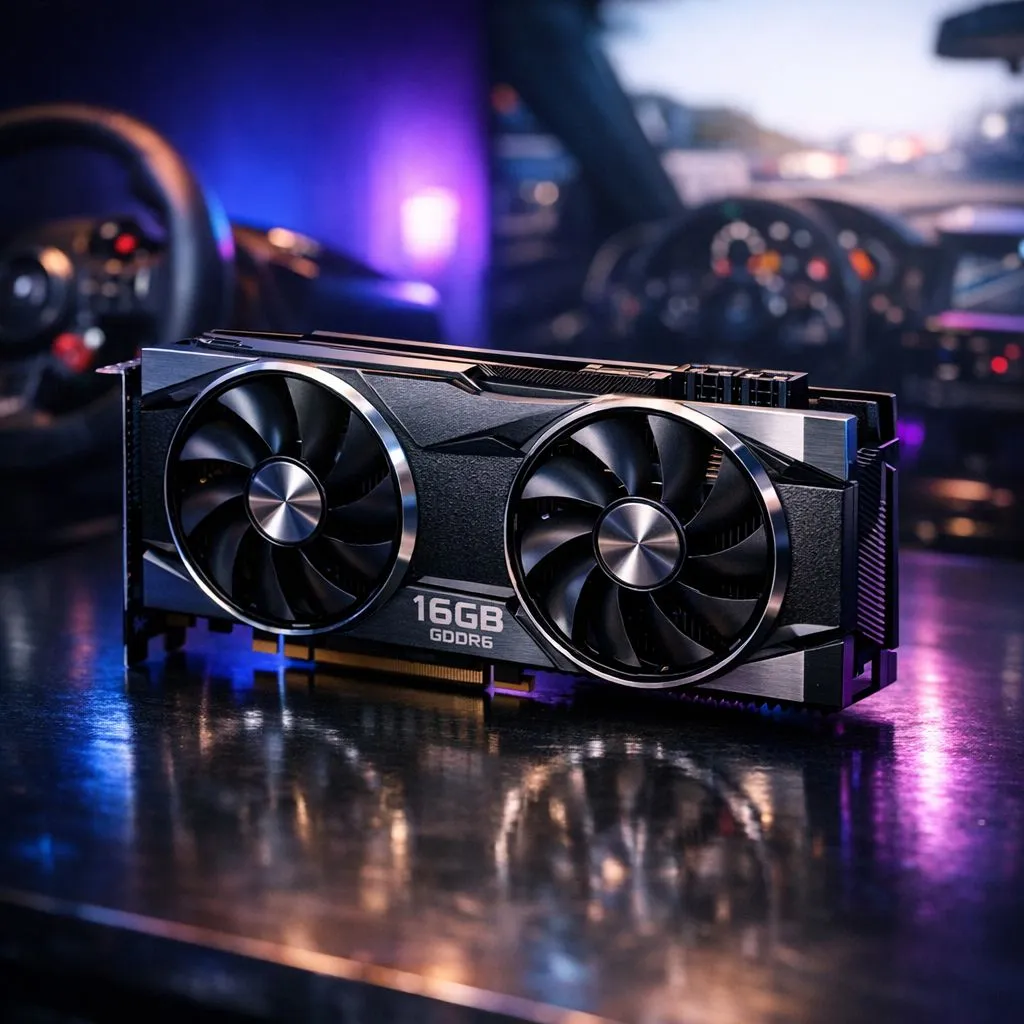
Why 16GB VRAM for 4K Textures is the Sim Racing Standard
Picture yourself hitting the apex at Kyalami as the afternoon sun glints off your dashboard. The immersion is perfect... until it isn't. A sudden stutter as you transition into a high-detail sector can ruin a podium finish. For South African racers, prioritising 16GB VRAM for 4K textures is no longer about vanity... it is about ensuring your GPU has the breathing room to handle massive texture pools without swapping to slower system RAM.
The High Cost of Low Memory in Modern Sims
Sim racing titles like Assetto Corsa Competizione and iRacing have evolved far beyond basic polygons. They now utilise high-fidelity physics and ultra-dense texture packs to replicate every crack in the asphalt. When you crank the resolution to 4K, your frame buffer needs to store not just the frame you see, but also the thousands of assets waiting in the wings. Choosing from the latest NVIDIA and ATI graphics cards ensures you have the architecture to manage these loads, but the raw capacity of 16GB is the specific "sweet spot" that prevents micro-stuttering during intense wheel-to-wheel action. 🔧
Choosing the Right GPU for Your Rig
If you are building a dedicated sim rig, cooling is just as vital as memory capacity. Many local enthusiasts lean towards MSI graphics cards because their thermal designs allow for sustained boost clocks during long endurance races. While high-end cards are the go-to, the market has shifted to offer better value. For instance, AMD Radeon graphics cards often provide higher VRAM counts at more aggressive price points in ZAR, making them a favourite for those building triple-monitor setups on a budget. ⚡
Sim Racing VRAM Tip 🏎️
When running triple 4K monitors, your VRAM usage scales aggressively. Always monitor your usage in the MSI Afterburner overlay to ensure you aren't hitting the limit... which causes micro-stuttering during high-speed cornering. If you see usage exceeding 90%, consider lowering your 'Texture Filter Quality' slightly to free up headroom without sacrificing the crispness of the track surface.
Exploring Alternative Hardware Paths
Not every racer needs a flagship card to enjoy the benefits of 16GB VRAM for 4K textures. We have seen a surge in interest for Intel Arc graphics cards, which have matured significantly through driver updates and offer impressive memory specs for the price. Conversely, if you are running a professional-grade simulator that doubles as a render station, workstation graphics cards might offer the stability and specialised drivers required for 24/7 operation... though for pure gaming, consumer cards usually offer better frames-per-rand. 🚀
Future-Proofing Your Virtual Garage
Investing in 16GB of video memory today is as much about tomorrow as it is about current titles. As developers push for more photorealistic environments, the demand on your hardware will only increase. By securing a card with a larger buffer now, you avoid the need for an expensive upgrade in twelve months when the next big sim update drops. It is about peace of mind at 300km/h. ✨
Ready to Find Your Perfect Match?
The quest for the ultimate sim racing experience starts with the right hardware. For maximum power, choice, and the best tech value in South Africa, our GPU selection is hard to beat. Explore our massive range of graphics card specials and find the perfect component to shave seconds off your lap time.