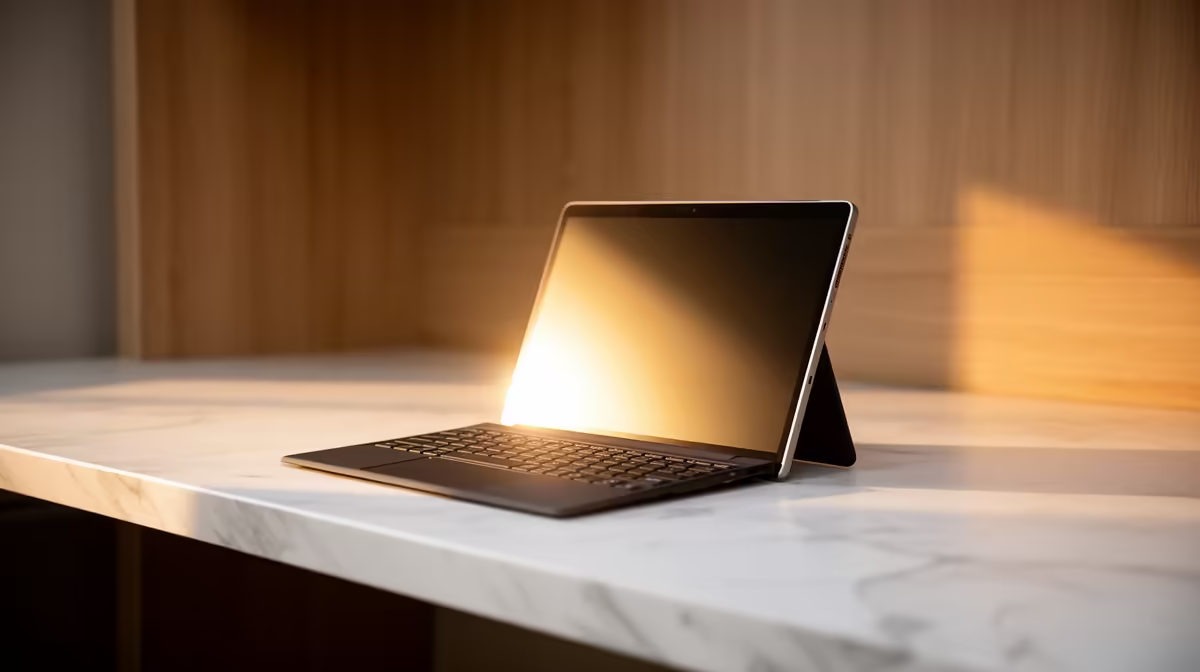
A 2-in-1 tablet is not overkill for a first-year student who regularly annotates notes, reads on the move and types assignments with the same device. It becomes poor value when touch and pen features are rarely used or course software needs a conventional laptop.
Trial the course workflow
Open the learning portal, video-call platform and largest required document. Handwrite a lecture page, convert or export it, then type a full assignment section on the attached keyboard. Check lap stability, battery life, charging and display comfort. Confirm specialised applications support the operating system.
A detachable keyboard can be awkward on small lecture desks. Inspect hinge strength, stylus storage and replacement accessory availability. Keep coursework in a platform-independent backup so notes survive a device change.
First-year devices are exposed to commuting, crowded lecture rooms and frequent charging. Inspect case protection, charger size and replacement-cost risk alongside performance. A convertible used mostly as a laptop should still have a firm hinge and keyboard that remains comfortable on narrow desks.
Check handwriting search and PDF export without network access, since lecture venues may have weak connectivity when notes are most important.
No 2-in-1 tablet SKU or confirmed price appears in the supplied product facts. Compare memory, storage, pen support, keyboard, ports, update policy, warranty and course compatibility.
Choosing a first-year device? > Browse Evetech mobile computers after testing course software.