Quick Answer
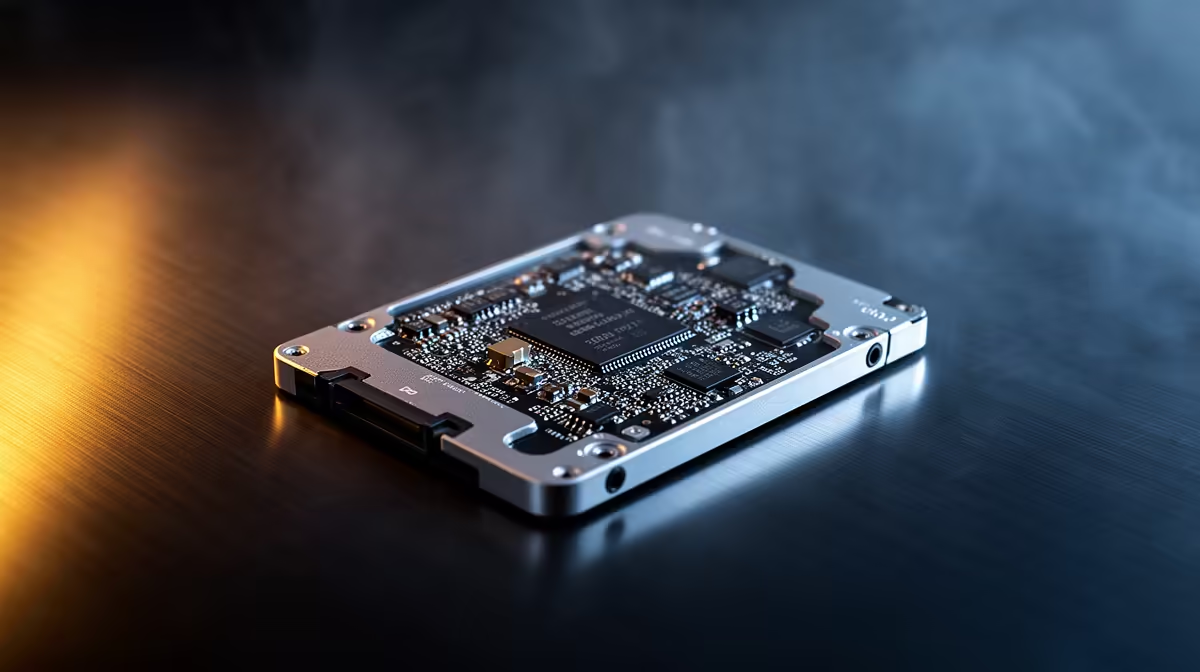
For SA shoppers, a 2.5-inch SATA SSD is the budget upgrade pick: it tops out around 550MB/s but transforms any laptop or older desktop with a SATA bay, with a 1TB drive often near R1,200. Choose NVMe instead only if your machine has an M.2 slot and you want 3,000MB/s+ speeds.
What 2.5-inch SATA SSDs are best for
A 2.5-inch SSD reaches roughly 550MB/s read and write, capped by the SATA interface, which is plenty for faster boot times, quicker app loads and snappy file transfers. They are the ideal way to revive an older laptop or desktop that lacks an M.2 slot, since they drop straight into the existing 2.5-inch bay. While slower than NVMe on paper, the real-world feel for everyday tasks and gaming load times is close, because most games are not bottlenecked by sequential speed.
Plan for capacity too, since modern games take 80-120GB each, so a 1TB drive gives useful headroom for a growing library on a budget machine.
Value and fit for SA builds
At Evetech, a quality 1TB 2.5-inch SATA SSD often sits around R1,200, with 500GB options lower for tighter budgets. Confirm your laptop has a 2.5-inch bay rather than only M.2, since the newest thin laptops have dropped SATA entirely. For desktops, pair it with a SATA data and power cable, both standard in most cases. A 2.5-inch SSD is the smart secondary drive for game libraries even when your boot drive is NVMe.
FAQ
How fast are 2.5-inch SATA SSDs?
They reach around 550MB/s, capped by the SATA interface. That is plenty for fast boots and app loads, though NVMe drives are several times quicker.
Should I buy SATA or NVMe?
Choose SATA for older machines with a 2.5-inch bay and tight budgets. Pick NVMe if your board has an M.2 slot and you want maximum speed.
What capacity should I get?
A 1TB drive near R1,200 suits most users, balancing cost and space. Drop to 500GB only if your budget is very tight.
laptop has a 2.5-inch bay before buying, since the newest thin models often support only M.2 NVMe drives.