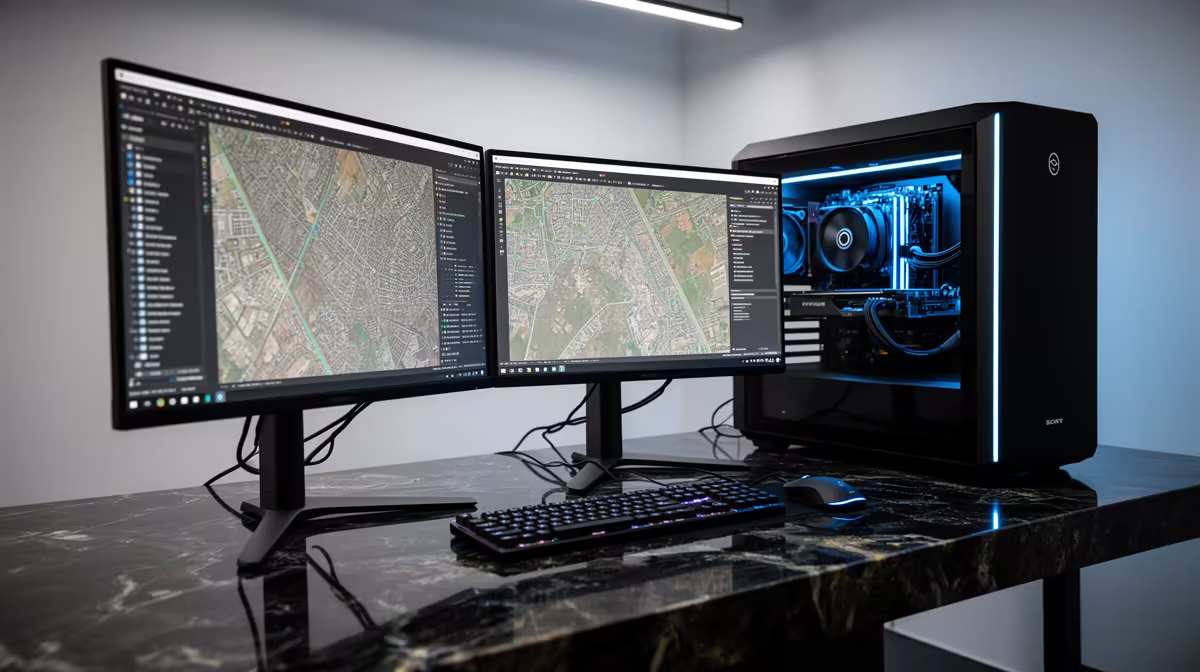
No, the HP All-in-One 22 i3-N300 8GB/512GB 21.5in at R10,036 suits a SA mapping desk better than spending around a cooling idea that belongs in a tower build. For QGIS and light map editing, a compact all-in-one pc makes more sense when the real need is a clear screen, enough storage for project files, and fewer cables on the desk.
Quick Answer
The HP All-in-One 22 i3-N300 8GB/512GB 21.5in at R10,036 is the cleanest fit here because the 21.5in screen is already part of the setup, and the 512GB storage gives you space for coursework, map exports, PDFs, and browser research without building a separate desktop station. Its 8GB memory is entry-level, so keep background apps sensible when working with larger layers.
The Minisforum UM750L at R4,600 is the budget alternative when the screen side of the desk is already sorted and the priority is a tiny box for daily productivity. It costs much less than the HP All-in-One 22 i3-N300 8GB/512GB 21.5in at R10,036, but it shifts the desk planning back onto the monitor, power, and peripheral side instead of arriving as a single display-based machine.
SA Student Desk Or Small Office Mapping Setup
For a res room, home study corner, or small-business admin desk, the HP All-in-One 22 i3-N300 8GB/512GB 21.5in at R10,036 is easier to place neatly than a cooling-heavy tower concept. The GEEKOM A8 Max at R12,900 is stronger as a compact performance box, but it still needs a separate display area, while the HP gives the screen and 512GB storage in one footprint.
Ready to choose the right all-in-one pc?
Use HP All-in-One 22 i3-N300 8GB/512GB 21.5in at R10,036 as the all-in-one pc shortlist benchmark, then check whether its listed spec matches the space, workload, and upgrade path.