



Hot-Swappable PCB Architecture in Modern Keyboards: Guide
Learn hot-swappable PCB architecture in modern keyboards—what it is, how sockets and traces work, and how to pick the right board. Speed up swaps, reduce risk, and upgrade faster 🔧⚡
Read moreThinking about a 360mm AIO liquid cooler for a mid-range gaming PC in South Africa? We break down temps, fitment, noise, and cost—so you buy smarter 🔧❄️.
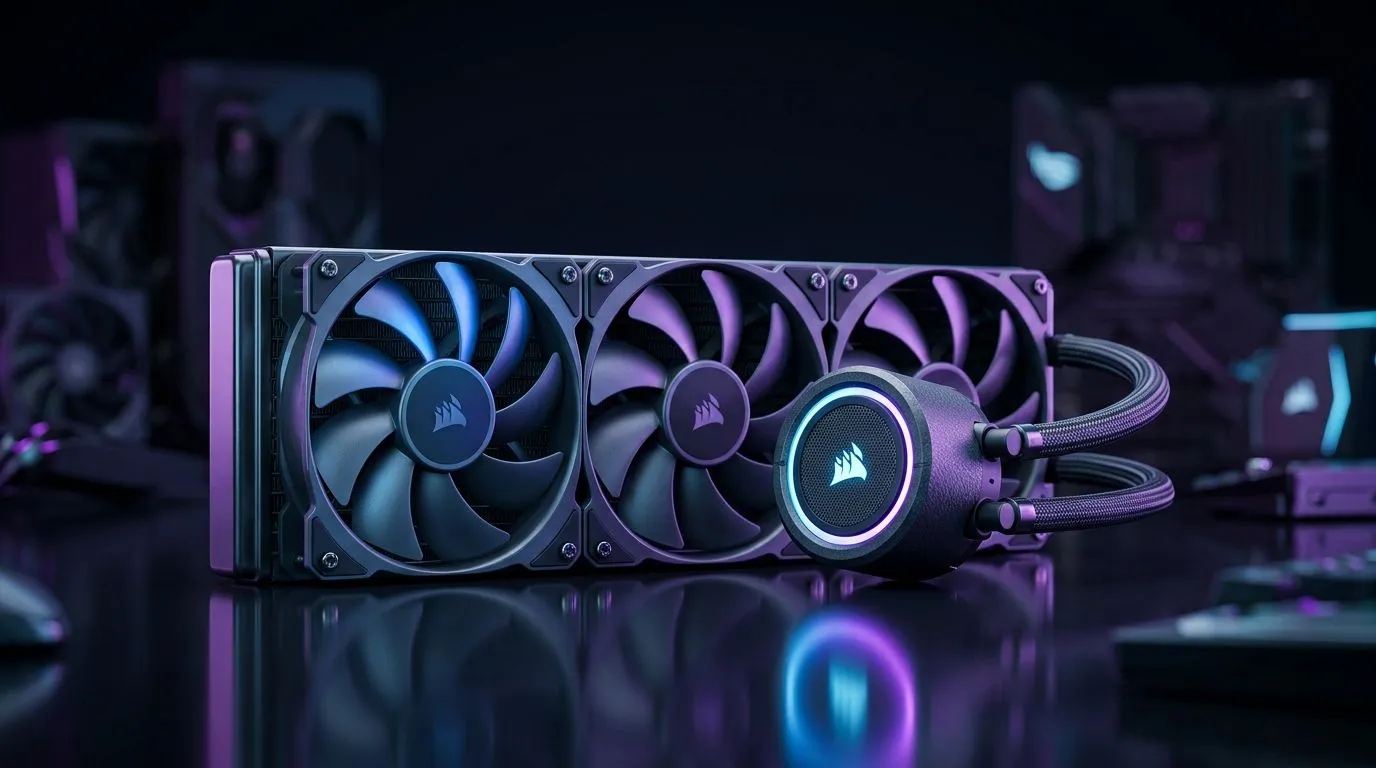
If you’re gaming on a mid-range rig in South Africa, a 360mm AIO liquid cooler can be perfectly fine… or completely unnecessary. The deciding factors aren’t just “bigger is better”. They’re about your CPU’s heat output, your case airflow, and whether the radiator can actually mount where it matters.
Here’s the quick gut-check: if your mid-range CPU runs hot, boosts aggressively, or you’re chasing quieter thermals, a 360mm AIO Liquid Cooler can make sense. If you’re on a CPU that cools easily, you may be paying for radiator size you can’t use properly. 🔧
A 360mm AIO Liquid Cooler uses a larger radiator surface area than 240mm. In practice, that usually means:
But it is not a magic temperature spell. Your CPU model, the thermal paste quality, pump performance, and case airflow often matter as much as radiator size. ⚡
If you’re building around a typical mid-range gaming CPU, you’ll generally get most of your comfort from good installation, sensible fan curves, and solid case ventilation. The radiator size helps when it fits well and you set it up right.
A 360mm AIO is most worth it when you can answer “yes” to most of these:
If your case only supports smaller radiators, or you’ll mount the 360mm in a way that blocks airflow, the “bigger” advantage can shrink fast.
A good rule is to mount the radiator so air can vent easily and keep the pump from running in an awkward orientation. Also, don’t forget to update your fan curves in your BIOS or software. A smooth ramp down after gaming can noticeably cut noise without sacrificing stability.
In SA, your “best value” is usually the one that matches your case and CPU needs. Spend smart. If you’re choosing between 240mm and 360mm AIO options, the difference often comes down to installation freedom and airflow.
For mid-range builds, many gamers are happiest with a cooler sized to their chassis and stress pattern. If your rig is in a warmer room or you’re running dust filters, extra radiator area can help… but only if your fans can breathe.
If you want to browse the exact categories that match your decision, start with Evetech’s cooler listings:
Instead of guessing, measure your reality. Here’s a simple approach that works even for busy SA gamers. 🚀
If your temps are already fine and your fans don’t need to ramp much, a 360mm unit may be more luxury than requirement.
Even the right size can underperform if:
This is why “too much” usually means “not optimised”. Not “wrong cooling physics”.
For a mid-range gaming PC in South Africa, a 360mm AIO Liquid Cooler isn’t automatically too much. It’s only “too much” when:
If you want quieter gaming, stable temps during long sessions, and your chassis supports it well, then a 360mm AIO Liquid Cooler can be a smart upgrade… not an overbuy. ✅✨
Ready to Find Your Perfect Match? The Mac vs Windows debate is complex, but for maximum power, choice, and value in South Africa, Windows is hard to beat. Explore our massive range of laptop specials and find the perfect machine to conquer your world.
Not always. A 360mm AIO is usually overkill for low-power CPUs, but it can help with sustained loads if your case supports radiator placement.
A 360mm AIO can deliver lower peak temperatures versus smaller coolers, especially during long gaming sessions with higher sustained CPU load.
Fitment depends on your case and motherboard height. Check radiator support (top/front) and clearance for fans, RAM, and the PSU shroud.
For mid-range CPUs, 240mm often balances cost and performance. Choose 360mm if you want quieter operation or plan a higher-watt upgrade.
It can be quieter at the same cooling level because fans run slower. However, poor fan tuning or low-quality models may increase noise.
Modern AIOs are generally reliable, but reliability depends on build quality and proper installation. Use reputable brands and correct mounting pressure.
Top mounting often works well for stable airflow, while front mounting can improve GPU-area cooling. Always confirm fan orientation and case airflow limits.
It can be worth it if your ambient temperatures are high. Better cooling headroom helps maintain boost clocks during warmer days.
Learn hot-swappable PCB architecture in modern keyboards—what it is, how sockets and traces work, and how to pick the right board. Speed up swaps, reduce risk, and upgrade faster 🔧⚡
Read more
Mechanical switch lifespan explained—what the 50 million keystroke rating really means, plus tips to extend switch life and reduce double-press issues 🔧⌨️
Read more
60-percent vs full-size mechanical keyboard layouts—learn what each layout includes, who it suits, and how to choose the right fit 🧩⌨️ for typing, gaming, and productivity.
Read more
Double injection keycaps last far longer than standard printed keycaps in most setups. Learn typical lifespan ranges, what shortens them, and how to maximize durability for smoother daily typing and gaming 😊⌨️
Read more
Full-key anti-ghosting: does it stop missed inputs during fast-paced gaming? We break down latency, polling, and key matrix limits so you can buy smarter 🎮⚡
Read more
Protect mechanical keyboard switches from South African dust and summer humidity with practical cleaning and storage habits. Keep your switches smooth, reduce failures, and extend lifespan. 🌬️💧
Read more
Wondering if a TKL wireless mechanical keyboard is worth it for everyday productivity? We break down latency, battery life, comfort, and workflow gains for real work. ⚡⌨️

Maximise battery life on a fanless 15-inch laptop using efficiency core architecture. Cut idle drain, tune power profiles, and improve thermals for longer runtime. 🔋⚙️

Learn how to reduce desk clutter with a TKL wireless keyboard using fewer cables, smart placement, and tidy essentials. Get a faster, calmer workspace with better ergonomics. ✅🧼

RGB keyboard lighting too distracting? Learn how to manage backlight modes, set brightness, and reduce distraction for focus and productivity 😌🖱️

Are themed gaming keyboards worth the extra cost? Compare build quality, switch options, features, and resale value to find the best fit for your setup 🎮⌨️

Full-Size vs Tenkeyless mechanical keyboards for gaming: find out if a smaller layout truly improves aim, speed, and comfort. We break down layout, desk space, latency-feel, and keybinds 🎮⌨️

Dedicated media rollers vs function key shortcuts: learn which setup gives you better workflow control, faster media access, and fewer mistakes. 🖱️🎧

Best Mechanical Switch Type for Gaming: Clicky vs Linear vs Tactile. Find your feel, speed, and noise balance with practical guidance for FPS, MOBA, and productivity 😄🎮

Direct mouse answer: Mouse not keeping up with your work? Everything that matters about dual-mode 2.4GHz + BT 5.0: DPI behaviour, channel switching, battery curves and per-app button mapping. Covers when 2.4GHz USB wins (low-latency desk) and when BT 5.0 wins (laptop, d

Plain wireless mouse guide: Mouse not keeping up with your work? Everything that matters about wireless productivity mouse: DPI behaviour, channel switching, battery curves and per-app button mapping. Includes DPI tuning tips, channel switch shortcuts, and ZAR-aware fea

Real productivity numbers: Set up your wireless mouse in this order: everything that matters about wireless productivity mouse: DPI behaviour, channel switching, battery curves and per-app button mapping. Includes DPI tuning tips, channel switch shortcuts, and ZAR-aware

Pen not feeling like paper? Stylus lag and skipping usually trace to old drivers, dirty nibs, or display refresh mismatches, not the pen itself. Covers pressure curve tuning, tilt thresholds, nib swap timing, and SA pricing brackets.