Quick Answer
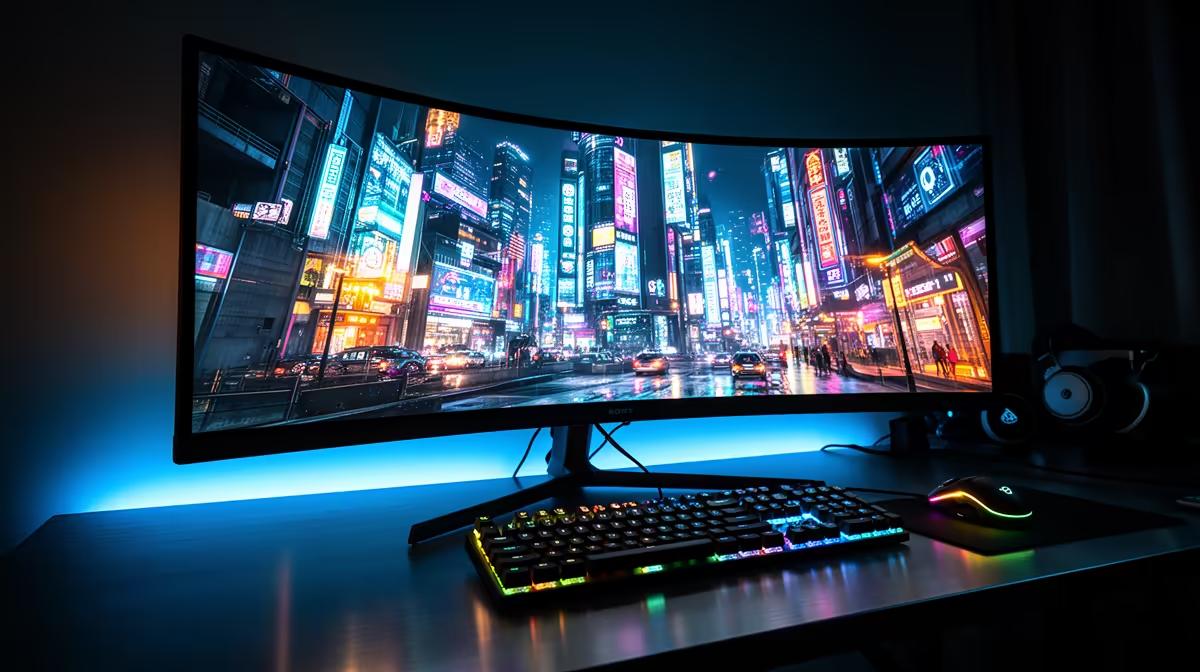
For gaming, a 49-inch ultrawide wins because there is no bezel splitting your field of view. For productivity, dual monitors win when you need two fully independent full-resolution windows side by side, each with its own input source. Most SA gamers who game and work from the same desk end up preferring the ultrawide once they try it.
Gaming Experience: Immersion vs Flexibility 🎮
A 49-inch 3840x1080 panel wraps roughly 32 degrees of horizontal peripheral vision, which in racing sims and RPGs creates a cockpit feel that two flat monitors simply cannot replicate because the centre bezel breaks the scene. Games that support 32:9 natively, including most modern titles on PC, use the extra width to extend the game world rather than stretch it. The trade-off is that some older titles letterbox or pillarbox at 32:9, and competitive shooters sometimes restrict the ultrawide field of view to match standard 16:9 to prevent an unfair advantage. A dual-monitor setup avoids that problem by gaming on one panel and keeping a browser or Discord open on the second without any wasted resolution.
Work and Multitasking: Bezel vs Seamlessness 💼
For spreadsheet work, coding, or video editing, the ultrawide behaves like two 27-inch 1080p monitors joined without a gap, which is actually excellent for timeline editing and side-by-side document comparison. Windows 11 Snap Layouts recognise ultrawide panels and offer 3-column or 4-column split options natively. Dual monitors give you the option of different display specs, such as a high-refresh gaming panel paired with a colour-accurate IPS for design, which an ultrawide cannot replicate. In a South African home-office context where desk space is at a premium in flat or res-room setups, swapping two monitors for one ultrawide also clears significant desk real estate and reduces cable clutter.
Cost Comparison in ZAR 💰
A quality 49-inch 144Hz ultrawide currently runs from around R9,000 to R16,000 at Evetech depending on panel type and refresh rate. Two decent 27-inch 144Hz IPS monitors to match that experience typically cost R4,000 to R7,000 each, so the dual setup lands in a similar range or slightly higher once you add a dual-monitor arm. The ultrawide requires only one VESA arm, one DisplayPort cable, and one GPU output, keeping total system cost leaner.
GPU Output Check ⚡
Running dual monitors requires two GPU outputs and both active at all times, which adds a small but measurable idle GPU load. An ultrawide uses a single output and lets the GPU rest fully when the display idles, which can marginally reduce fan noise and power draw in South Africa's warmer climates.
FAQ
Do all games support 32:9 ultrawide aspect ratio?
Most modern AAA titles do, but some competitive games like Valorant and older titles cap output at 21:9 or 16:9. Check the game's settings or community forums before assuming full 32:9 support.
Can I use a 49-inch ultrawide as two separate monitors with PBP mode?
Yes, Picture-by-Picture splits the panel into two 1920x1080 zones each on a different input, effectively replicating dual-monitor behaviour on one screen. It is useful for connecting a PC and a console simultaneously.
Is a 49-inch ultrawide too wide for a small South African flat or res room?
At around 1,200 mm wide, it can be tight on a standard student desk. Measure your desk width before purchasing and ensure at least 90 cm of viewing distance. A wall-mount can help in narrow spaces.
Still deciding between ultrawide and dual monitors?
Evetech stocks both 49-inch ultrawides and quality 27-inch gaming monitors, so you can choose the setup that fits your desk, budget and gaming style.