AOC 27"W IPS, QHD,200Hz,1H1DP, HAS MONITOR at R3200 suits draughting and design users who want sharper workspace detail than standard FHD while they compare the 4k monitor range. For professional CAD-style desk work, extra resolution is useful when you need more drawing area, cleaner toolbars, and less zooming, but the listed AOC QHD option is the strongest named step-up here because it gives a 27-inch IPS panel, QHD resolution, 200Hz refresh, and height-adjustable stand support.
Best starting point before moving to 4K
The Dell SE2726H 27-inch 1920 x 1080p FHD 16:9 144Hz 1ms LED IPS Monitor 210-B at R1797 is the budget-friendly baseline for a larger screen. Its 27-inch size gives comfortable drawing space, while the 144Hz refresh and 1ms response make it feel responsive for everyday navigation, browsing references, and checking layouts.
The MSI MAG 274F 27" 200Hz MONITOR at R3006 is a better fit if the same desk also handles gaming after hours. It keeps the useful 27-inch size, adds a fast 200Hz refresh rate, and gives a smoother feel than ordinary office panels, although it is still not the sharpness jump people usually expect from a true 4K upgrade.
South African design desk reality
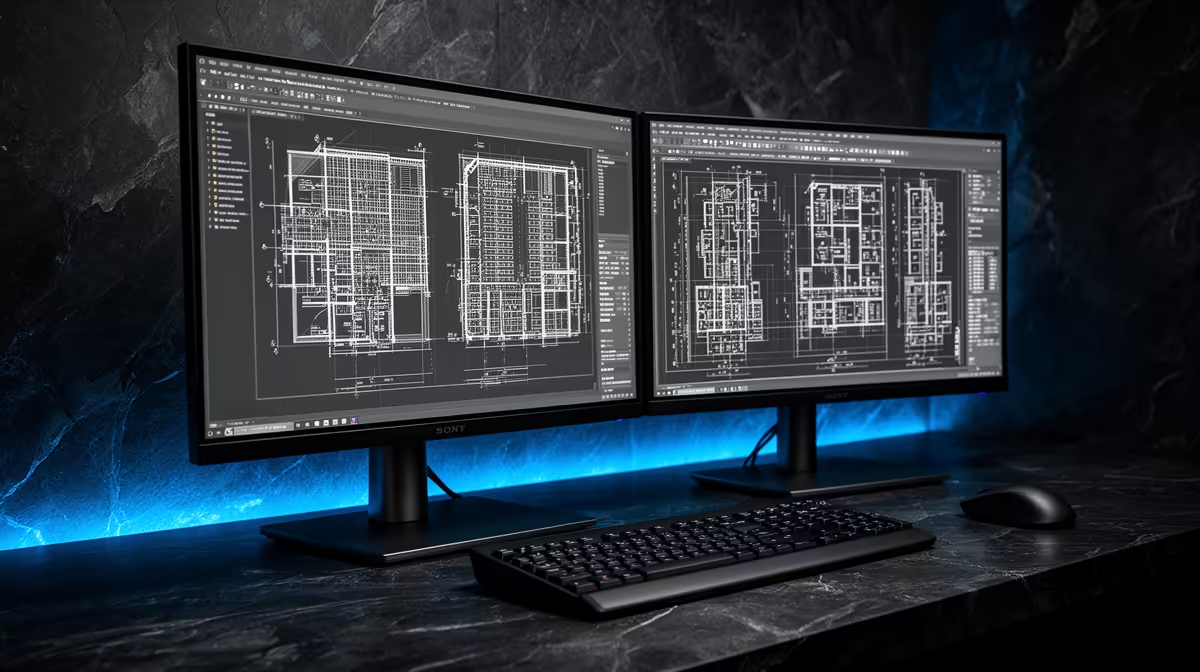
For Revit and AutoCAD in a home office, small studio, or student design desk, a real 4K screen is worth considering when fine linework and multiple panels matter more than the lowest price. If the budget is tighter, the AOC 27"W IPS QHD 200Hz monitor at R3200 is the listed model that makes the most practical sense before stepping into the dedicated 4K range.
Ready to choose the right 4k monitor?
Compare the listed product range against your desk size, resolution needs, and daily design workload.