



How to Use a Nano SIM 4G Router for Reliable Home Internet
Master using a Nano SIM 4G router as your primary internet solution. Get stable speeds and seamless connectivity for gaming and streaming at home! 🌐🚀
Read more8K display cable bandwidth is the key to true 8K quality — learn how bandwidth, HDMI/DP standards, and cable length affect refresh rates and HDR 📺🔌
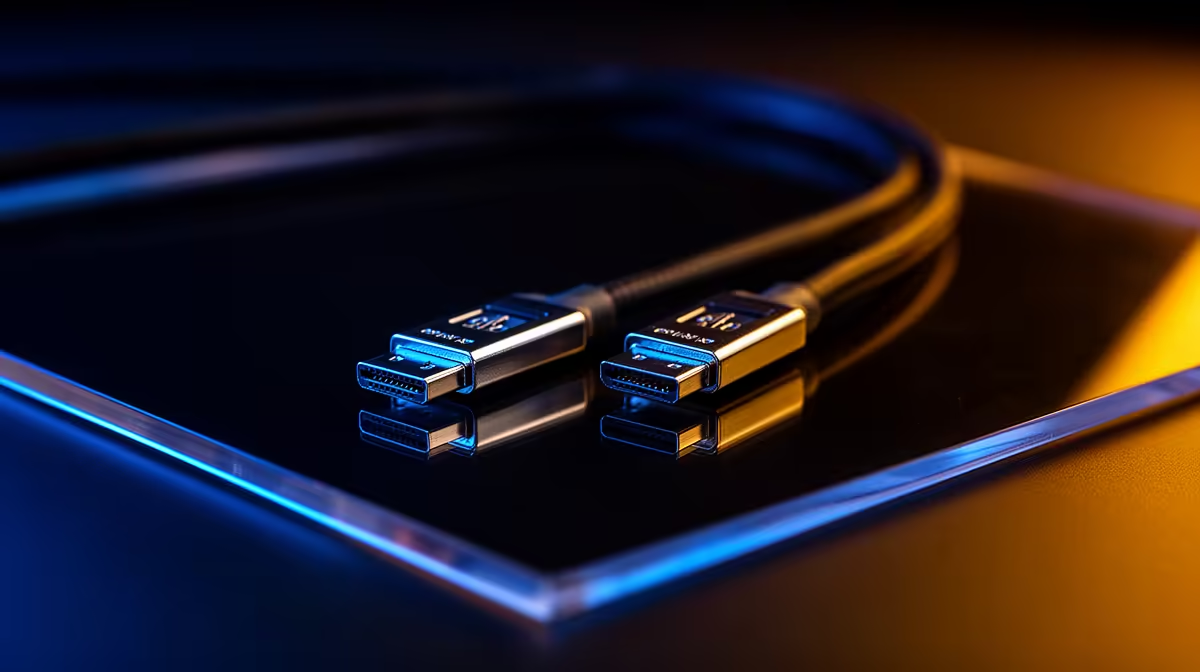
If you’ve ever tried to run native 8K gaming or high‑refresh 4K at ultra settings, you know the screen can betray you with flicker, frame drops, or blank screens. South African builders and gamers need clear rules: how much bandwidth does 8K actually need, which cables deliver it, and when you must use active or compressed links to get reliable performance? This quick guide — 8K Display Cable Bandwidth Explained — sorts the specs so you buy once and buy right. 🔧✨
Bandwidth numbers sound simple, but there’s a difference between theoretical bus rates and the picture that arrives at your monitor. HDMI 2.1 offers up to 48 Gbps of raw bandwidth (enough for 8K at 60 Hz without compression) (source: https://www.hdmi.org/spec/hdmi2_1). DisplayPort 2.0 rises to about 80 Gbps raw, which lets you push higher refresh rates or uncompressed 8K depending on colour depth and chroma subsampling (source: https://vesa.org/vesa-displayport-2-0/).
When we quote “bandwidth” for a cable, remember encoding overhead and signalling reduce usable throughput. Display Stream Compression (DSC) is widely used to make visually lossless 8K possible at lower data rates; VESA’s DSC spec explains how 3:1 or similar ratios can preserve quality while cutting required bandwidth (source: https://www.vesa.org/featured-articles/understanding-display-stream-compression/).
Which cable should you pick? If you want 8K at 60 Hz with full 4:4:4 colour, HDMI 2.1 is often enough (48 Gbps) for most TVs and many monitors (source: https://www.hdmi.org/spec/hdmi2_1). If you aim for 8K at 120 Hz or intend to run multiple high‑refresh displays, DisplayPort 2.0’s 80 Gbps headroom is your friend (source: https://vesa.org/vesa-displayport-2-0/). Keep in mind GPUs and monitors must both support the same standard; a DP2.0 GPU plus a DP1.4 monitor still limits you to the lower spec.
For tidy cable runs and sleeved builds, premium cables reduce EMI and strain. If you like clean internal routing, check high‑quality sleeved extensions and premium cable kits like NZXT’s individually sleeved options for a neater finish and easier cable management (product page: NZXT individually sleeved premium cables) (https://www.evetech.co.za/PC-Components/nzxt-individually-sleeved-premium-cables-93).
Active vs passive matters. Passive DP cables work up to certain lengths for high UHBR rates. For long runs at 8K, go active or authenticated cables to avoid handshake failures. Always test at target settings before securing cable routing. If you need ARGB extensions and neat routing in a compact case, budget and bolt-on options like the GameMax ARGB extension are handy for tidy builds (product page: GameMax ARGB extension) (https://www.evetech.co.za/gamemax-12vhpwr-cable-b-argb-extension/best-deal/24244).
you buy: confirm GPU output (HDMI or DP), monitor input, desired resolution and refresh, and whether DSC is acceptable for your workflow. A simple trial at your intended settings saves returns and downtime.
Ready to Find Your Perfect Match? The Mac vs Windows debate is complex, but for maximum power, choice, and value in South Africa, Windows is hard to beat. Explore our massive range of laptop specials and find the perfect machine to conquer your world.
For full 8K60 with 4:4:4 color and HDR you typically need around 48 Gbps, which HDMI 2.1 and DP2.1 can support.
Yes — HDMI 2.1 supports up to 48 Gbps, enabling uncompressed 8K60 in many color formats. Cable quality still matters.
DisplayPort 2.1 offers higher raw bandwidth and flexibility versus older standards, making it ideal for high-refresh 8K setups.
Longer passive cables increase signal loss. For long runs, use certified active cables or optical options to preserve 8K bandwidth.
Yes. 8K120 often requires the highest bandwidth spec or data compression (DSC). Look for DP2.1 or high-grade HDMI 2.1 cables.
Check vendor specs for supported Gbps, certification (HDMI 2.1/DP2.1), and tested resolutions like 8K60 or 8K120 with HDR.
Absolutely. Older HDMI or uncertified cables can throttle refresh rates, colour depth, or prevent HDR even if the display supports 8K.
Master using a Nano SIM 4G router as your primary internet solution. Get stable speeds and seamless connectivity for gaming and streaming at home! 🌐🚀
Read more
Confused by Cat4 vs Cat6 LTE routers? 🌐 We break down the technical differences to help you choose the right router for faster gaming and streaming. Get the speed you deserve today! 🚀
Read more
Learn how to setup a VPN server on your 4G LTE router to secure your remote access. Protect your data and browse safely from anywhere with our easy guide! 🌐🔐
Read more
Choosing the best 4G LTE router for South Africa ensures reliable internet when fibre is unavailable. Discover top connectivity tips for rural and urban areas. 🌐📶
Read more
Discover what is passive PoE and how it streamlines outdoor router installations. Eliminate messy cabling and simplify your network setup with this efficient power delivery method. ⚡🌐
Read more
Need to extend internet coverage to outbuildings or farms? 📡 An outdoor 4G router is the ultimate solution for stable, high-speed connectivity in remote locations. Discover how to boost your range and stay connected anywhere on your property. 🌐
Read more
Wondering if a TKL wireless mechanical keyboard is worth it for everyday productivity? We break down latency, battery life, comfort, and workflow gains for real work. ⚡⌨️

Maximise battery life on a fanless 15-inch laptop using efficiency core architecture. Cut idle drain, tune power profiles, and improve thermals for longer runtime. 🔋⚙️

Learn how to reduce desk clutter with a TKL wireless keyboard using fewer cables, smart placement, and tidy essentials. Get a faster, calmer workspace with better ergonomics. ✅🧼

RGB keyboard lighting too distracting? Learn how to manage backlight modes, set brightness, and reduce distraction for focus and productivity 😌🖱️

Are themed gaming keyboards worth the extra cost? Compare build quality, switch options, features, and resale value to find the best fit for your setup 🎮⌨️

Full-Size vs Tenkeyless mechanical keyboards for gaming: find out if a smaller layout truly improves aim, speed, and comfort. We break down layout, desk space, latency-feel, and keybinds 🎮⌨️

Dedicated media rollers vs function key shortcuts: learn which setup gives you better workflow control, faster media access, and fewer mistakes. 🖱️🎧

Best Mechanical Switch Type for Gaming: Clicky vs Linear vs Tactile. Find your feel, speed, and noise balance with practical guidance for FPS, MOBA, and productivity 😄🎮

Direct mouse answer: Mouse not keeping up with your work? Everything that matters about dual-mode 2.4GHz + BT 5.0: DPI behaviour, channel switching, battery curves and per-app button mapping. Covers when 2.4GHz USB wins (low-latency desk) and when BT 5.0 wins (laptop, d

Plain wireless mouse guide: Mouse not keeping up with your work? Everything that matters about wireless productivity mouse: DPI behaviour, channel switching, battery curves and per-app button mapping. Includes DPI tuning tips, channel switch shortcuts, and ZAR-aware fea

Real productivity numbers: Set up your wireless mouse in this order: everything that matters about wireless productivity mouse: DPI behaviour, channel switching, battery curves and per-app button mapping. Includes DPI tuning tips, channel switch shortcuts, and ZAR-aware

Pen not feeling like paper? Stylus lag and skipping usually trace to old drivers, dirty nibs, or display refresh mismatches, not the pen itself. Covers pressure curve tuning, tilt thresholds, nib swap timing, and SA pricing brackets.