Quick Answer
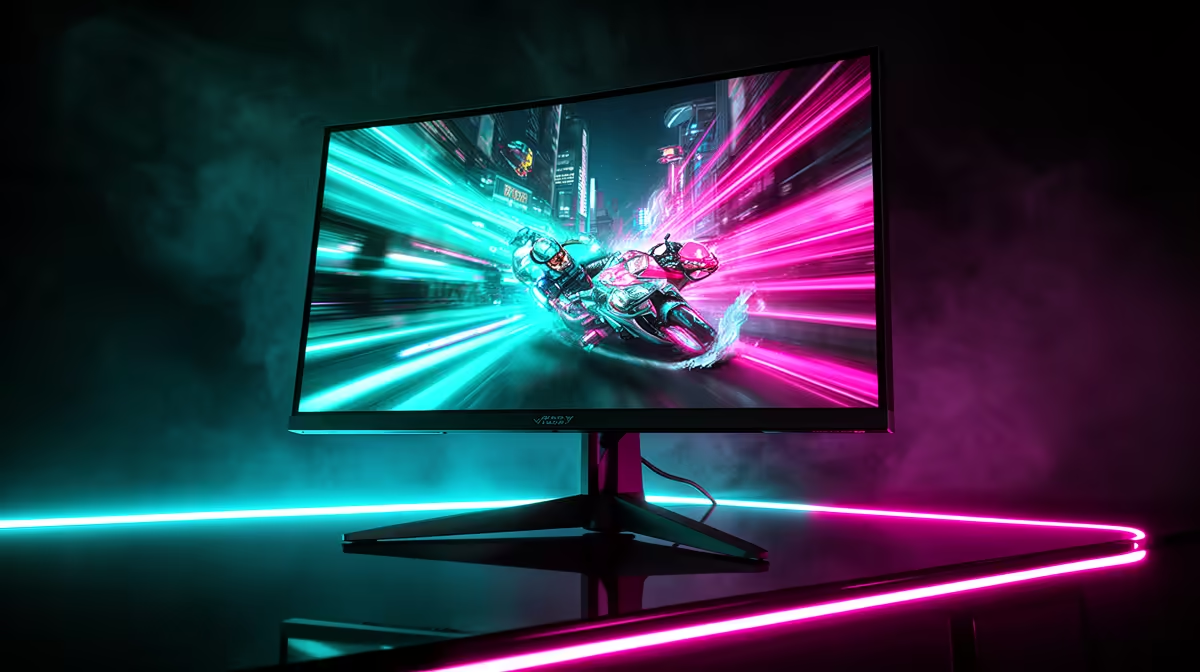
250 Hz means the monitor draws a completely new image 250 times per second, with a new frame appearing every 4 ms. A 0.5 ms response time (typically MPRT, not GtG) means the motion picture response time is measured at half a millisecond, which is the effective pixel hold time during backlight strobe operation rather than the raw pixel transition speed.
What 250 Hz Does to Motion Clarity 🖥️
At 60 Hz, the monitor holds each frame for 16.7 ms, during which your eyes track a moving object while the image stays static, causing motion blur from ocular pursuit. At 165 Hz the hold time drops to 6.06 ms. At 250 Hz it drops further to 4 ms. This shorter hold time means your eyes have less time to move relative to a stationary frame, so fast-moving objects appear sharper and more distinct. In CS2 at 250 fps with a matching 250 Hz panel, enemy character models at 50-metre range appear with visibly less motion blur than at 165 Hz.
Understanding 0.5ms: MPRT vs GtG 🔬
Here the marketing language matters. GtG (grey-to-grey) response time measures how long a pixel takes to transition between two grey states. It is a hardware characteristic of the panel's liquid crystal layer. MPRT (Motion Picture Response Time) measures the effective blur width created by combining pixel response with sample-and-hold behaviour, and is calculated using backlight strobing. A monitor claiming 0.5 ms almost certainly refers to MPRT with strobe (ELMB or similar) enabled, not raw GtG.
GPU Requirements to Use 250 Hz Fully in SA 💻
Maximising a 250 Hz panel requires sustained in-game frame rates above 200 fps. On FHD resolution, an RX 7600 or RTX 4060 (both currently stocked locally in the R5,500 to R8,000 range) delivers this in all major competitive esports titles on low to medium settings. At 1440p on a 250 Hz panel, you need an RTX 4070 or RX 7900 GRE to stay above 200 fps reliably. Dropping below 100 fps on a 250 Hz panel does not harm image quality, but it means you are not using the panel's capability and FreeSync Premium's LFC (Low Framerate Compensation) activates to maintain tear-free output at lower rates.
Verify the 0.5ms Claim Is With Strobe Enabled ⚡
When evaluating a monitor's 0.5 ms specification, check the fine print. If the spec sheet says 0.5 ms MPRT (not GtG), the figure only applies when backlight strobing (ELMB, ULMB, or equivalent) is active. Backlight strobing disables adaptive sync on most panels. If you want tear-free output via FreeSync, expect effective motion blur closer to 1 to 2 ms GtG rather than 0.5 ms MPRT. Both are excellent figures at 250 Hz.
FAQ
Is a 0.5ms response time actually perceptible over 1ms?
At 250 Hz the difference between 0.5 ms and 1 ms MPRT is at the boundary of human perception under controlled laboratory conditions. In actual game sessions the distinction is imperceptible for the vast majority of players. Prioritise refresh rate and GPU frame rate over fractional response time differences.
Does 250 Hz help more than a better gaming mouse at the same budget?
A 250 Hz monitor and a high-polling-rate gaming mouse address different parts of the input chain. If you currently use a 144 Hz or 165 Hz monitor, stepping up to 250 Hz provides a more noticeable competitive improvement than upgrading from a 1,000 Hz to 4,000 Hz mouse. Both are worthwhile, but monitor refresh rate impacts the visual output that every in-game action depends on.
Can a 250 Hz monitor damage my GPU over time?
No. Running a GPU at high frame rates to feed a 250 Hz monitor does not damage the GPU. It does increase GPU temperature and power consumption compared to capped frame rates. Use an in-game frame rate cap at 250 fps if your GPU consistently exceeds 250 fps, which reduces heat and fan noise without sacrificing monitor utilisation.
Looking for a 250 Hz gaming monitor to match your competitive SA setup?
Evetech stocks 250 Hz gaming monitors with ELMB Sync and FreeSync Premium for serious FPS players. Browse current availability to find the right high-refresh panel for your build.