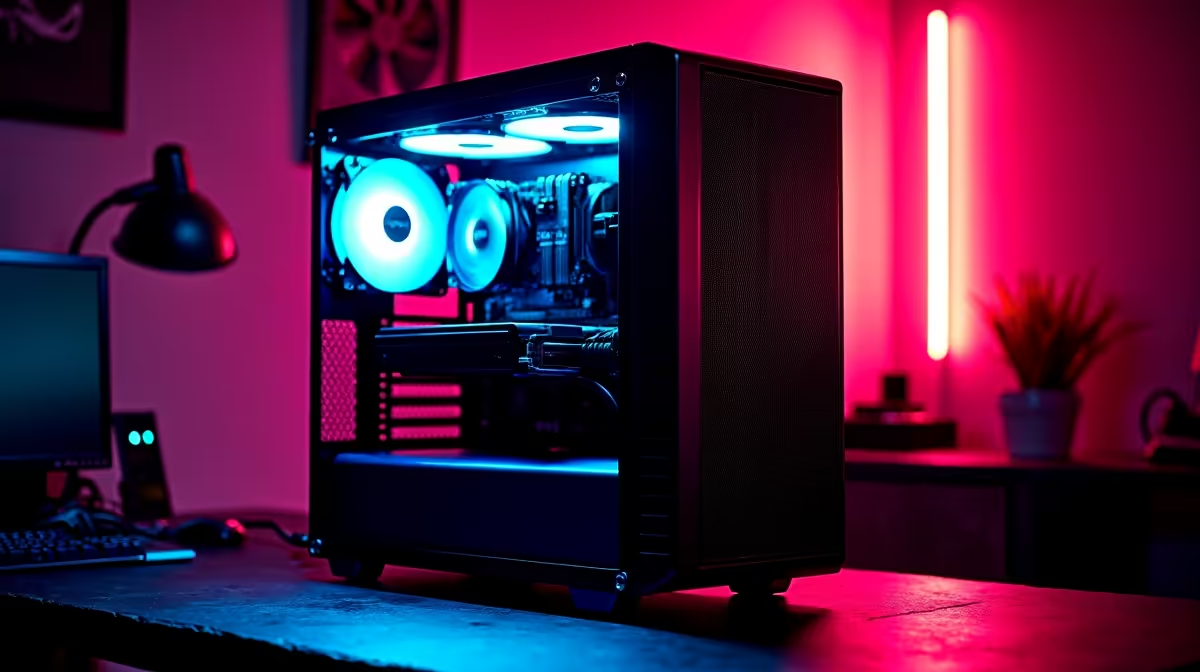
An AI-upscaling rig is unnecessary for an audio-first podcast. Podcasters need clean microphones, quiet monitoring, reliable recording and recoverable storage. Graphics acceleration becomes relevant only when the show publishes demanding video and repeatedly enhances low-resolution footage.
Measure the podcast workload
Record a complete episode with the normal number of guests. Watch processor load, memory use, storage growth and audio dropouts. Then export the delivery formats. Speech editing and loudness processing may run well on a modest computer, while multicamera video creates a different workload.
Build the audio chain first
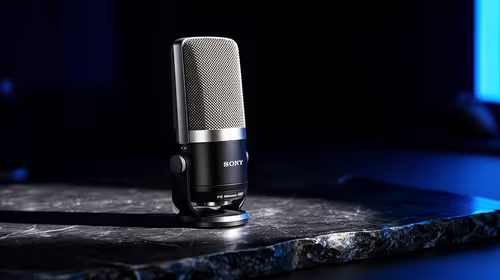
At R690, the verified HyperX SoloCast 2 provides a USB microphone option for solo speech. The GEEKOM A8 Max costs a verified R12,900 with Ryzen 9 8945HS, 32GB memory and 1TB storage as a compact creator-computer comparison. Confirm interface drivers, ports and video software before purchase.
Use AI enhancement only on a representative video clip and compare artefacts, processing time and delivery value. Preserve the original footage. The MSI RTX 5060 Ventus at R5,950 is an individual graphics card for compatible towers, not a complete rig or proof of podcast benefit.
Buy stronger graphics when a regular video-podcast queue justifies it. For audio shows, spend on microphone placement, room control and backups. A UPS provides shutdown time but does not perform AI upscaling.
Building a podcast system? > Ask Evetech to match the computer, microphone and storage to the real episode format.