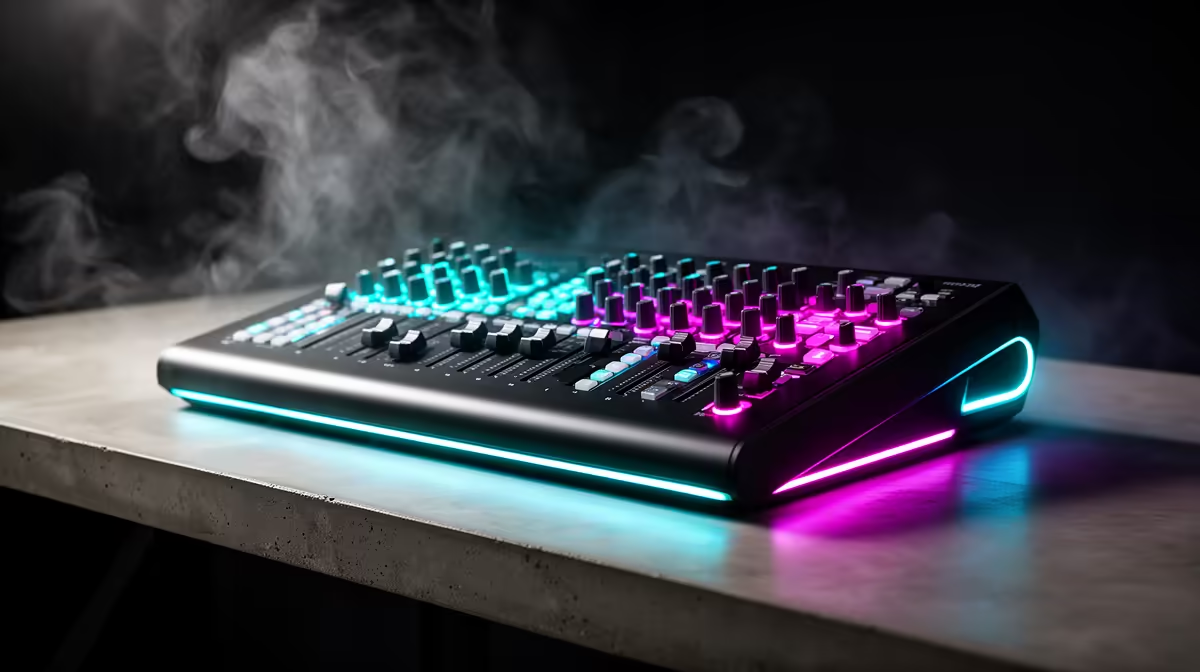
The current factpacks do not verify a podcast mixer SKU or price, so avoid forcing the full allowance into an unconfirmed product. A live stream needs the mixer only when several microphones, instruments or controllable audio sources must feed one broadcast. A single presenter can start with direct USB audio.
Count inputs before controls
List host microphones, remote callers, music, instruments and monitoring outputs. Decide who will operate levels during the show. Compare current mixers by microphone inputs, gain range, USB routing, mix-minus support, monitoring, driver support and warranty. Do not quote an unverified mixer price.
The NearStream AM10X-P USB/XLR microphone costs a verified R730 and offers a direct starting point for one supported voice source. The HyperX SoloCast 2 USB microphone is verified at R690 for a simpler desk. Multiple USB microphones can create clock and routing problems, so test the intended software before combining them.
Rehearse the signal path
Set gain with normal speech, leave headroom for laughter and monitor with headphones. Record every source for ten minutes, then check echo, hum, clipping and sync. Keep music rights and guest consent documented.
Buy a mixer when the rehearsal proves that direct connections cannot handle the input count or routing. Reserve funds for microphone placement, cables and a backup recording rather than an unused control surface.
Planning a live podcast stream? > Ask Evetech to map microphones, routing, monitoring and computer connections.