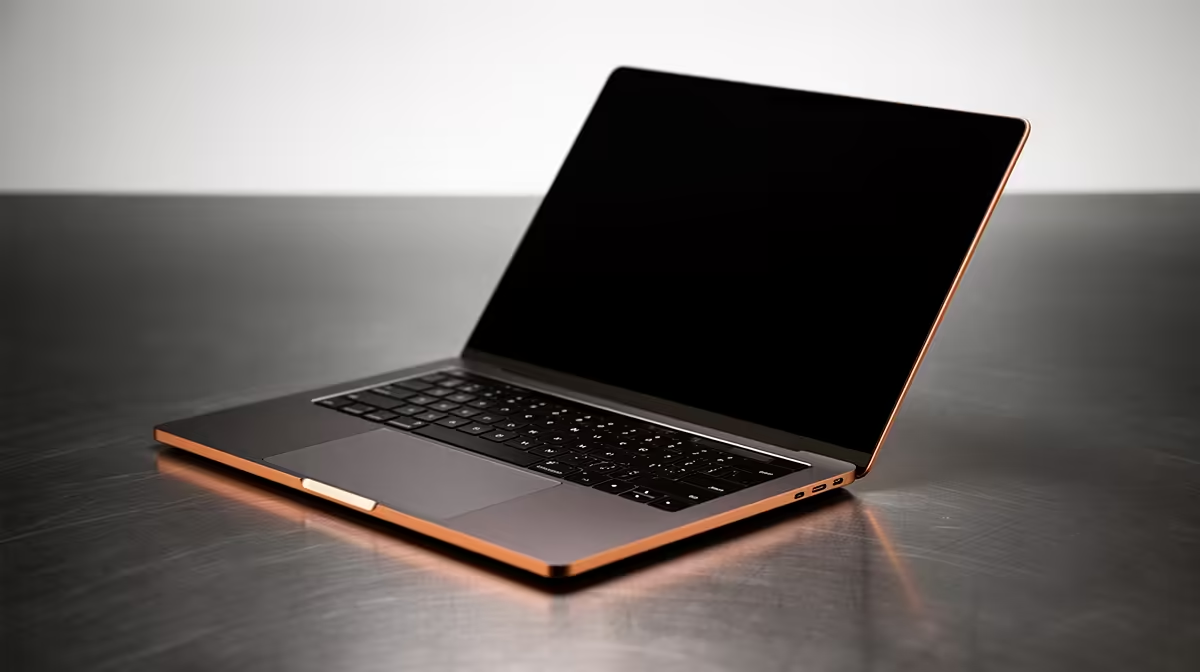
Remember that brand-new laptop feeling? The lightning-fast boot-ups, the silent fans, the sheer joy of a machine that just works. For many South Africans, an ASUS Vivobook is that perfect daily driver. But over time, even the best laptops can feel a bit sluggish. The good news? With a little proactive ASUS Vivobook maintenance, you can keep that day-one performance going for years, ensuring your investment pays off. Let's dive in. 🔧
Digital Declutter: The Software Side of Maintenance
Before you even think about touching a screwdriver, the most effective laptop care starts with its software. A clean digital environment is crucial for keeping your Vivobook snappy and responsive.
Tame Your Startup Programs
Does your laptop take ages to become usable after you log in? It’s likely bogged down by too many apps launching at once.
- Press
Ctrl + Shift + Esc to open the Task Manager. - Click on the "Startup" tab.
- Look through the list and disable anything you don't need running immediately (like Spotify, Discord, or game launchers). You can always open them manually when you need them.
This simple step in your ASUS Vivobook maintenance routine can dramatically cut down your boot time and free up precious RAM.
Update Drivers and Windows
Outdated drivers can cause performance issues and even security risks. While Windows Update handles a lot, it's wise to occasionally check for updates directly from ASUS or component manufacturers like NVIDIA or Intel. Keeping your system updated is a cornerstone of good laptop care, ensuring that even the latest ASUS Intel laptops run at their peak.
MyASUS App is Your Best Friend ✨
Your Vivobook likely came with the MyASUS app pre-installed. Don't ignore it! This powerful tool lets you run system diagnostics, easily update drivers, and even control battery charging modes to prolong its lifespan. Make it your first stop for any maintenance checks.
Physical Care: Keeping It Cool and Clean
Dust is the enemy of performance. It clogs fans, insulates components, and forces your Vivobook to run hotter and slower. A little physical TLC goes a long way.
Clear the Vents for Better Airflow
Your laptop breathes through its vents. When they get clogged with dust and fluff, it's like trying to run a marathon while breathing through a straw.
- What you'll need: A can of compressed air.
- What to do: Turn off and unplug your laptop. Hold the can upright and use short, controlled bursts to blow dust out of the intake and exhaust vents. Never shake the can or spray with it upside down.
Proper cooling is vital for performance, especially when you're pushing the hardware. It’s what allows the processors in these powerful ASUS Ryzen laptop deals to maintain high clock speeds without throttling.
Screen and Keyboard Hygiene
A clean screen is easier on the eyes, and a crumb-free keyboard is just... nicer. Use a microfibre cloth slightly dampened with distilled water (or a dedicated screen cleaner) for the display. For the keyboard, use compressed air to dislodge debris from under the keys, followed by a wipe with an isopropyl alcohol-moistened cloth to sanitise the surface.
Battery Longevity: Powering Through the Years
Laptop batteries don't last forever, but you can significantly extend their useful life. The key is to avoid habits that stress the battery cells.
- Avoid deep discharges: Try not to let your battery drop below 20% regularly.
- Don't stay at 100% all the time: If you're plugged in for long periods, use the MyASUS app to set a battery health charge limit (usually 80% or 60%). This prevents overcharging and reduces wear.
- Keep it cool: High temperatures degrade batteries faster than anything else. Avoid using your laptop on soft surfaces like a bed or couch, which can block airflow and trap heat.
Following these tips is a key part of this Vivobook care guide, helping you get the most out of the entire ASUS Vivobook range.
Knowing When It's Time for an Upgrade
Proper ASUS Vivobook maintenance can add years to your laptop's life. But technology moves fast. If you've cleaned your software, cleared the dust, and your machine still can't keep up with your needs—be it for new games, heavier workloads, or just multitasking—it might be time to consider a new machine. Sometimes, the biggest performance boost comes from a fresh start. 🚀
If your old faithful is ready for retirement, why not check out our latest ASUS laptops on special? You'll be amazed at the performance and value on offer today.
Ready for a Performance Boost?
Whether you're optimising your current machine or looking for a powerful upgrade, Evetech has you covered. Explore our massive range of ASUS Vivobook laptops and find the perfect machine to conquer your world.
Shop the ASUS Vivobook Collection Now