Nothing kills the vibe faster than a buffering symbol during a nail-biting Valorant clutch or when you’re trying to stream the rugby. We’ve all been there… that one room where the Wi-Fi just gives up. What if you could fix it without guesswork? Many modern network devices have a secret weapon to help you maximize signal with auto-placement detection, and understanding it is key to killing lag for good. 📶
Understanding Auto-Placement Detection
So, what is this magic? Auto-placement detection, sometimes called an intelligent signal indicator, is a simple feature built into many mesh systems and range extenders. It uses an LED light to give you real-time feedback on signal strength as you position the device. Think of it as a guide telling you "warmer" or "colder" as you search for the perfect spot. This simple tool is designed to help you maximize your signal by finding the sweet spot between your router and your dead zone.
It removes the frustrating trial-and-error process, ensuring your extender is far enough to expand coverage but close enough to receive a strong, stable signal from the source.
How to Get the Best Signal Placement
Using this feature is incredibly straightforward. Once your extender or mesh node is synced with your main router, simply unplug it and start looking for its new home.
- Plug it in: Find a power socket roughly halfway between your router and the area with poor Wi-Fi.
- Wait for the boot-up: Give it a minute to connect to your network.
- Item
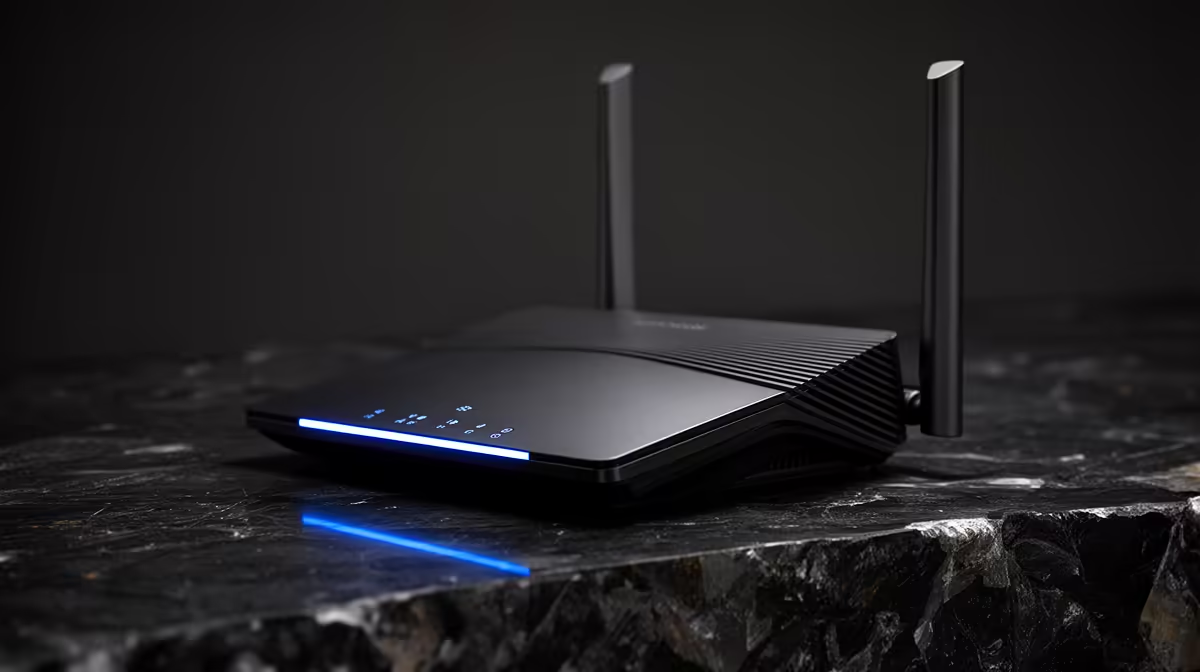
This simple visual cue ensures you get the best performance possible. For a truly seamless network, you need a solid foundation, which always starts with a powerful wireless router capable of handling your home's demands. ✨
Quick Tip: Avoid Signal Blockers
Wi-Fi signals hate dense materials. When placing your router or extender, keep it away from thick concrete walls, large metal objects (like fridges), and even fish tanks. Microwave ovens are notorious signal killers, so keep your networking gear out of the kitchen if possible!
Beyond Placement: Optimising Your Entire Network
While perfect placement is crucial, it’s only one part of the puzzle. If your network gear is ancient, even the best positioning won't save you from lag spikes. Sometimes, the bottleneck is the device you’re using. Consider upgrading your PC’s wireless adapter to a newer standard like Wi-Fi 6 for faster, more reliable connections.
For larger homes or double-storey houses, a single router often isn't enough. This is where modern wireless range extenders with auto-placement detection truly shine, helping to blanket your entire space in glorious, high-speed Wi-Fi. 🚀
Ultimately, achieving a flawless connection means looking at your setup as a whole. From the router to the extender to the adapter in your PC, every component plays a role. Taking the time to maximize your signal with auto-placement detection is a fantastic first step towards a lag-free life.