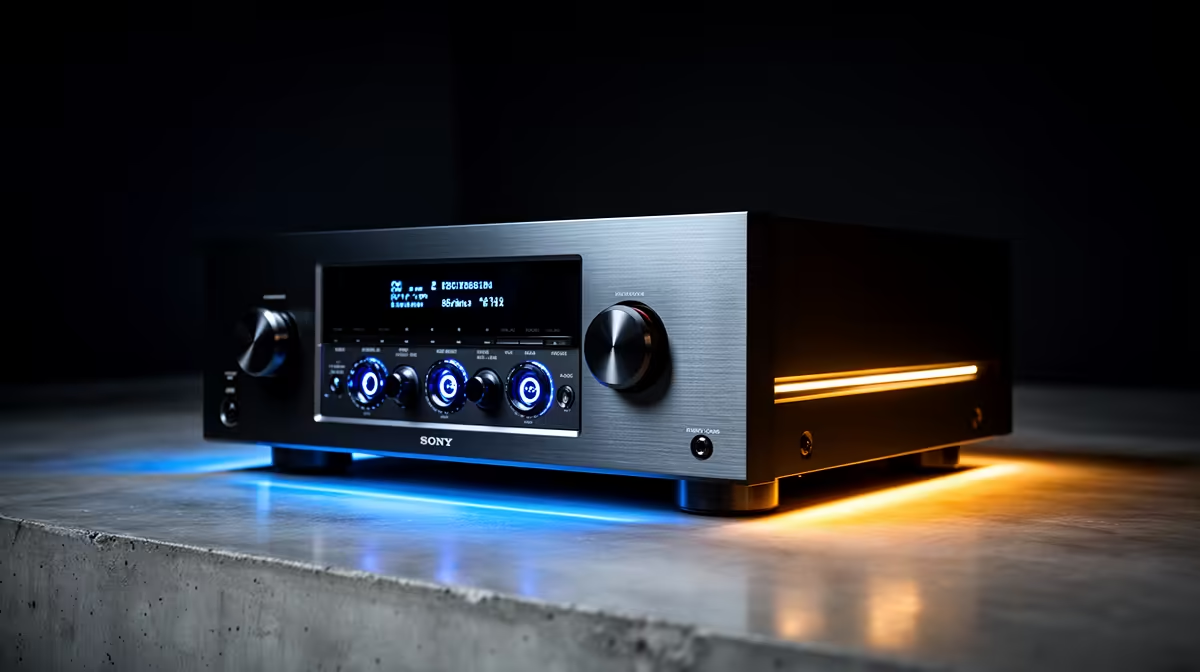
An automatic voltage regulator can help a CAD workstation when measured supply voltage moves outside safe limits, but CAD software itself does not create that need. The unit must match the computer load and operate within its correction range. It does not replace a UPS, surge protection or sound premises wiring.
Measure the workstation and supply
Record the desktop, monitors and storage draw during a large model or render. A qualified electrician should investigate recurring voltage symptoms, hot outlets or uncertain earthing. The supplied factpacks contain no confirmed AVR SKU or current price, so verify present units by capacity, operating range, response, sockets and warranty. The ELECSTOR 18W mini UPS at R536 only suits low-voltage network equipment.
Plan controlled shutdown
If work must continue long enough to save and close, choose a suitable UPS from measured load and required runtime. Keep the AVR or UPS ventilated and never add heaters, printers or other high-draw devices to the workstation output. Test shutdown behaviour with a non-critical project and confirm that CAD recovery files open.
Save models through versioned backups and keep another copy away from the PC. Power hardware can reduce electrical risk, but it cannot repair a corrupted drawing. Label protected outlets so later users preserve the calculated load.
Record the protection model and load limit beside the CAD recovery instructions.
Protecting a CAD desk? > Bring Evetech the measured load, voltage symptoms and required shutdown time.