So, you’ve got your eye on a massive new monitor. Before you splash the cash, let’s talk. Buying a big screen without considering its resolution is a classic mistake, one that can leave your brand-new display looking surprisingly fuzzy. Here in South Africa, getting the best bang for your buck is crucial. The secret isn't just about going bigger; it's about learning how to balance resolution and screen size wisely for that perfectly crisp image. ✨
The PPI Puzzle: Why You Must Balance Resolution and Screen Size
Ever leaned in close to your screen and seen the tiny individual dots that make up the image? Those are pixels. The magic number you need to know is PPI, or Pixels Per Inch. It’s a simple measure of how many pixels are packed into every inch of your screen.
A higher PPI means a sharper, clearer, and more detailed image because the pixels are smaller and closer together. A low PPI, on the other hand, makes pixels more visible, leading to a blocky or "pixelated" look, especially on a large screen. This is why you need to find the right balance between resolution and screen size—a 24-inch 1080p monitor looks great, but stretch that same 1080p resolution across a 32-inch screen, and the image quality drops dramatically.
Finding Your Sweet Spot: A Gamer's Guide
Choosing the right monitor often comes down to your primary use case and your budget. Let's break down the most common scenarios to help you wisely balance your screen size and resolution for the ultimate setup.
- 1080p (Full HD): The eSports Standard
For competitive gamers, 1080p is still king. At a screen size of 24 to 25 inches, it delivers a high enough PPI for sharp visuals while being less demanding on your graphics card. This allows you to push for those ultra-high refresh rates (144Hz and above) that give you a competitive edge. It’s the perfect, affordable choice for anyone serious about FPS titles like Valorant or Apex Legends. You can explore a wide variety of all gaming monitors that fit this profile.
- 1440p (QHD): The Modern Sweet Spot
This is where things get exciting for most gamers. 1440p resolution on a 27-inch monitor is widely considered the perfect middle ground. It offers a significant visual upgrade over 1080p without requiring the beastly GPU needed for smooth 4K gaming. You get crisp details, vibrant colours, and plenty of screen real estate for both gaming and productivity. It's the new standard for a reason, and there are tons of excellent PC monitors at this resolution.
Check Your GPU First! 🔧
A beautiful new monitor is only half the equation. Before you upgrade to a high-resolution display, make sure your graphics card can handle it. Check benchmarks for your specific GPU to see what kind of frame rates you can expect at your target resolution. There’s no point in a 4K screen if your PC can only run games at 20 FPS!
- 4K (UHD): The Cinematic Powerhouse
For unparalleled immersion and jaw-dropping detail, 4K is the way to go. To truly appreciate the massive pixel count, you’ll want a screen that’s 32 inches or larger. At this size, the PPI is incredible, making text razor-sharp and game worlds breathtakingly realistic. Just be warned: running games smoothly on 5K and 4K monitors requires a top-tier graphics card and a serious budget. 🚀
Beyond the Standard: Curved, Ultrawide, and Portable Displays
The principles of balancing resolution and screen size also apply to more specialised monitors.
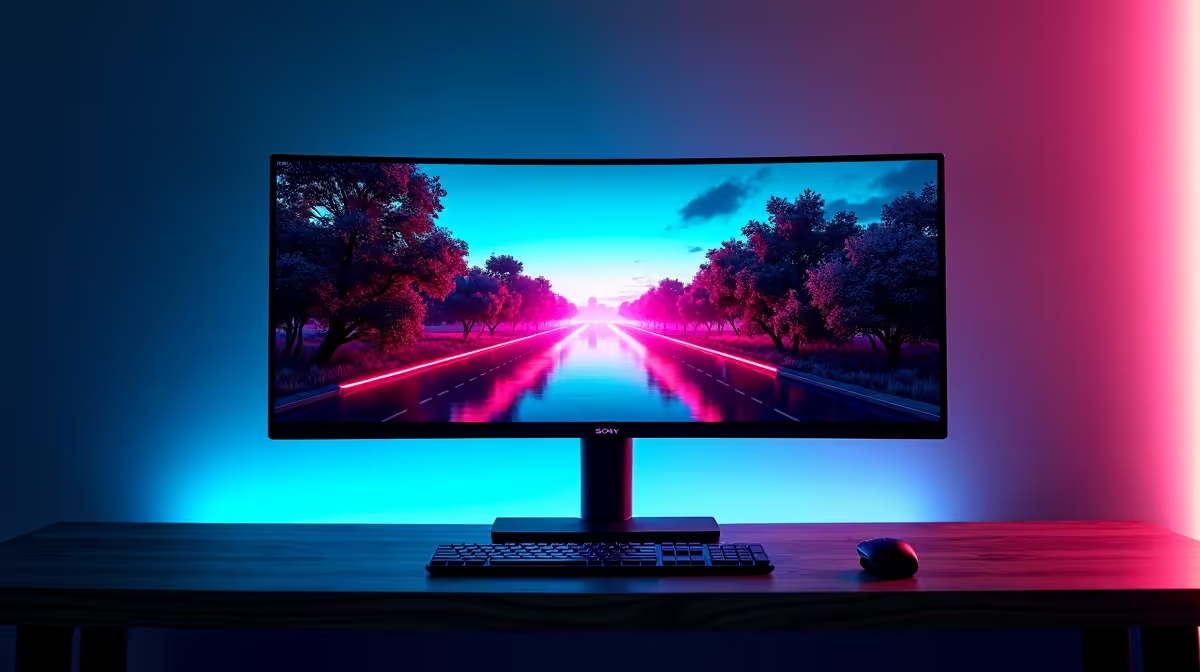
Curved and ultrawide monitors, for example, offer an incredible panoramic view that pulls you right into the action. A 34-inch ultrawide with a 3440x1440 resolution is a popular choice, providing a 1440p-like vertical resolution with extra horizontal space. This format is fantastic for racing sims and RPGs, making the experience incredibly immersive. Evetech has a fantastic selection of curved monitors designed to wrap the game around you.
What about on-the-go setups? With portable monitors, the focus shifts slightly. These smaller screens (typically 15-17 inches) are perfectly fine at 1080p, as the high PPI on a compact display keeps everything looking sharp.
Finally, don't forget the small things that complete your setup. Proper ergonomics are key for long gaming sessions, so investing in quality monitor accessories like a sturdy monitor arm or stand can make a world of difference.
Find Your Perfect Pixel-to-Panel Match
Now that you know how to balance resolution and screen size, you're ready to make a smart choice. Explore the best PC monitor deals in South Africa for a display that perfectly matches your rig and your budget.