



How to Use a Nano SIM 4G Router for Reliable Home Internet
Master using a Nano SIM 4G router as your primary internet solution. Get stable speeds and seamless connectivity for gaming and streaming at home! 🌐🚀
Read moreChoosing the best 14-inch laptop for creative work in South Africa? Look for a color-accurate display, fast SSD, and reliable performance—plus ports and thermals. 🎨💡
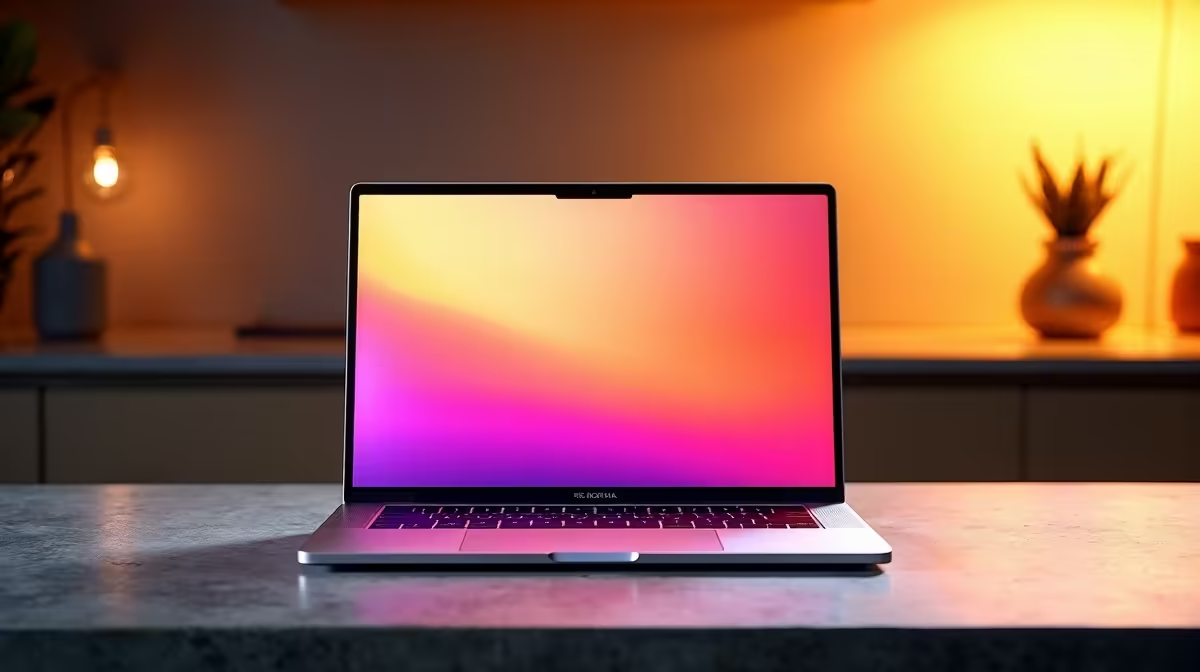
If you edit on the move, a bulky laptop gets old fast. South African creators need something different... a machine that slips into a backpack, keeps quiet in a coffee shop, and still handles Photoshop, Premiere Pro, Figma, and a dozen browser tabs without flinching. That is why the best 14-inch laptop for creative work in South Africa is such a smart sweet spot. It balances portability, performance, and battery life better than most larger laptops 🔧
For many creatives, 14 inches hits the Goldilocks zone. It is big enough for timelines and palettes, yet still easy to carry between campus, the office, and the next client meeting. If you are a photographer, video editor, designer, or content creator, that matters more than raw hype.
A 14-inch laptop is not just about the display size. It is about workflow. Smaller machines are easier to travel with, and modern panels are sharp enough for detailed work. For many users, that means less desk clutter and fewer compromises.
Apple’s current lineup makes this size especially attractive. If you want a broad view of options, start with Evetech’s MacBooks range. For buyers who prefer something light and polished, the MacBook Air range is worth a look. The bigger question is whether your workload leans more toward everyday creative tasks or heavier rendering.
The right laptop depends on your software, not just your budget. A designer who lives in Illustrator needs a different setup from a video editor working in 4K. Before you buy, focus on these priorities:
Colour accuracy matters. If your screen is off, your final work will be off too. Look for a display that is bright, sharp, and comfortable for long sessions.
Creative apps love memory. More RAM helps with multitasking, and fast storage keeps big projects moving smoothly. If you juggle Adobe apps, tab-heavy research, and cloud sync, do not underspec the machine.
Many South Africans work on the go. A laptop that lasts through meetings, lectures, or load shedding anxiety is worth more than a flashy spec sheet.
Quiet matters. A laptop that stays cool and does not sound like a small air fryer is better for client calls and late-night edits.
On Windows, use the PowerToys FancyZones utility to create custom snap layouts for your windows. It's a lifesaver for managing multiple apps on an ultrawide monitor, letting you organise your timeline, preview window, and asset folders perfectly for video editing.
Apple still has a strong reputation with creatives, and there is a reason for that. macOS is popular in design and video circles, and the hardware often pairs well with colour-sensitive work. If your budget allows, MacBook Pro laptops are often the better fit for heavier creative workloads.
If you need a smaller portable machine, 13-inch MacBook Air laptops remain a compact option. They are not 14-inch machines, but they are relevant if your priority is mobility first. On the other end, 15-inch MacBook Air laptops offer a larger canvas for those who want more screen space without jumping into a pro-tier device.
If your eye is on a true 14-inch sweet spot, 14-inch MacBook Pro laptops deserve serious attention. This form factor is a favourite for creators who want strong performance in a portable body.
Shopping in South Africa is about more than specs. You also want value, availability, and support that makes sense locally. A machine priced in ZAR should earn its place in your workflow, not just your wishlist.
For some buyers, the right call is to pay more for a stronger screen, better battery life, and smoother performance over time. For others, a leaner setup is enough. The key is to match the laptop to the work you actually do... not the work you imagine doing one day ✨
If you mainly edit short-form video, design social content, or work in creative tools and Office apps, a well-specced 14-inch machine can be the best all-rounder. If you do heavy motion graphics or large 3D projects, step up carefully. Bigger workloads need bigger headroom.
Think of your laptop as a tool, not a trophy. The best choice is the one you can carry daily, use comfortably for hours, and trust when deadlines get tight.
Ask yourself three simple questions:
If the answer is yes, you are probably looking at the right machine. And if you still want to compare options across brands and sizes, start with the full laptop range before locking in your choice 🚀
Ready to Find Your Perfect Match? The Mac vs Windows debate is complex, but for maximum power, choice, and value in South Africa, Windows is hard to beat. Explore our massive range of laptop specials and find the perfect machine to conquer your world.
Prioritise a color-accurate display, fast SSD, enough RAM for your apps, and stable cooling for long render and editing sessions.
Yes for many workflows. Aim for at least 16GB RAM and a capable CPU/GPU, plus a high-quality screen for accurate edits.
Common starting points are 16GB RAM and 512GB SSD. If you edit large files or use caches, consider 1TB SSD.
Look for high resolution, strong brightness, good contrast, and wide color gamut (like sRGB coverage) for consistent color grading.
USB-C with charging, USB-A, HDMI, and an SD card slot (or reliable USB card reader) help you connect cameras, monitors, and drives.
Better cooling keeps performance steady during exports. A larger battery and efficient chip help you edit longer away from power.
If you do frequent video exports, motion graphics, or heavier effects, a dedicated GPU can improve playback and render times.
Match specs to your apps, prioritise display quality and storage, and check upgrade options like extra RAM or an additional SSD slot.
Master using a Nano SIM 4G router as your primary internet solution. Get stable speeds and seamless connectivity for gaming and streaming at home! 🌐🚀
Read more
Confused by Cat4 vs Cat6 LTE routers? 🌐 We break down the technical differences to help you choose the right router for faster gaming and streaming. Get the speed you deserve today! 🚀
Read more
Learn how to setup a VPN server on your 4G LTE router to secure your remote access. Protect your data and browse safely from anywhere with our easy guide! 🌐🔐
Read more
Choosing the best 4G LTE router for South Africa ensures reliable internet when fibre is unavailable. Discover top connectivity tips for rural and urban areas. 🌐📶
Read more
Discover what is passive PoE and how it streamlines outdoor router installations. Eliminate messy cabling and simplify your network setup with this efficient power delivery method. ⚡🌐
Read more
Need to extend internet coverage to outbuildings or farms? 📡 An outdoor 4G router is the ultimate solution for stable, high-speed connectivity in remote locations. Discover how to boost your range and stay connected anywhere on your property. 🌐
Read more
Wondering if a TKL wireless mechanical keyboard is worth it for everyday productivity? We break down latency, battery life, comfort, and workflow gains for real work. ⚡⌨️

Maximise battery life on a fanless 15-inch laptop using efficiency core architecture. Cut idle drain, tune power profiles, and improve thermals for longer runtime. 🔋⚙️

Learn how to reduce desk clutter with a TKL wireless keyboard using fewer cables, smart placement, and tidy essentials. Get a faster, calmer workspace with better ergonomics. ✅🧼

RGB keyboard lighting too distracting? Learn how to manage backlight modes, set brightness, and reduce distraction for focus and productivity 😌🖱️

Are themed gaming keyboards worth the extra cost? Compare build quality, switch options, features, and resale value to find the best fit for your setup 🎮⌨️

Full-Size vs Tenkeyless mechanical keyboards for gaming: find out if a smaller layout truly improves aim, speed, and comfort. We break down layout, desk space, latency-feel, and keybinds 🎮⌨️

Dedicated media rollers vs function key shortcuts: learn which setup gives you better workflow control, faster media access, and fewer mistakes. 🖱️🎧

Best Mechanical Switch Type for Gaming: Clicky vs Linear vs Tactile. Find your feel, speed, and noise balance with practical guidance for FPS, MOBA, and productivity 😄🎮

Direct mouse answer: Mouse not keeping up with your work? Everything that matters about dual-mode 2.4GHz + BT 5.0: DPI behaviour, channel switching, battery curves and per-app button mapping. Covers when 2.4GHz USB wins (low-latency desk) and when BT 5.0 wins (laptop, d

Plain wireless mouse guide: Mouse not keeping up with your work? Everything that matters about wireless productivity mouse: DPI behaviour, channel switching, battery curves and per-app button mapping. Includes DPI tuning tips, channel switch shortcuts, and ZAR-aware fea

Real productivity numbers: Set up your wireless mouse in this order: everything that matters about wireless productivity mouse: DPI behaviour, channel switching, battery curves and per-app button mapping. Includes DPI tuning tips, channel switch shortcuts, and ZAR-aware

Pen not feeling like paper? Stylus lag and skipping usually trace to old drivers, dirty nibs, or display refresh mismatches, not the pen itself. Covers pressure curve tuning, tilt thresholds, nib swap timing, and SA pricing brackets.