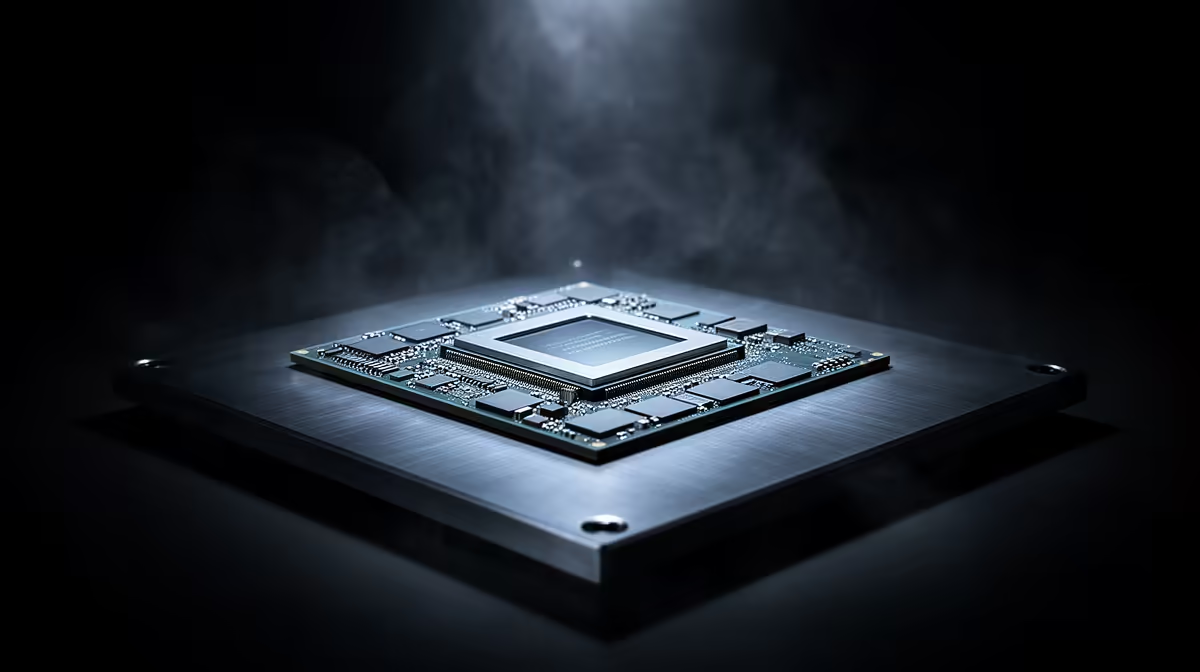
An RTX 5090 deserves a processor that can keep its frame pipeline busy, yet the right CPU depends on resolution, refresh rate and the games you play. A current Ryzen 7 X3D chip is a strong gaming match. An Intel Core Ultra 9 can make sense when heavy creation work shares the machine. Neither label replaces an exact benchmark.
Quick Answer
For a gaming-first RTX 5090 build, begin with the current Ryzen 7 X3D option and test it against the games you own. Put Core Ultra 9 on the shortlist when rendering, editing or other multi-core work carries real weight. Compare one-percent lows at your target resolution, then size cooling and the motherboard for that exact chip.
The GPU does not work alone
The CPU prepares game logic, draw calls, physics and background work before the graphics card renders the frame. When the processor cannot prepare frames fast enough, GPU use falls and a faster graphics card waits. That is the CPU bottleneck people worry about with a flagship card.
At 4K with demanding visual settings, the RTX 5090 often carries most of the load. At 1440p with a 360Hz display, the CPU has to deliver far more frames per second. Strategy games, simulations and crowded multiplayer titles can also expose processor limits at 4K.
This is why a percentage from a generic bottleneck calculator is weak buying evidence. It cannot know the game scene, memory setup, patch version, graphics settings or target frame rate.
Why Ryzen 7 X3D is the gaming starting point
AMD's X3D processors place a large cache close to the CPU cores. Many games benefit because more working data stays near the processor rather than travelling to system memory. The gain varies by engine, but the family has become a natural shortlist for a machine built around maximum game performance.
Look through the current AMD processor range and compare the exact X3D model in the games you use. Check one-percent lows as well as average frame rate. Smooth delivery during a busy scene matters more than a headline taken from a light benchmark.
An eight-core X3D chip can be enough for a pure gaming system. More cores help when you compile code, render, encode or run several virtual machines. They do not guarantee more game frames. Some larger X3D models also handle scheduling across different core groups, so use reviews for the current BIOS and operating-system build.
Where Core Ultra 9 fits
Intel Core Ultra 9 sits at the high end for buyers who mix gaming with work that can use many CPU cores. It can suit editing, rendering and other production loads while feeding a flagship graphics card. Power, cooling and motherboard settings influence sustained performance, so a short boost result is not the whole story.
Use the Intel processor catalogue to identify the exact generation and socket. Then compare that chip against the X3D alternative in both your games and your paid workloads. A processor that saves time every working day may justify a small gaming trade.
Do not compare family names across generations. Core Ultra 9 identifies a tier, while model suffix, core layout and platform determine the part you are buying.
Resolution changes the answer
For cinematic 4K play with ray tracing, the GPU usually becomes the first limit. A strong modern high-end CPU can keep pace, and spending beyond that point may produce small gains. For 1080p or 1440p competitive play, CPU differences become easier to see because the card completes each frame sooner.
Decide on a target rather than asking which processor is fastest in isolation:
- At 4K 120Hz, seek stable frame times in your demanding single-player and multiplayer games.
- At 1440p 240Hz or above, give CPU-limited tests more weight and check one-percent lows.
Upscaling can shift the balance. A game displayed at 4K may render from a lower internal resolution, reducing GPU work and exposing the CPU sooner. Frame generation adds displayed frames, but the base frame rate still governs control response and game simulation.
Memory and motherboard choices matter
A flagship processor can lose ground with poor memory settings or an old motherboard firmware. Use a matched memory kit supported by the board, enable its intended profile and confirm stability. Capacity should follow the workload. A gaming-first system often has ample room with 32GB, while large creation projects may justify 64GB or more.
Select the motherboard for the CPU socket, power delivery, storage, networking and the expansion you need. Avoid paying for unused overclocking features. Confirm that the board firmware supports the chosen processor before the build starts.
PCIe lane layout deserves a look when several fast SSDs and capture devices share the machine. Some slots divide bandwidth or disable a connector when populated. The board manual tells you more than a chipset logo.
Cooling must match the processor
High-end CPUs turn power into heat under sustained work. Choose a cooler and case airflow path capable of holding the processor near its expected clocks without an unpleasant fan profile. A cooler that fits the socket can still clash with tall memory, the case roof or the first motherboard slot.
Gaming rarely loads every core like a renderer, but shader compilation and background work can create bursts. Test the completed PC with the side panel fitted. Record CPU temperature, clocks, GPU use and noise in the games you own.
Verify the RTX 5090 configuration
Start from the RTX 5090 graphics card page and note the exact card dimensions, power connector position and recommended system power. Partner cards can differ in cooler size and factory limits.
The case needs intake space and room for the cable to bend without pressing the side panel. The power supply needs the correct native connector and enough quality capacity for the complete system. Do not adapt an old build around a flagship card without checking every connection.
How to make the final choice
Pick five benchmark titles that resemble your library. Include at least one CPU-heavy game and use the resolution you intend to run. Add a timed sample of your main work task. Compare the full platform cost, cooling demand and upgrade path.
Choose Ryzen 7 X3D when games dominate and its exact-model results lead in your mix. Choose Core Ultra 9 when its production performance repays the platform choice while game results still clear your target. If both exceed the monitor's useful range, the quieter or better-supported build is the wiser one.
Frequently Asked Questions
Will any high-end CPU remove every RTX 5090 bottleneck?
No. Every system has a limiting component, and the limit moves with the game, scene, resolution and settings.
Is 4K always GPU-limited?
No. Simulation-heavy games and high base frame rates can still hit a CPU limit at 4K.
Do I need the most expensive motherboard?
No. You need the right socket, firmware, power delivery and connections for the chosen parts.
Match an RTX 5090 processor to your real resolution, refresh target and work benchmarks, then size the motherboard and cooling around that exact CPU.