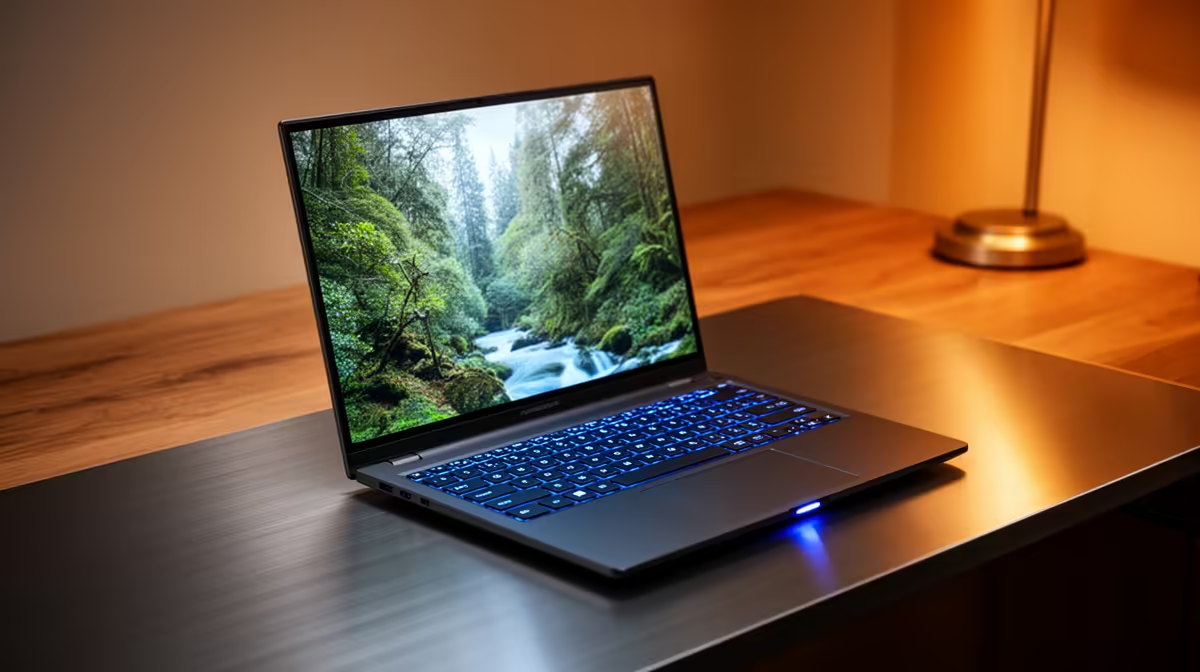
Choosing a new Dell laptop in South Africa? It’s easy to get lost in specs like RAM and SSD speed. But the one thing you’ll stare at for hours every day is the screen. Picking the right display size isn’t just about preference; it’s a critical decision that impacts your productivity, portability, and even your posture. So, what is the best Dell laptop screen size for work? Let's break it down for your daily hustle.
Why Your Dell Laptop's Screen Size Matters
Think of your laptop screen as your digital workspace. A bigger desk lets you spread out your papers, and a bigger screen lets you manage more windows without constantly alt-tabbing. The ideal Dell screen size for your work directly influences how efficiently you can multitask.
For professionals juggling spreadsheets, documents, and emails, more screen real estate means less time wasted resizing and switching apps. But it's a balancing act. A larger screen usually means a heavier laptop, which isn't ideal if you’re navigating between meetings in Cape Town or working from a coffee shop during an unexpected outage.
Decoding Dell Screen Sizes: From Commuter to Powerhouse
Dell offers a fantastic range of sizes, each tailored to different work styles. Let's find your perfect fit.
The Compact Commuter: 13-inch to 14-inch
This is the sweet spot for ultimate portability. 🎒 These laptops are lightweight, fit into almost any bag, and typically boast excellent battery life. They are perfect for professionals who are always on the move.
- Best for: Sales executives, frequent flyers, writers, and anyone who values mobility over a massive digital canvas.
- The Trade-off: Multitasking can feel a bit cramped. You might find yourself zooming in on text more often. Many top-tier models, like those found in the versatile Dell Vostro series, offer crisp, bright 14-inch displays that make the most of their compact form factor.
The All-Rounder: 15.6-inch
This is the undisputed champion of the laptop world for a reason. A 15-inch screen offers the best balance between usable screen space and reasonable portability. It’s large enough for comfortable side-by-side window snapping and often includes a full number pad on the keyboard—a must for anyone working with figures. This is arguably the best Dell laptop screen size for work for the majority of South African professionals. You'll find this size across many powerful Dell workstation laptops designed for serious performance.
- Best for: Office workers, developers, accountants, and general-purpose business use.
- The Trade-off: They aren't as featherlight as their 13-inch cousins, but they're far from being desktop-bound.
Productivity Pro Tip ⚡
For the ultimate setup, pair a portable 14-inch laptop with a large external monitor at your desk. You get maximum mobility when you need it and a huge, comfortable workspace back at the office. It's the best of both worlds!
The Powerhouse Panel: 16-inch to 17-inch
When your work demands maximum visual real estate, you go big. 🚀 These laptops are desktop replacements, designed for professionals who need to see every detail without compromise. They are perfect for complex, visually-driven tasks.
- Best for: Video editors, graphic designers, architects, and data analysts who need multiple complex applications open at once.
- The Trade-off: Portability takes a backseat. These are heavy machines with shorter battery life, meant for moving between a desk and a boardroom, not a daily commute on the Gautrain. For this level of performance, exploring Dell's Precision line is a must.
Beyond Size: Don't Forget Resolution
Screen size is only half the story. Resolution determines clarity.
- Full HD (1920x1080): The standard for years. It's perfectly sharp for 13-inch and 15-inch screens for general office work.
- QHD (2560x1440) or 4K (3840x2160): A noticeable step up in sharpness, especially on larger 16-inch and 17-inch displays. Essential for creative professionals who need pixel-perfect accuracy.
If you find even a 17-inch laptop limiting, it might be time to consider the dedicated screen and power of a Dell All-in-One PC for your primary workspace.
Finding Your Perfect Dell Screen in South Africa
So, what’s the final verdict? The best Dell laptop screen size for work in South Africa is the one that fits your workflow.
- Prioritise mobility? Go for a 14-inch model.
- Need a do-it-all machine for the office and home? A 15.6-inch is your safest, most effective bet.
- Is your work highly visual and complex? A 16-inch or 17-inch screen will be your most valuable tool.
By thinking about how you work day-to-day, you can confidently choose a screen that enhances your productivity instead of hindering it. When you're ready to see what's available, you can always check out the latest laptop specials to find a deal that matches your needs and budget.
Ready to Find Your Perfect Match?
Choosing the right screen size is the first step to unlocking your productivity. Whether you're a road warrior or a desk-bound powerhouse, the perfect Dell is waiting. Explore our massive range of laptop specials and find the machine to conquer your workday.