



How to Use a Nano SIM 4G Router for Reliable Home Internet
Master using a Nano SIM 4G router as your primary internet solution. Get stable speeds and seamless connectivity for gaming and streaming at home! 🌐🚀
Read moreEnhance productivity with our top docks for triple-screen setups 🖥️. Effortlessly connect three monitors without hassle and boost your workflow. 🚀
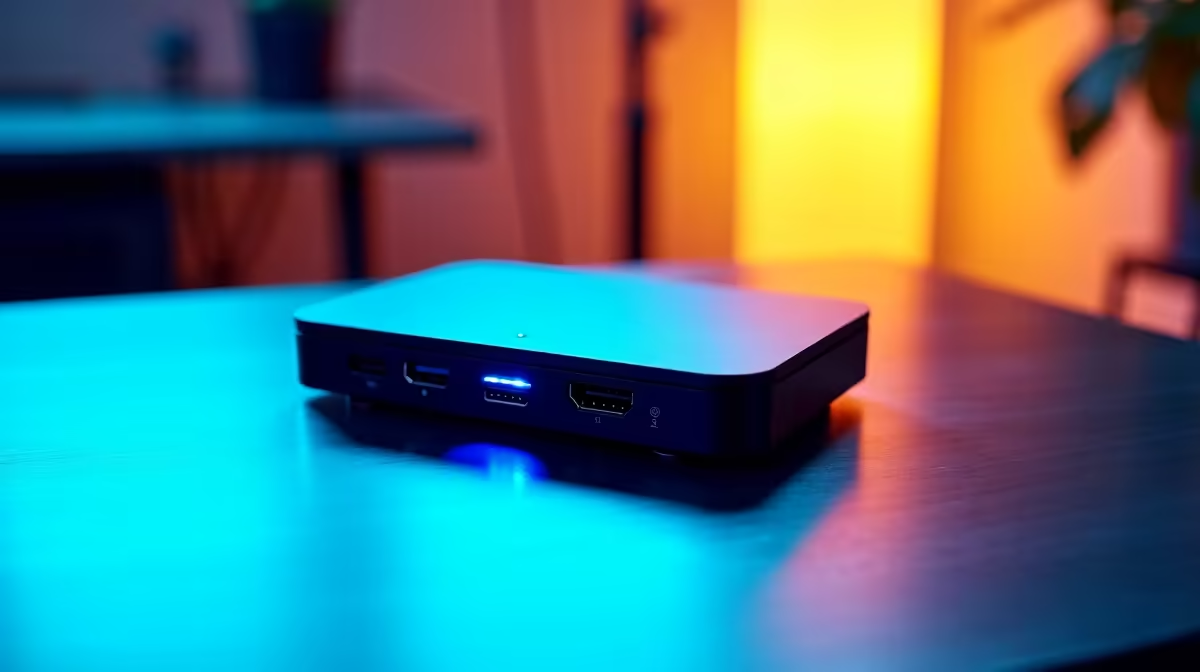
Dreaming of that epic, wrap-around gaming view or a productivity powerhouse with three screens? You’re not alone. But the reality of dangling adapters and a spaghetti monster of cables can quickly kill the vibe. What if you could connect all three monitors, your keyboard, mouse, and even charge your laptop with a single, clean cable? That, my friend, is the magic of a dedicated docking station. It's time to declutter your desk and unlock your setup's true potential. ✨
Let's be honest, most laptops just aren't built for a multi-monitor marathon. You might have one HDMI port and a couple of USBs... hardly enough for the command centre you're envisioning. A proper docking station for three monitors is the central hub that solves this problem elegantly.
Instead of juggling multiple dongles, you get a single point of connection. This not only cleans up your cable management but also protects your laptop's ports from constant wear and tear. Plus, the best docks for triple-screen setups come loaded with extra connectivity—think USB-A ports for your peripherals, an Ethernet port for stable online gaming, and even SD card readers. It transforms your portable laptop into a full-fledged desktop powerhouse the second you plug it in.
Not all docks are created equal, especially when you're driving three displays. Getting the right one means your setup will be seamless and perform as expected. Getting the wrong one... well, that leads to flickering screens and a lot of frustration. Here’s what to look for.
The connection between the dock and your laptop is the most critical link. You'll mainly see two types:
Before you buy, check your laptop’s specifications online or in its manual. Confirm that its USB-C port supports DP Alt Mode and Power Delivery (PD). This simple check saves a massive headache later.
A dock needs enough graphical muscle to power all your screens. Check the dock's specifications to see what resolutions and refresh rates it can handle across three monitors. For example, a dock might support three 1080p screens at 60Hz, but only one 4K screen. If you're a competitive gamer, ensuring the dock can push the high refresh rates your monitors are capable of is crucial. High-quality brands like Promate offer reliable performance for demanding setups.
Building the ultimate setup doesn't have to break the bank. You can find a solid triple monitor dock in South Africa that fits your needs and your wallet.
For everyday productivity and light multitasking, there are some excellent budget-friendly options under R1000 that will get the job done. They offer the core benefit of single-cable connectivity and extra ports for your essentials.
If you need more power, perhaps for driving higher resolution screens or faster charging, stepping up your budget is a good idea. You’ll find that docks in the sub-R2000 price range often provide more video outputs, faster USB ports, and higher Power Delivery wattage, making them a fantastic middle-ground for gamers and creative professionals. 🚀
Ready to Build Your Ultimate Setup? Stop dreaming and start doing. Explore our massive range of docking stations to find the perfect match for your triple-screen ambitions and shop now at Evetech for a cleaner, more powerful workspace.
Top picks include plug-and-play docks with strong GPU support and multiple ports like USB-C and HDMI. 🔌
Yes! Look for docks with at least three compatible video ports (HDMI, DisplayPort, or USB-C). 📡
Connect each display via compatible cables (HDMI/DP), and ensure system compatibility for smooth performance. 🖥️
USB-C docks work well if they support Thunderbolt 3/4 or DP 1.4 for high bandwidth and resolution. ⚡
Check port selection, bandwidth (e.g., USB-C 10Gbps), compatibility, and power delivery (Wattage). ⚙️
Yes, your GPU must support multiple displays and have enough video outputs for all connected monitors. 💻
They allow adding peripherals or displays later, supporting multi-monitor setups with modular upgrades. 🔗
Standard hubs may lack enough video outputs; use a dedicated display dock for reliable triple-screen support. 🖇️
Master using a Nano SIM 4G router as your primary internet solution. Get stable speeds and seamless connectivity for gaming and streaming at home! 🌐🚀
Read more
Confused by Cat4 vs Cat6 LTE routers? 🌐 We break down the technical differences to help you choose the right router for faster gaming and streaming. Get the speed you deserve today! 🚀
Read more
Learn how to setup a VPN server on your 4G LTE router to secure your remote access. Protect your data and browse safely from anywhere with our easy guide! 🌐🔐
Read more
Choosing the best 4G LTE router for South Africa ensures reliable internet when fibre is unavailable. Discover top connectivity tips for rural and urban areas. 🌐📶
Read more
Discover what is passive PoE and how it streamlines outdoor router installations. Eliminate messy cabling and simplify your network setup with this efficient power delivery method. ⚡🌐
Read more
Need to extend internet coverage to outbuildings or farms? 📡 An outdoor 4G router is the ultimate solution for stable, high-speed connectivity in remote locations. Discover how to boost your range and stay connected anywhere on your property. 🌐
Read more
Wondering if a TKL wireless mechanical keyboard is worth it for everyday productivity? We break down latency, battery life, comfort, and workflow gains for real work. ⚡⌨️

Maximise battery life on a fanless 15-inch laptop using efficiency core architecture. Cut idle drain, tune power profiles, and improve thermals for longer runtime. 🔋⚙️

Learn how to reduce desk clutter with a TKL wireless keyboard using fewer cables, smart placement, and tidy essentials. Get a faster, calmer workspace with better ergonomics. ✅🧼

RGB keyboard lighting too distracting? Learn how to manage backlight modes, set brightness, and reduce distraction for focus and productivity 😌🖱️

Are themed gaming keyboards worth the extra cost? Compare build quality, switch options, features, and resale value to find the best fit for your setup 🎮⌨️

Full-Size vs Tenkeyless mechanical keyboards for gaming: find out if a smaller layout truly improves aim, speed, and comfort. We break down layout, desk space, latency-feel, and keybinds 🎮⌨️

Dedicated media rollers vs function key shortcuts: learn which setup gives you better workflow control, faster media access, and fewer mistakes. 🖱️🎧

Best Mechanical Switch Type for Gaming: Clicky vs Linear vs Tactile. Find your feel, speed, and noise balance with practical guidance for FPS, MOBA, and productivity 😄🎮

Direct mouse answer: Mouse not keeping up with your work? Everything that matters about dual-mode 2.4GHz + BT 5.0: DPI behaviour, channel switching, battery curves and per-app button mapping. Covers when 2.4GHz USB wins (low-latency desk) and when BT 5.0 wins (laptop, d

Plain wireless mouse guide: Mouse not keeping up with your work? Everything that matters about wireless productivity mouse: DPI behaviour, channel switching, battery curves and per-app button mapping. Includes DPI tuning tips, channel switch shortcuts, and ZAR-aware fea

Real productivity numbers: Set up your wireless mouse in this order: everything that matters about wireless productivity mouse: DPI behaviour, channel switching, battery curves and per-app button mapping. Includes DPI tuning tips, channel switch shortcuts, and ZAR-aware

Pen not feeling like paper? Stylus lag and skipping usually trace to old drivers, dirty nibs, or display refresh mismatches, not the pen itself. Covers pressure curve tuning, tilt thresholds, nib swap timing, and SA pricing brackets.