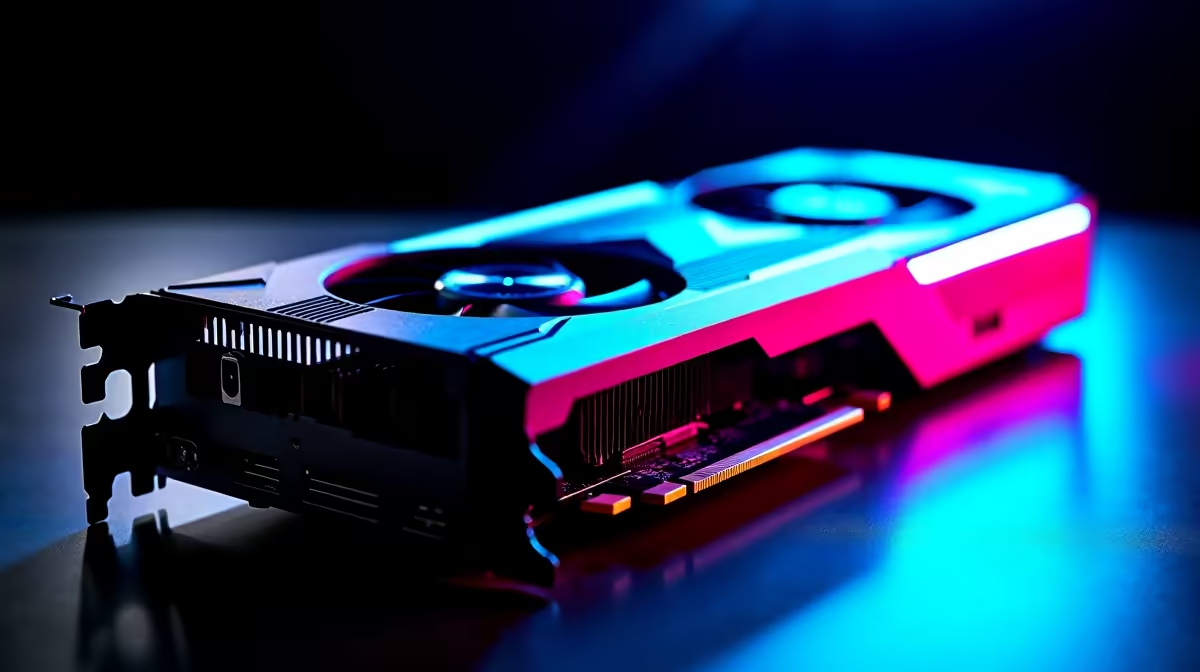
So, you're ready to go live. You've got the skills, the personality, and a growing list of followers keen to watch you dominate in Apex or Valorant. But there's one problem… your stream looks like a pixelated mess the moment the action kicks off. Dropped frames, stuttering gameplay, and a blurry facecam can kill your channel's growth. The secret to a pro-level broadcast isn't just fast internet; it's finding one of the best GPUs for Full HD streaming performance.
Why Your GPU is the Heart of Your Streaming Rig
When you stream, your PC is doing two demanding jobs at once. It's running your game at the highest possible framerate while simultaneously encoding that gameplay into a video format for Twitch or YouTube. This dual load can crush an older or underpowered graphics card.
This is where modern GPU encoders come in. NVIDIA's NVENC (NVIDIA Encoder) and AMD's VCN (Video Core Next) are dedicated parts of the GPU die designed specifically for this task. They handle the video encoding with minimal impact on your gaming performance, ensuring your gameplay stays smooth while your stream looks crisp and professional. Choosing a card with a powerful, up-to-date encoder is crucial for top-tier Full HD streaming performance. 🚀
Top GPU Picks for Flawless 1080p Streaming
Finding the right balance between price and performance is key for any South African gamer. You don't need to spend R40,000 to get a great-looking stream. Here are our top picks for achieving that silky-smooth 1080p broadcast.
The Sweet Spot: Entry to Mid-Range Power
For most aspiring streamers, cards like the NVIDIA GeForce RTX 4060 or the AMD Radeon RX 7600 hit the perfect sweet spot. They offer excellent 1080p gaming power and feature the latest generation of encoders. You'll be able to play most modern titles on high settings and maintain a high-quality 1080p 60fps stream without breaking a sweat.
Of course, your GPU only handles the game. To complete the picture, your audience needs to see you clearly. Pairing your new card with a solid webcam under R1000 is a smart, budget-friendly move to instantly boost your production value.
Quick OBS Encoder Tip ✨
In OBS Studio, go to Settings > Output. Change the 'Output Mode' to 'Advanced'. Under the 'Streaming' tab, select 'NVIDIA NVENC H.264' or 'AMD HW H.264 (AVC)' as your Encoder. This ensures you're using your GPU's dedicated hardware, freeing up your CPU.
Levelling Up: For Competitive Performance
If you're playing fast-paced competitive shooters like CS2 or Warzone, every single frame counts. Stepping up to a GeForce RTX 4060 Ti or a Radeon RX 7700 XT gives you more headroom. This means you can push for higher in-game framerates (144fps+) for that competitive edge, while your GPU for 1080p streaming continues to deliver a flawless broadcast to your viewers.
With this level of graphical fidelity, a grainy facecam can really let the side down. It's worth considering an upgrade to a quality webcam up to R2000 to ensure your camera feed looks as clean as your gameplay.
Beyond the Graphics Card: Completing Your Setup
While the GPU is the star player, it's part of a team. The best GPUs for Full HD streaming performance work even better when supported by the right components. A capable CPU (like a modern Ryzen 5 or Core i5) and at least 16GB of fast RAM are essential to prevent system bottlenecks.
And let's be honest, a stream isn't just about the game. It's about you. Your reactions, your personality... that's what builds a community. That's why a high-quality webcam is essential for any serious streamer. It connects you with your audience. For those aiming for truly professional production values, a premium webcam can provide superior low-light performance and higher framerates, making you look your best no matter what. 🔧
Ready to Upgrade Your Stream?
Stop letting lag and pixelation hold your channel back. Explore our massive range of graphics cards to find the perfect engine for your streaming ambitions. Shop the best GPUs at Evetech for performance that leaves dropped frames in the dust.