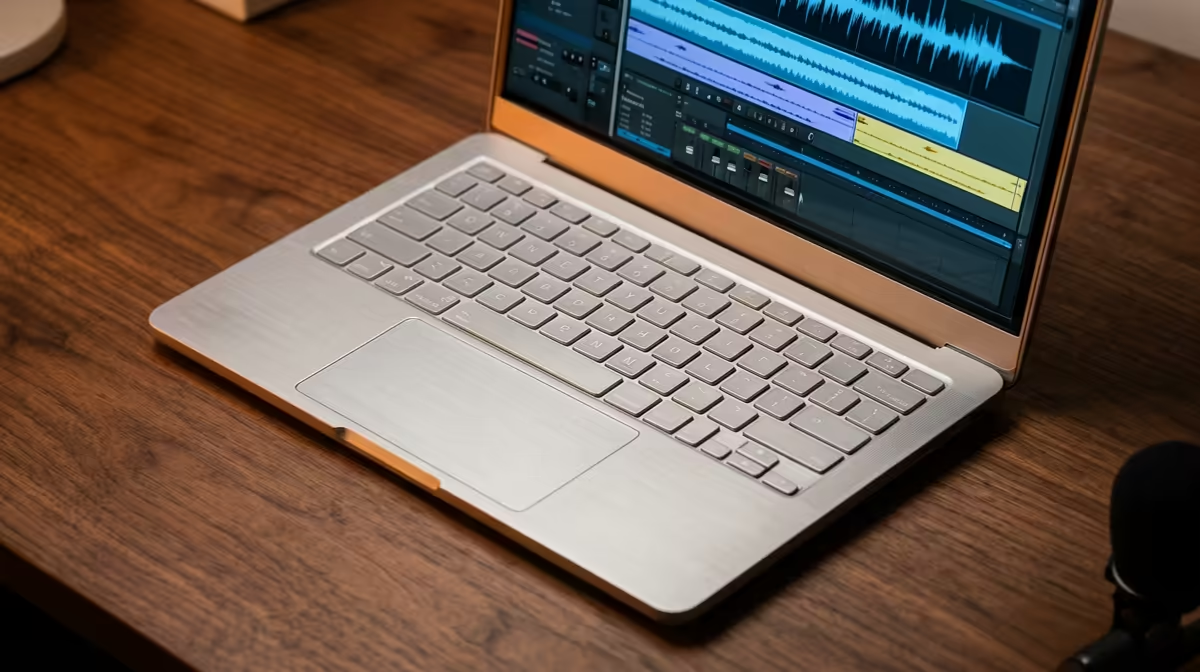
Thinking about your next laptop for making beats? You’re probably obsessed with CPU cores and RAM speed. But what if the biggest bottleneck in your workflow isn’t your processor… but your screen? For South African producers grinding away in FL Studio or Ableton, the right display isn't a luxury; it's a command centre. A great screen can mean the difference between a frustrating session and a creative breakthrough. Let's dive into what makes the best laptop display for music production.
Why Your Screen Matters More Than You Think
A producer's relationship with their Digital Audio Workstation (DAW) is intense. You spend hours staring at timelines, plugin windows, and virtual mixers. The quality of that view directly impacts your efficiency and even your creativity.
A cramped, low-resolution screen forces you to constantly zoom and scroll, breaking your flow. Imagine trying to make precise automation edits on a 13-inch 1080p display… it’s a recipe for frustration. A larger, sharper display lets you see more of your project at once, keeping vital tools and tracks in view. This is why many producers who invest in the best gaming laptop deals often report a massive workflow improvement, as these machines typically feature superior screens. ✨
Decoding Display Specs for Music Production
You don't need to be a display expert, but understanding a few key specs will help you choose the best laptop display for music production in ZA.
Resolution and Size: Your Digital Canvas
Forget standard Full HD (1920x1080). For music production, more vertical pixels are gold. A QHD (2560x1440) or QHD+ display on a 15-inch or larger screen gives you the space to see your track arrangement, mixer, and plugins without feeling claustrophobic. This extra real estate is crucial for managing complex projects. Many modern Intel laptops on special offer these high-resolution panels as a standard feature.
Colour Accuracy & Brightness: Clarity is Key
While 100% DCI-P3 colour gamut isn't essential like it is for video editors, a screen with good sRGB coverage (95% or more) makes your DAW's interface much clearer. Colour-coded tracks and clips are easier to distinguish, reducing mental fatigue. 🎨 Equally important is brightness (measured in nits). A brighter screen with an anti-glare finish is a lifesaver if your studio has a window or you plan to perform live.
DAW Organisation Pro Tip ⚡
On Windows 11, use the built-in Snap Layouts feature. Hover over the maximise button on any window (like your mixer or a plugin) to see layout options. This lets you quickly tile your VSTs, playlist, and channel rack on a high-resolution screen without any extra software. It’s a massive workflow boost!
Putting It All Together
So, what should you look for? The ideal laptop screen for a music producer is a balance of features. You want enough resolution to manage your workspace, enough brightness to work anywhere, and a size that doesn't sacrifice too much portability.
The good news is that the technology that drives great gaming experiences also benefits creators. High refresh rates, excellent response times, and vibrant colours found in many AMD laptops on special translate perfectly to a smooth and responsive DAW environment. Ultimately, the best laptop display for music production is one that makes you forget it's even there, letting you focus purely on the music. 🎶
Ready to See Your Music Clearly?
Don't let a bad screen hold back your next banger. A great display is a long-term investment in your workflow and creativity. Explore our massive range of laptop specials and find the perfect machine with a screen built to bring your sound to life.