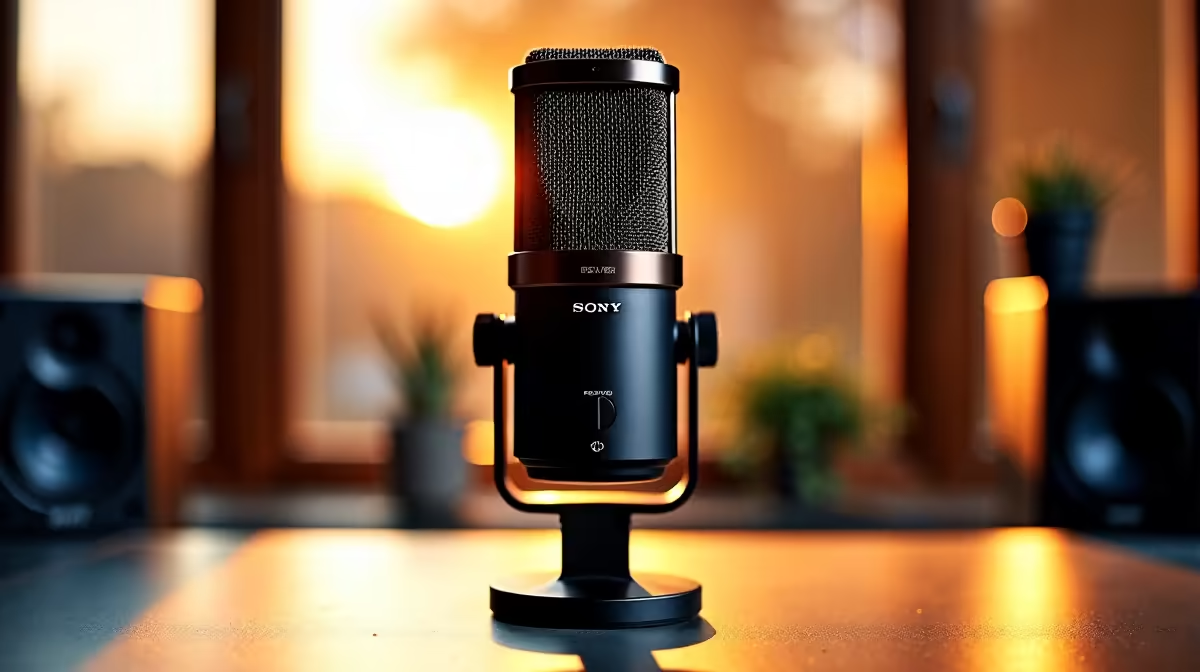
Tired of your squad hearing your mom shouting about dinner or the Eskom inverter kicking in during a clutch 1v3? We've all been there. Getting your voice heard clearly, without the chaos of your background, is non-negotiable for serious gaming. This guide is all about finding the best mics that focus on you, ensuring your callouts are crisp and your streams sound professional. Let's dive in and silence the noise for good. 🎤
Why Your Mic Needs to Focus On You
When your teammates complain about your keyboard's frantic clicks or the hum of your PC fans, the problem isn't your volume... it's your mic's directionality. The secret to clean audio lies in a mic's "pickup pattern," which defines its hearing range.
Most gaming mics use a cardioid pattern. This is a fancy way of saying the mic primarily captures sound from directly in front of it while actively rejecting noise from the sides and back. This simple-yet-powerful tech is the foundation of any mic that focuses on you, effectively isolating your voice from the environment. The result? Your comms are clear, even when your room isn't.
Finding the Best Mics for Your Setup
Choosing the right microphone type is crucial for getting that broadcast-quality sound. Your ideal choice depends on your setup, budget, and how you play.
The All-in-One Headset: Convenience Meets Quality
Let's be real, not everyone wants a separate microphone cluttering their desk. The good news is that the boom mics on modern wireless headsets have become incredibly good at noise cancellation. They position the microphone perfectly near your mouth and use built-in tech to filter out ambient sounds, making them a fantastic, fuss-free solution.
On-the-Go Audio: Mics in Miniature
What about when you’re away from your main rig? The microphones built into today's TWS earbuds are surprisingly capable for taking calls or jumping into a quick mobile game. While they won't compete with a dedicated desktop mic, their beamforming technology does a decent job of focusing on your voice in a pinch.
Beyond Hardware: Smart Setup and Software Tricks
Even the best hardware benefits from a little know-how. Software like NVIDIA Broadcast or Discord's Krisp noise suppression can work magic, using AI to digitally erase keyboard clicks and other distractions. It's like having a tiny sound engineer inside your PC. ✨
Pro Mic Placement Tip
Position your cardioid mic about 15-20cm from your mouth, angled slightly to the side. This captures your voice perfectly while minimising those harsh 'p' and 'b' sounds (plosives) and the sound of your breathing.
Of course, a mic that focuses on you is only half the audio equation. For those times you're not on comms and want to feel the full impact of the game's sound design, nothing beats a powerful set of 2.1 speakers to make your desk shake.
Ready for Crystal-Clear Comms?
Stop letting background noise cost you the match. From dedicated mics to versatile Bluetooth headsets perfect for your PC and phone, Evetech has the audio gear to make sure you're always heard.