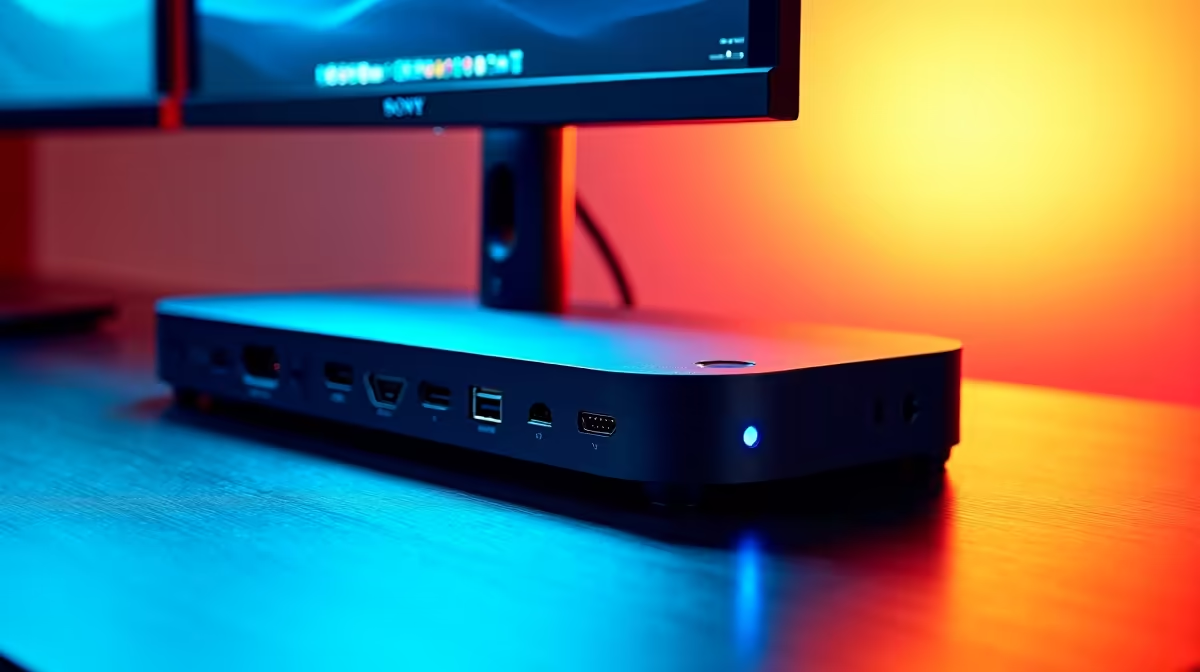
Tired of your desk looking like a plate of spaghetti? Your powerful laptop is a beast, but plugging in monitors, a keyboard, a mouse, and a charger every single day is a mission. What if one sleek cable could connect your entire multi-monitor setup and keep you powered up? That's the magic of a docking station, the ultimate upgrade for any South African gamer or power user looking to declutter and boost productivity. ✨
Why a Docking Station is Your Setup's Unsung Hero
Let's be honest, the single-cable dream is real. A modern dock transforms your portable laptop into a full-fledged desktop powerhouse the moment you connect it. It's not just about tidying up... it's about reclaiming your workflow. The best docks for power and multi-monitor setups provide a central hub for all your gear, meaning less wear and tear on your laptop's ports and more time focusing on what matters... whether that's dominating in Apex Legends or crushing your work deadlines. Instantly expand one port into a dozen with our massive range of docking stations.
Choosing the Best Dock for Your Multi-Monitor Setup
Finding the right dock isn't a one-size-fits-all deal. Your choice depends entirely on your gear and what you want to achieve. A powerful laptop dock needs to match your ambitions, especially when driving multiple high-resolution displays.
Key Things to Check:
- Connectivity (USB-C vs. Thunderbolt): Most modern docks use USB-C, but they aren't all created equal. For the ultimate multi-monitor setup, especially with 4K screens, a Thunderbolt 3 or 4 dock offers the most bandwidth. However, a high-quality USB-C dock is often more than enough for dual 1080p or 1440p displays.
- Power Delivery (PD): Does your laptop charge via USB-C? Check its power adapter wattage (e.g., 65W, 90W). Your dock's PD output should match or exceed this to charge your laptop effectively while it's under load. There's nothing worse than your battery draining while it's plugged in!
- Display Outputs: How many monitors do you have, and what cables do they use? Look for a dock with the right mix of HDMI and DisplayPort outputs to match your screens without needing a drawer full of adapters.
Pro Tip: Check Your Port! 💻
Before you buy, check your laptop's USB-C port specs. Does it support 'DisplayPort Alternate Mode' and 'Power Delivery'? This info is key for ensuring your multi-monitor setup will work flawlessly. A quick search of your laptop model will usually give you the answer.
Finding Your Perfect Dock Without Breaking the Bank
You don't need to spend a fortune to get a fantastic dock. The goal is to find the sweet spot between features and price. For many users, a reliable hub that handles dual monitors and essential peripherals is perfect. There are some excellent, budget-friendly docks available for under R1000 that get the job done with style.
If your setup is a bit more demanding—think high refresh rates, more peripherals, and higher power needs—it's worth investing a little more. Exploring options up to R2000 opens up a world of performance and connectivity. Here, you'll find docks with more USB ports, faster charging, and better support for demanding displays. Brands like Promate are known for delivering great value, offering robust features that won't let you down. 🚀