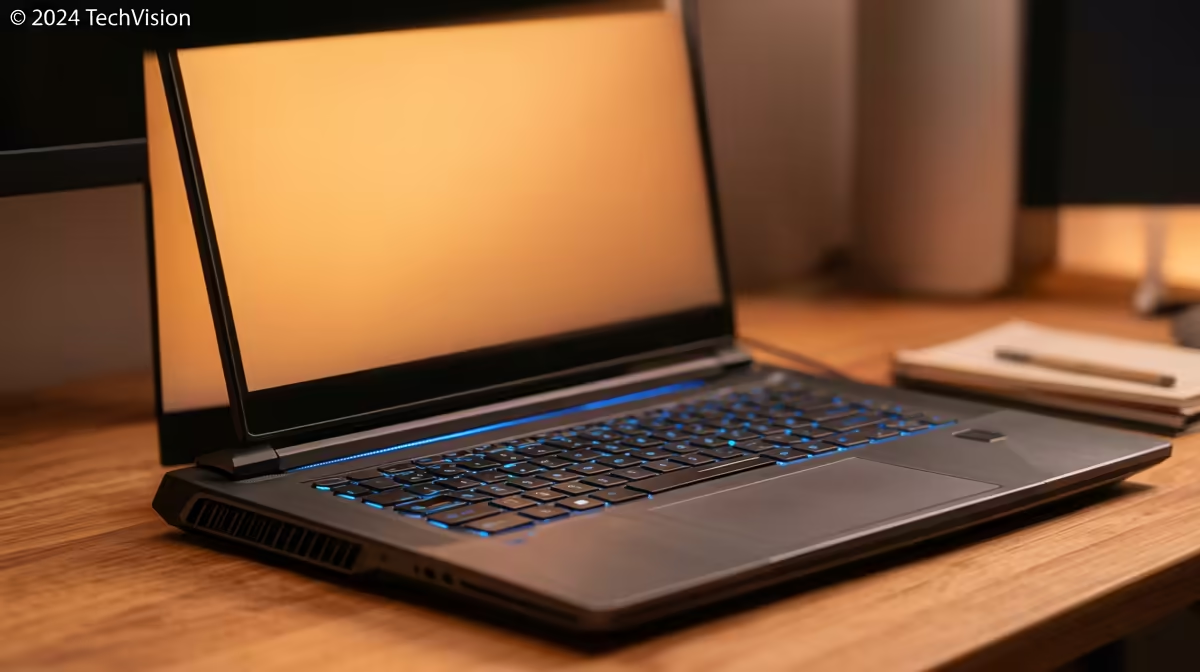
That awkward moment in a packed lecture hall when your laptop fan spins up like a jet engine… we’ve all been there. 🤫 For South African students, juggling assignments, research, and maybe a sneaky gaming session requires a machine that’s powerful but won’t get you shushed in the library. Finding the best quiet SA student laptops means balancing performance with acoustics, ensuring you can focus without the distracting hum. Let's dive in.
What Really Makes a Student Laptop Quiet?
It’s not magic, it’s just smart engineering. The noise from a laptop almost always comes from its cooling fans. The harder your processor (CPU) and graphics card (GPU) work, the hotter they get, and the faster the fans have to spin to cool them down.
The secret to the best quiet student laptops lies in efficiency. Modern processors are designed to sip power during light tasks like writing essays or browsing, generating very little heat. This means the fans can stay off or run at an almost inaudible speed. Other factors include:
- Solid-State Drives (SSDs): Unlike old-school hard drives, SSDs have no moving parts, making them completely silent.
- Advanced Cooling: Better heatsinks, heat pipes, and fan blade designs move more air at lower RPMs, reducing noise.
- Chassis Design: A well-ventilated chassis helps dissipate heat passively, giving the fans a break.
Finding Your Perfect Balance of Power and Peace
You might think a powerful machine is always a loud one, but that’s not the case anymore. Many of today's modern gaming laptops feature incredibly sophisticated cooling systems that run whisper-quiet during everyday student tasks. They only ramp up when you launch a demanding game or application. ✨
The key is choosing a laptop with an efficient, modern CPU. Both laptops powered by AMD and the latest Intel-based machines offer fantastic performance-per-watt, making them ideal for a quiet student laptop that can still handle heavy workloads when needed. These processors can intelligently scale their power usage, ensuring silent operation for most of your varsity day.
Quick Tip: Master Your Power Profile ⚡
Most Windows laptops have adjustable power plans. Switching to 'Balanced' or 'Power Saver' mode when you're in a quiet environment limits the CPU's maximum speed, drastically reducing heat and fan noise. You can switch back to 'High Performance' when you need the extra power.
Key Features for a Silent Student Laptop
When browsing for your next campus companion, keep an eye out for these features to ensure it stays quiet:
- Efficient Processors: Look for laptops with recent-generation Intel Core or AMD Ryzen series CPUs. These are built to be powerful without turning into a portable heater.
- Good Integrated Graphics: Unless you're a serious gamer, a laptop with strong integrated graphics (like AMD's Radeon or Intel's Arc graphics) can handle most tasks silently, as there's no power-hungry dedicated GPU to cool.
- Positive User Reviews: Check what other users say about the fan noise under normal use. A quick search can save you a lot of acoustic annoyance.
- Slim Bezels, Big Screen: This doesn't directly affect noise, but it's a huge quality-of-life feature for students, giving you more screen real estate in a smaller, more portable chassis. 💻
Ultimately, the best quiet SA student laptops give you the freedom to work and play anywhere without causing a disruption.
Find Your Whisper-Quiet Performer
Ready to upgrade to a laptop that lets you focus? Check out our massive range of student-friendly machines with incredible deals in ZAR. Browse our latest laptop specials at Evetech and find the perfect blend of silence and power today.