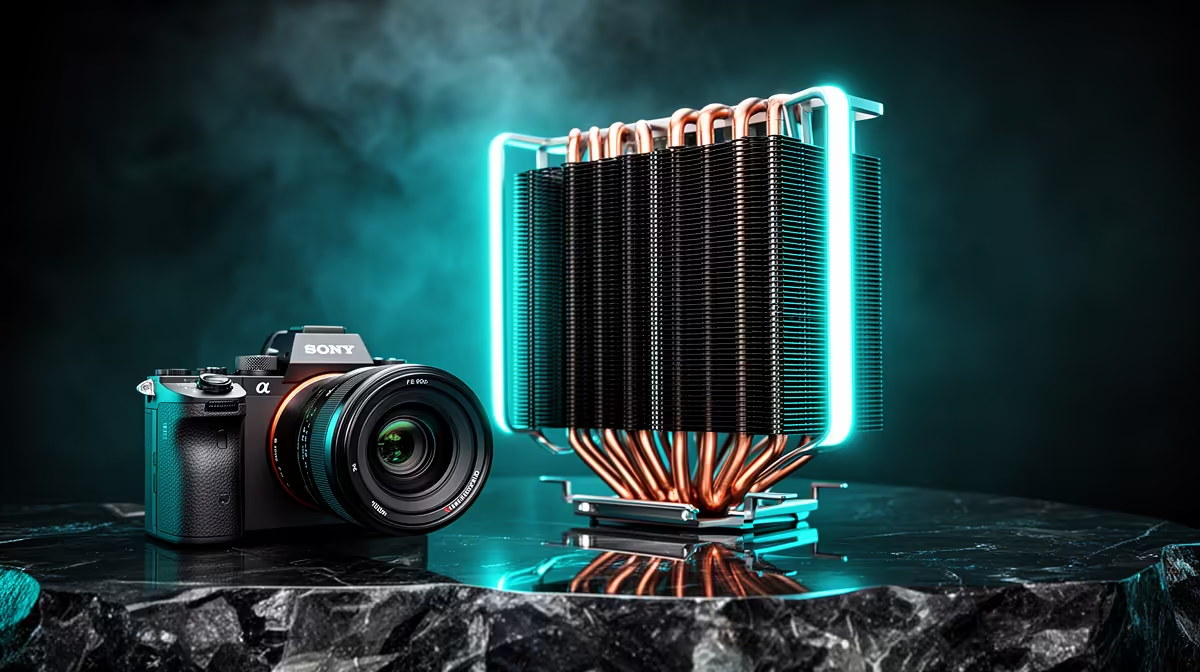
A single-tower CPU cooler can keep a strong gaming chip under control without covering the memory slots or filling the case. One dense fin stack also makes installation easier. The limit is sustained heat: cooler height, fan noise and the processor's power behaviour must still line up.
Quick Answer
Choose a single tower for a mid-range gaming CPU, a compact case or a build where RAM clearance matters. Match the cooler's socket, height and heat-handling evidence to the exact processor. For long all-core work on a power-hungry chip, a large dual tower or suitable liquid cooler may run cooler or quieter.
A cooler rating is a starting point
Some makers publish a watt figure. Test methods differ, and modern CPUs change clocks until they meet temperature, power or current limits. A claimed heat capacity does not guarantee one temperature on every processor.
Look for independent tests on a comparable socket and heat load. Compare noise-normalised results, not temperature with one fan screaming faster. A five-degree lead at much higher noise may be a poor trade for a desk beside you.
Gaming draws less all-core power than many render or stress tests. That is why a compact tower can work well in a gaming PC even if a synthetic load reaches a high temperature.
Measure case clearance twice
The case specification should list maximum CPU-cooler height. Compare that with the cooler's full height, including fan clips. Leave a small margin for panel tolerances and any sound-deadening material.
Check motherboard heatsinks and the first PCIe slot. A wide fin stack can approach the graphics-card backplate on compact boards. The fan may also overhang the nearest DIMM, though single towers tend to leave more space than dual stacks.
Memory height matters if the fan must sit above a tall heat spreader. Raising the fan increases total cooler height. Low-profile RAM avoids that chain of compromises.
Browse the CPU cooler range and popular cooling choices, checking dimensions on the exact model.
Fan choice shapes the result
A good tower fan needs enough pressure to push air through fins without an unpleasant tone. Diameter, blade design and speed range affect airflow and noise. A 120 mm fan is common because replacements are easy to find.
A second fan can improve performance on some towers, but the gain may be small. It adds cost, cable clutter and another noise source. Start with the supplied fan, test the system and add one only when measurements support it.
Use the motherboard CPU-fan header and set a smooth curve. Short temperature spikes should not make the fan surge every few seconds. Add a response delay where the BIOS provides one.
Mounting pressure and paste matter
Follow the socket-specific instructions. Remove the plastic film from the base, use the supplied mounting hardware and tighten screws in alternating steps. Uneven pressure can create poor contact.
Apply thermal paste in the pattern recommended by the cooler or paste maker. More paste does not fix a loose mount; too much can create a mess around the socket. If temperatures look wrong, check pump-free basics first: fan direction, mount, paste coverage and BIOS power settings.
Support the motherboard during installation. A tower acts as a lever, so move a complete PC with care and avoid dropping the case.
Airflow carries heat away
Point the cooler fan towards the rear exhaust in a common front-to-back case layout. Make sure the rear fan pulls the warmed air out. A top exhaust can help, while a top-front fan may steal cool intake before it reaches the tower.
Keep the front filter clean and cables clear of the airflow path. Testing with the side panel removed can reveal a restricted case: if CPU and GPU temperatures fall a lot, the cooler may be fine while intake needs work.
Room temperature affects every result. Compare before-and-after tests under similar conditions rather than chasing somebody else's absolute number.
CPU settings can make a compact cooler shine
Modern processors may use aggressive boost settings out of the box. A sensible power limit or voltage optimisation can reduce heat with little effect on gaming. Use supported motherboard controls and test stability after each change.
Do not copy a voltage from another CPU. Silicon varies. Record benchmark performance, temperature and errors, and return to defaults when behaviour becomes unstable.
When to choose something larger
A dual tower offers more fin area and can cool a sustained high load at lower fan speed. It also weighs more and can cover memory. A liquid cooler moves the radiator to another part of the case but adds pump noise and more installation points.
Choose larger cooling when measured workload, noise target or processor power needs it. Bigger hardware for its own sake can make a compact build harder without changing game performance.
A simple validation run
Record idle temperature, then run a CPU-heavy task and a real game. Watch sustained clocks, package power and fan speed. A safe temperature with stable performance and acceptable noise is a successful result.
Stress software can produce more heat than normal use. Use it to check stability, then judge comfort in the applications you bought the PC to run.
Frequently Asked Questions
Think about maintenance access.
A tower that leaves the memory slots open makes later upgrades and troubleshooting easier. Check whether the fan clips can be removed without taking out the graphics card. Keep the long screwdriver and socket-specific brackets with the PC records.
Dust changes results over time. Photograph the clean baseline, inspect the front filter monthly and retest temperatures after cleaning. A gradual rise can come from blocked fins or a slowing fan rather than dried paste.
Replace a fan when its bearing becomes rough; the fin stack can outlast it for years if mounting support continues.
Can a single tower cool a Ryzen 9 or Core i9?
It depends on the exact chip, power limits, workload, case airflow and cooler. Use comparable independent testing.
Is a second fan worth adding?
Sometimes. Measure temperature and noise first because the improvement can be modest.
Does a single tower clear tall RAM?
Many do, but dimensions vary. Check fin-stack and fan overlap against the memory height.
Match a single-tower cooler to your processor power, case-height limit and noise target before choosing by size alone.