Quick Answer
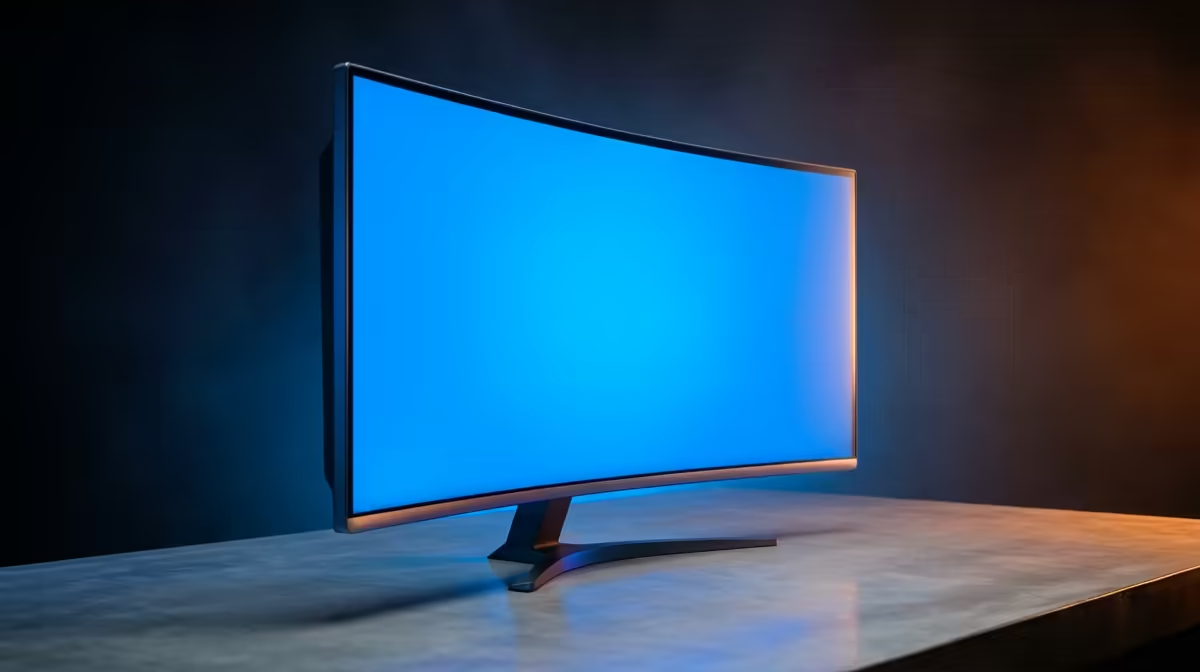
For Vereeniging remote workers, the best ultrawide monitor is a 34-inch curved IPS or VA panel at 3440×1440 with a 100–144 Hz refresh rate, priced from around R6,500 at Evetech. The 21:9 aspect ratio replaces a dual-monitor setup, giving you space for simultaneous spreadsheet, browser, and video call windows on one screen.
Ultrawide vs Dual Monitor for Vereeniging Home Offices
Desk space in Vaal Triangle home offices tends to be limited. A single 34-inch ultrawide at 3440×1440 occupies roughly the same footprint as two 24-inch monitors placed side by side, but without the centre bezel gap that disrupts focused work. Cable management is simpler, and a USB-C ultrawide with Power Delivery charges a compatible laptop through the same cable that drives the display. For remote workers on Teams, Slack, or Google Meet who need a document and a browser open simultaneously, ultrawide is the practical answer.
What GPU Do You Need?
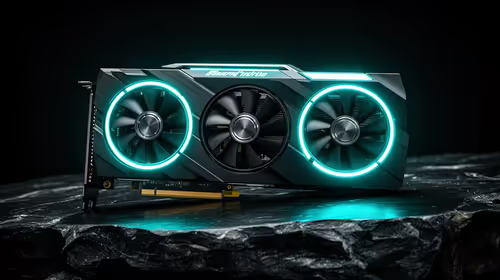
For remote work (no gaming), integrated graphics — AMD Radeon iGPU or Intel Iris Xe — drive 3440×1440 at 60 Hz without issues. If you occasionally game, an RTX 4060 (currently stocked at Evetech) handles ultrawide at medium settings with 60–90 fps in most titles. Pushing high refresh rates (120–144 Hz) in demanding games requires an RTX 4070 or RX 7700 XT as a minimum.
Pricing Tiers at Evetech
- R6,500–R8,000: VA or IPS 34-inch, 100 Hz, 3440×1440 — solid entry for remote work.
- R8,500–R11,000: IPS with better colour accuracy and 144 Hz — improves both work and gaming.
- R12,000+: 38-inch curved IPS or 165 Hz premium models.
FAQ
Is 3440×1440 much better than 2560×1440 for remote work?
Yes — 3440×1440 (21:9) gives you the same vertical resolution as 2560×1440 but 34% more horizontal pixels. That extra width means you can keep two full-width documents side by side without cramped windows, which is the main reason remote workers choose ultrawide.
Do ultrawides work with all laptops?
Most modern laptops support ultrawide via HDMI 2.0 or DisplayPort. USB-C laptops with DisplayPort Alt Mode connect via a single USB-C cable that also charges the device if the monitor supports Power Delivery. Older laptops with only HDMI 1.4 are limited to 3440×1440 at 30 Hz — fine for work, not ideal for gaming.
Does Evetech deliver monitors to Vereeniging?
Yes. Vereeniging and the Vaal Triangle are within standard courier coverage. Delivery takes 2–4 business days, and monitors ship with tracking. Large monitor boxes may require a secure delivery location — a home address with an adult present is ideal.
in Windows Display Settings if your ultrawide supports it — HDR dramatically improves spreadsheet whites and video call backgrounds, reducing the washed-out look of standard SDR content on a bright IPS panel.