



How to Use a Nano SIM 4G Router for Reliable Home Internet
Master using a Nano SIM 4G router as your primary internet solution. Get stable speeds and seamless connectivity for gaming and streaming at home! 🌐🚀
Read moreTame clutter with the best under-desk cable management! Discover sleek, hassle-free options to keep your workspace clean 🚀🎉 Check out our top picks.
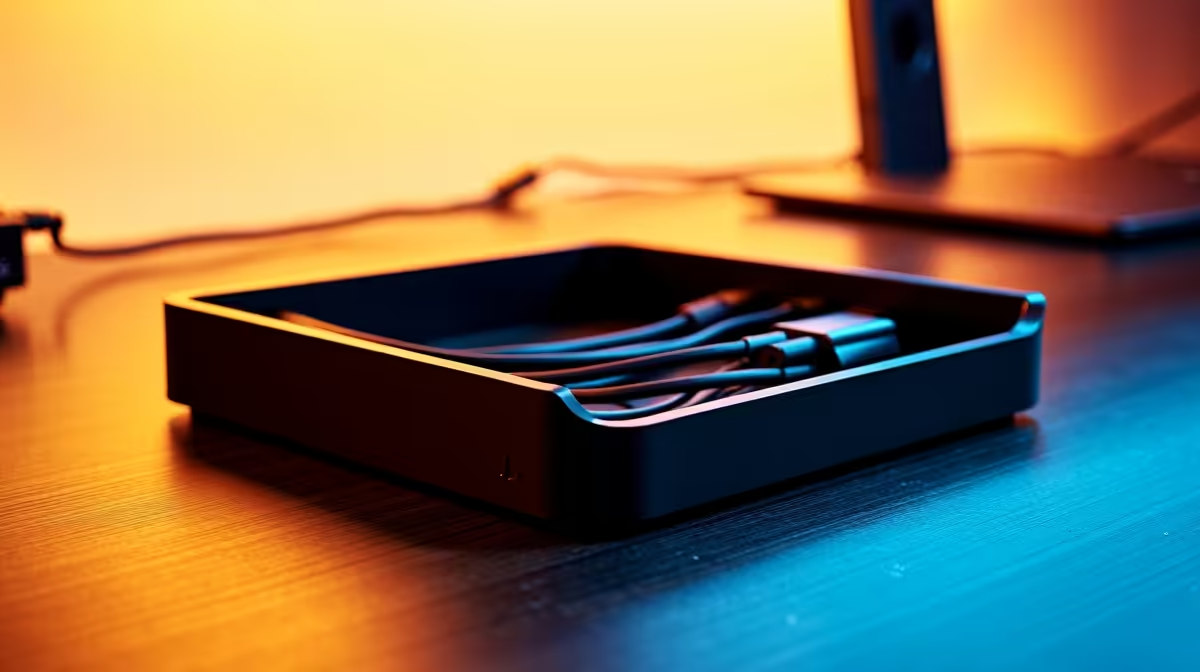
Tired of the cable spaghetti monster living under your desk? That tangled mess isn't just ugly; it's a dust trap and a trip hazard waiting to happen. For South African gamers and creators, a clean setup isn't just about looks—it's about focus. Let's explore some of the best under-desk cable management solutions to finally reclaim your space and create a battle station you can be proud of. ✨
Before we dive into the "how," let's talk about the "why." A chaotic nest of wires does more than just offend your sense of style. It can actively hinder your PC's performance and longevity. Dust builds up in tangled cables, restricting airflow and making your components run hotter. A stray foot can easily snag a power cord, leading to a disastrous shutdown mid-raid or, even worse, a damaged port.
Investing in some quality cable management isn't an expense; it's an upgrade to your entire experience, ensuring safety, better thermals, and a clean, professional look.
Not all cable problems are the same, so the solutions shouldn't be either. The key is to use a combination of tools to tackle different parts of the mess. Finding the perfect system often involves a mix of the following options.
Think of these as the superhighways for your wires. A cable tray or raceway is a basket or channel that mounts directly to the underside of your desk. This is where you'll house your power strip and bundle the bulk of your cables, getting them completely off the floor. It's the single most effective step for a dramatic cleanup. They are the cornerstone of any serious effort to manage cables under a desk.
Before you drill any holes, lay out your power strip and main cables inside the tray to ensure everything fits. Also, check that its position won't interfere with your legs or any desk drawers. Planning makes perfect!
Once your main cables are routed, you'll have smaller groups of wires heading to your monitors, speakers, and peripherals. This is where cable sleeves shine. These flexible tubes wrap around a bundle of cables, turning three or four messy wires into one neat, manageable trunk. For an easy-to-install and flexible option, check out the various cable sleeves and organisers from Promate, which make grouping related cables a breeze.
For that final, polished look, you need to control the individual cables. Adhesive cable clips are perfect for guiding a single mouse, keyboard, or headphone wire along the edge or underside of your desk, keeping it invisible and out of the way. Reusable velcro ties are also essential for tidying up any excess length. Using a few professional-grade cable clips from HP can add that final, clean touch to your workspace. 🚀
Ready to get started? Here’s a quick action plan:
This systematic approach is the secret to achieving a truly clean and efficient setup.
Ready to Tame the Cable Chaos? A clean setup is a fast setup. Stop letting tangled wires throttle your focus and style... browse our comprehensive cable solutions and build the ultimate clutter-free rig today.
It's a system to hide and organize cables beneath your desk. Reduces clutter and improves safety.
Cable trays, cord covers, adhesive clips and desks with built-in channels all work great.
You can use cable trays for under desk cable management, cord covers that stick under the desk or desks with built-in cable management.
Most systems require little effort and basic tools. Adhesive options offer tool-free installation.
Common materials include plastic cable trays, rubberized cord covers, and metal desk cable systems.
Yes! Heavy-duty cable management systems handle thick power cables with an under desk cable box.
Most cable management solutions under desk work universally via clamps or adhesive fixes. Built-in systems require compatible desks.
Many options start at R600 for basic under table cable management. Premium systems cost R2k+.
Master using a Nano SIM 4G router as your primary internet solution. Get stable speeds and seamless connectivity for gaming and streaming at home! 🌐🚀
Read more
Confused by Cat4 vs Cat6 LTE routers? 🌐 We break down the technical differences to help you choose the right router for faster gaming and streaming. Get the speed you deserve today! 🚀
Read more
Learn how to setup a VPN server on your 4G LTE router to secure your remote access. Protect your data and browse safely from anywhere with our easy guide! 🌐🔐
Read more
Choosing the best 4G LTE router for South Africa ensures reliable internet when fibre is unavailable. Discover top connectivity tips for rural and urban areas. 🌐📶
Read more
Discover what is passive PoE and how it streamlines outdoor router installations. Eliminate messy cabling and simplify your network setup with this efficient power delivery method. ⚡🌐
Read more
Need to extend internet coverage to outbuildings or farms? 📡 An outdoor 4G router is the ultimate solution for stable, high-speed connectivity in remote locations. Discover how to boost your range and stay connected anywhere on your property. 🌐
Read more
Wondering if a TKL wireless mechanical keyboard is worth it for everyday productivity? We break down latency, battery life, comfort, and workflow gains for real work. ⚡⌨️

Maximise battery life on a fanless 15-inch laptop using efficiency core architecture. Cut idle drain, tune power profiles, and improve thermals for longer runtime. 🔋⚙️

Learn how to reduce desk clutter with a TKL wireless keyboard using fewer cables, smart placement, and tidy essentials. Get a faster, calmer workspace with better ergonomics. ✅🧼

RGB keyboard lighting too distracting? Learn how to manage backlight modes, set brightness, and reduce distraction for focus and productivity 😌🖱️

Are themed gaming keyboards worth the extra cost? Compare build quality, switch options, features, and resale value to find the best fit for your setup 🎮⌨️

Full-Size vs Tenkeyless mechanical keyboards for gaming: find out if a smaller layout truly improves aim, speed, and comfort. We break down layout, desk space, latency-feel, and keybinds 🎮⌨️

Dedicated media rollers vs function key shortcuts: learn which setup gives you better workflow control, faster media access, and fewer mistakes. 🖱️🎧

Best Mechanical Switch Type for Gaming: Clicky vs Linear vs Tactile. Find your feel, speed, and noise balance with practical guidance for FPS, MOBA, and productivity 😄🎮

Direct mouse answer: Mouse not keeping up with your work? Everything that matters about dual-mode 2.4GHz + BT 5.0: DPI behaviour, channel switching, battery curves and per-app button mapping. Covers when 2.4GHz USB wins (low-latency desk) and when BT 5.0 wins (laptop, d

Plain wireless mouse guide: Mouse not keeping up with your work? Everything that matters about wireless productivity mouse: DPI behaviour, channel switching, battery curves and per-app button mapping. Includes DPI tuning tips, channel switch shortcuts, and ZAR-aware fea

Real productivity numbers: Set up your wireless mouse in this order: everything that matters about wireless productivity mouse: DPI behaviour, channel switching, battery curves and per-app button mapping. Includes DPI tuning tips, channel switch shortcuts, and ZAR-aware

Pen not feeling like paper? Stylus lag and skipping usually trace to old drivers, dirty nibs, or display refresh mismatches, not the pen itself. Covers pressure curve tuning, tilt thresholds, nib swap timing, and SA pricing brackets.