



How to Use a Nano SIM 4G Router for Reliable Home Internet
Master using a Nano SIM 4G router as your primary internet solution. Get stable speeds and seamless connectivity for gaming and streaming at home! 🌐🚀
Read moreDiscover why real users say these laptop docks replace everything ➜ Boost productivity with all-in-one connectivity solutions!💡
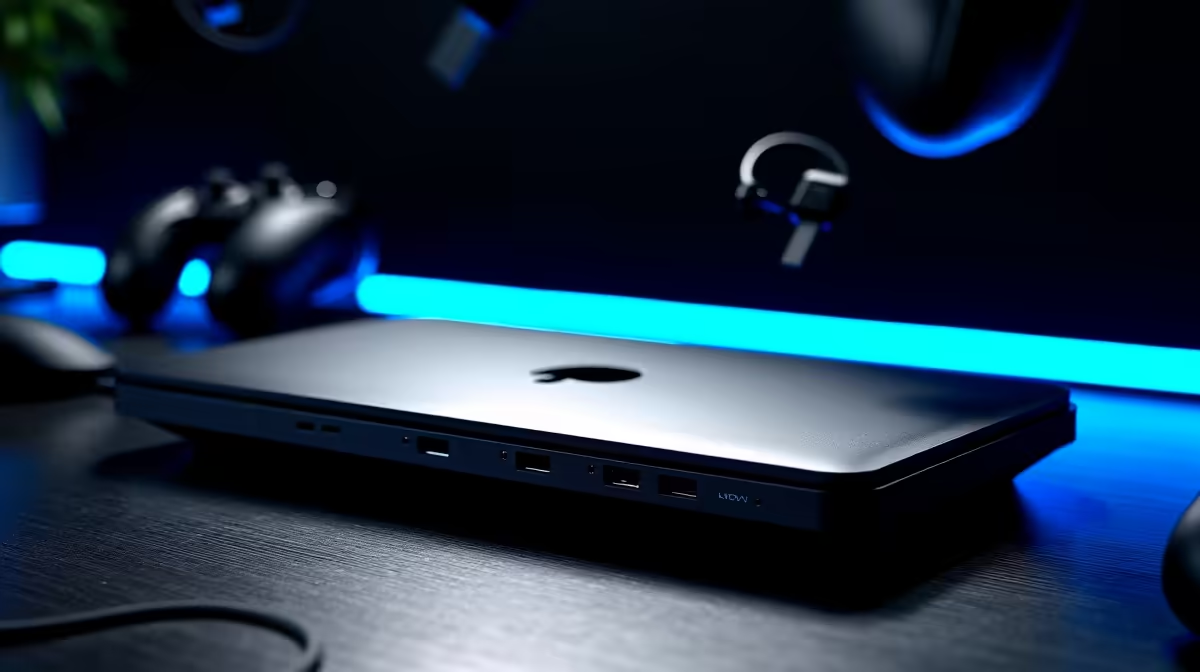
Juggling a nest of cables for your laptop is a uniquely South African struggle. One dongle for your monitor, another for your keyboard, and a separate charger… all while hoping load-shedding doesn’t scramble your setup. What if one sleek device could replace them all? The best universal laptop docks are designed to do just that, transforming your cluttered desk into a streamlined command centre with a single cable connection. It's time to simplify your tech life. ✨
Let's be honest, the "portable" part of a laptop quickly disappears under a mountain of accessories. A docking station acts as a central hub, connecting all your peripherals—monitor, mouse, keyboard, external hard drive, and even your network cable—to your laptop through one powerful USB-C port.
The magic is in the simplicity. You plug everything into the dock once. Then, whenever you need to connect your laptop, it's just one cable. No more fumbling with five different plugs. This single-cable solution not only declutters your space but also protects your laptop's ports from wear and tear. Top brands like Promate offer robust docking stations packed with the right connections for any setup.
Not all docks are created equal. Finding the right one depends entirely on your needs. Are you a competitive gamer needing a lag-free connection, or a professional who needs to drive two 4K displays?
Here's what to look for:
Even on a tight budget, you can get a fantastic unit. There are many powerful laptop docks under R1000 that provide the essential ports for a clean and efficient workspace. 🔧
Not all USB-C ports are the same. For video output, your laptop's USB-C port must support 'DisplayPort Alternate Mode' or be a Thunderbolt 3 4 port. Check your laptop's specs before buying a dock to ensure compatibility!
Once you've covered the basics, a few key features can elevate a dock from good to indispensable. A dedicated Ethernet port is one of them. For online gaming or high-stakes video calls, Wi-Fi can be unreliable. An Ethernet port provides a stable, wired internet connection for zero lag and maximum speed. 🚀
Another consideration is data transfer speed. Look for docks with USB 3.1 Gen 2 or faster ports if you regularly move large files between your laptop and external drives. For those with demanding setups, stepping up your budget slightly can unlock more power and connectivity. Exploring options in the sub-R2000 price range often gets you more display outputs, faster charging, and a wider variety of ports.
Ultimately, the right dock is the one that seamlessly integrates into your workflow, removing friction and letting you focus on what matters… whether that's hitting your deadlines or hitting your headshots.
Ready to Unclutter Your Desk? Stop wrestling with cables and discover the power of a single-connection setup. Explore our full range of docking stations and find the perfect hub for your laptop today.
Universal docks work with various laptops via USB-C or Thunderbolt 4 ports. They support multiple peripherals and power delivery.
Yes! A good universal dock replaces hubs, chargers, and adapters with one all-in-one solution for productivity.
Many universal docks are compact and lightweight, ideal for travel or moving between workspaces with all-in-one functionality.
Most universal docks enable dual monitor setups via HDMI or DisplayPort, boosting your workspace efficiency.
Look for USB-C/Thunderbolt compatibility, power delivery, port variety, and check reviews about replacing accessories for maximum productivity.
Master using a Nano SIM 4G router as your primary internet solution. Get stable speeds and seamless connectivity for gaming and streaming at home! 🌐🚀
Read more
Confused by Cat4 vs Cat6 LTE routers? 🌐 We break down the technical differences to help you choose the right router for faster gaming and streaming. Get the speed you deserve today! 🚀
Read more
Learn how to setup a VPN server on your 4G LTE router to secure your remote access. Protect your data and browse safely from anywhere with our easy guide! 🌐🔐
Read more
Choosing the best 4G LTE router for South Africa ensures reliable internet when fibre is unavailable. Discover top connectivity tips for rural and urban areas. 🌐📶
Read more
Discover what is passive PoE and how it streamlines outdoor router installations. Eliminate messy cabling and simplify your network setup with this efficient power delivery method. ⚡🌐
Read more
Need to extend internet coverage to outbuildings or farms? 📡 An outdoor 4G router is the ultimate solution for stable, high-speed connectivity in remote locations. Discover how to boost your range and stay connected anywhere on your property. 🌐
Read more
Wondering if a TKL wireless mechanical keyboard is worth it for everyday productivity? We break down latency, battery life, comfort, and workflow gains for real work. ⚡⌨️

Maximise battery life on a fanless 15-inch laptop using efficiency core architecture. Cut idle drain, tune power profiles, and improve thermals for longer runtime. 🔋⚙️

Learn how to reduce desk clutter with a TKL wireless keyboard using fewer cables, smart placement, and tidy essentials. Get a faster, calmer workspace with better ergonomics. ✅🧼

RGB keyboard lighting too distracting? Learn how to manage backlight modes, set brightness, and reduce distraction for focus and productivity 😌🖱️

Are themed gaming keyboards worth the extra cost? Compare build quality, switch options, features, and resale value to find the best fit for your setup 🎮⌨️

Full-Size vs Tenkeyless mechanical keyboards for gaming: find out if a smaller layout truly improves aim, speed, and comfort. We break down layout, desk space, latency-feel, and keybinds 🎮⌨️

Dedicated media rollers vs function key shortcuts: learn which setup gives you better workflow control, faster media access, and fewer mistakes. 🖱️🎧

Best Mechanical Switch Type for Gaming: Clicky vs Linear vs Tactile. Find your feel, speed, and noise balance with practical guidance for FPS, MOBA, and productivity 😄🎮

Direct mouse answer: Mouse not keeping up with your work? Everything that matters about dual-mode 2.4GHz + BT 5.0: DPI behaviour, channel switching, battery curves and per-app button mapping. Covers when 2.4GHz USB wins (low-latency desk) and when BT 5.0 wins (laptop, d

Plain wireless mouse guide: Mouse not keeping up with your work? Everything that matters about wireless productivity mouse: DPI behaviour, channel switching, battery curves and per-app button mapping. Includes DPI tuning tips, channel switch shortcuts, and ZAR-aware fea

Real productivity numbers: Set up your wireless mouse in this order: everything that matters about wireless productivity mouse: DPI behaviour, channel switching, battery curves and per-app button mapping. Includes DPI tuning tips, channel switch shortcuts, and ZAR-aware

Pen not feeling like paper? Stylus lag and skipping usually trace to old drivers, dirty nibs, or display refresh mismatches, not the pen itself. Covers pressure curve tuning, tilt thresholds, nib swap timing, and SA pricing brackets.