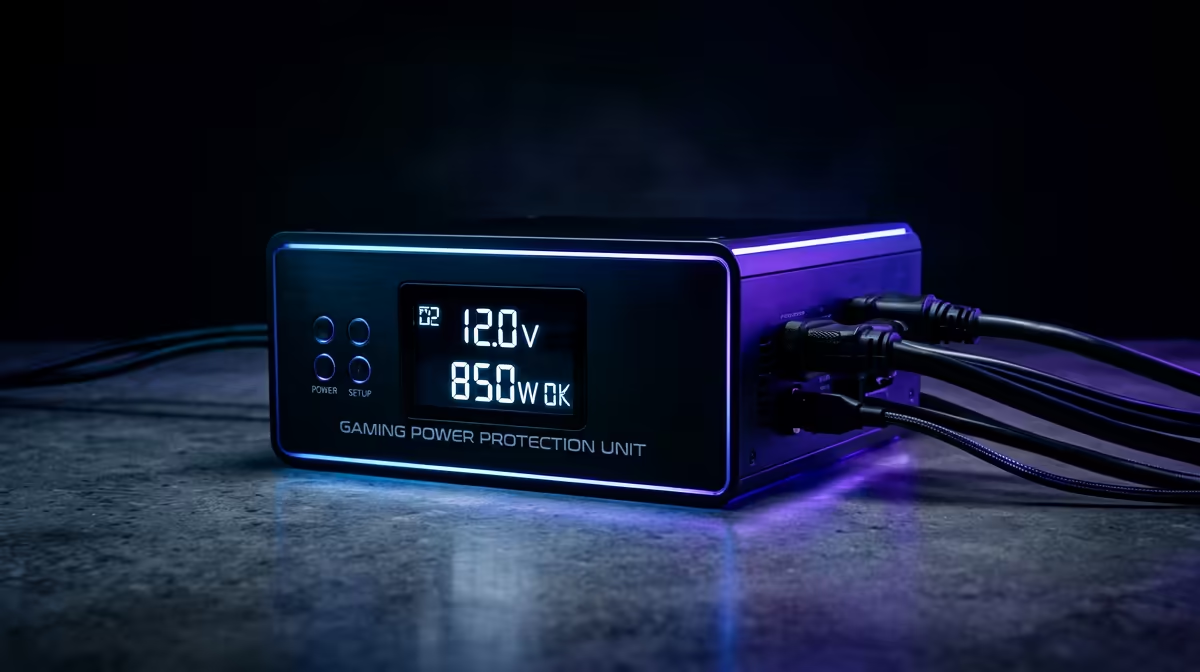
You’re deep in a ranked match. The enemy team’s core is exposed. It’s the final push… and then, darkness. In South Africa, this isn’t just a possibility; it's a daily reality. But what if you could make that power cut a minor inconvenience instead of a game-losing disaster? That's where finding the best UPS for your gaming PC in South Africa comes in.
Why Your Gaming PC Desperately Needs a UPS 🛡️
An Uninterruptible Power Supply (UPS) is more than just a battery backup. Think of it as a personal bodyguard for your expensive hardware. While its most obvious job is to beat an unexpected outage, its real value lies in providing clean, stable power to your entire setup.
Sudden power cuts can cause data corruption, ruin a Windows update, or worse, physically damage sensitive components like your motherboard or PSU. A quality UPS also protects against power surges and sags (brownouts)—those small, unseen fluctuations that degrade your components over time. You've invested thousands in your rig and your display; protecting your PC monitors and internal parts from inconsistent Eskom power is a no-brainer.
How to Choose the Best UPS for Your Gaming Setup
Picking the right UPS isn't just about grabbing the biggest box off the shelf. You need to match the UPS to your specific rig's power demands. Getting this right is crucial for ensuring you have the protection you need when the lights go out.
Understanding VA vs. Watts
You'll see two main ratings on a UPS box: Volt-Amperes (VA) and Watts (W). They are not the same thing!
- Watts (W): This is the actual power your components use. Your PC's Power Supply Unit (PSU) is rated in Watts (e.g., 750W).
- VA (Volt-Amperes): This is the apparent power. Think of it as the total power the UPS can handle.
For modern gaming PCs with high-quality PSUs (with good Power Factor Correction), the Watt and VA ratings will be very close. As a rule of thumb, look for a UPS where the Watt rating is at least 25% higher than your PC's total power draw.
Quick Power Calculation 💡
estimate your PC's power needs, check your PSU's wattage (e.g., 850W). Add the power consumption of your monitor (usually 30-60W for a standard screen, but more for massive [5K or 4K monitors](https: www.evetech.co.za buy-5k-4k-monitors x 1591.aspx)) and any other critical peripherals. This total gives you a target Wattage your new UPS must exceed.
Pure Sine Wave vs. Simulated Sine Wave
This sounds technical, but it's vital. Modern gaming PSUs with Active Power Factor Correction (Active PFC) are sensitive to the type of power they receive.
- Simulated Sine Wave: A cheaper, stepped approximation of clean power. It's fine for basic electronics, but can cause high-end PSUs to buzz or even shut down under battery power.
- Pure Sine Wave: This output is a smooth, clean wave of electricity, just like what you get from the wall. It is the highly recommended choice for any serious gaming PC, ensuring compatibility and stability for your sensitive power supply. Investing in a Pure Sine Wave model is the safest bet for finding the best UPS for a gaming PC in South Africa.
Key Features for a Gaming UPS
Beyond the core specs, a few other features make a big difference for a gamer.
- Runtime: How long will it keep your PC running? You don't need hours. Aim for 5-10 minutes. That’s more than enough time to finish your round, save your progress, and perform a safe shutdown.
- Automatic Voltage Regulation (AVR): This feature automatically corrects for small power sags and surges without switching to battery power, saving battery life and protecting your hardware from "dirty" power.
- Outlets: Ensure you have enough outlets for your PC tower, and at least one monitor. If you're running a multi-monitor setup with immersive curved monitors or even one of those awesome portable monitors for Discord, plan accordingly.
- Software Integration: Many modern UPS systems come with software that can automatically and gracefully shut down your PC if the power is out for too long, even if you're not there.
Ultimately, choosing the right UPS is about creating a complete, protected ecosystem for your gaming passion. You wouldn't pair a top-tier GPU with a tiny monitor, right? You can check out some of the best PC monitor deals to see how a great display completes a rig. The same logic applies to power protection. Once you've got your whole setup sorted, including all the latest gaming monitors, a UPS is the final piece of the puzzle.
Ready to Game Uninterrupted?
The right UPS is the ultimate upgrade for any South African gamer, providing peace of mind and protecting your valuable investment. Explore our wide range of UPS solutions and find the perfect power bodyguard for your rig.