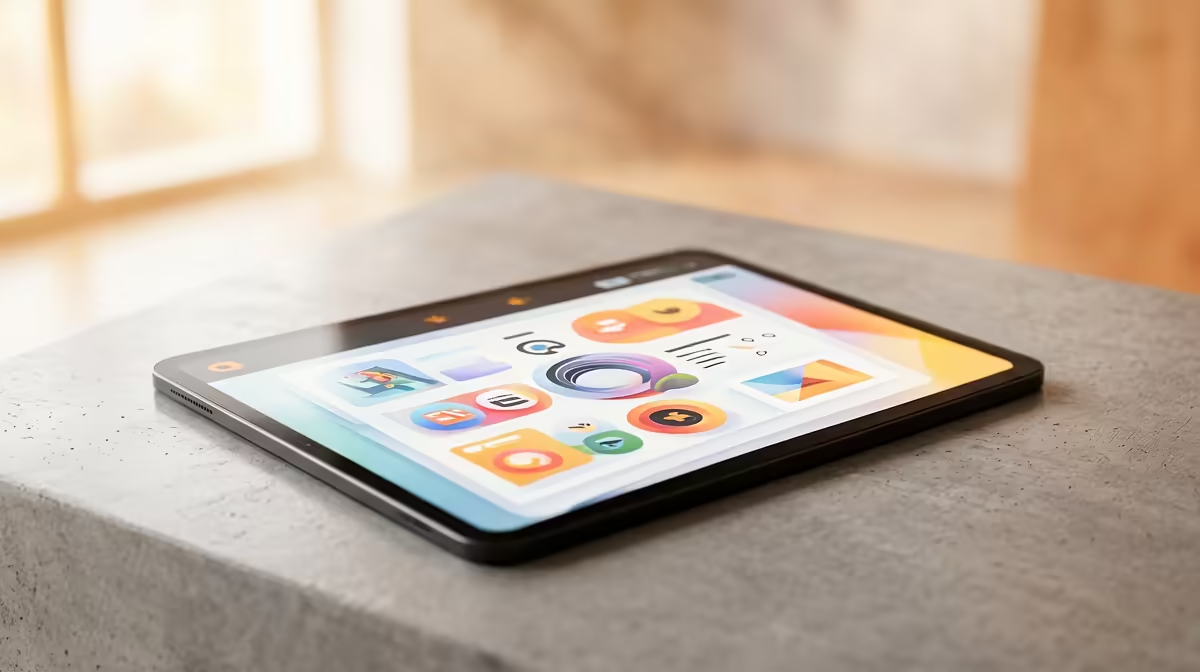
A budget tablet is the right choice for a creator when it has a defined secondary role such as scripting, thumbnails, comment moderation or teleprompter duty. It is not automatically a capable video-editing replacement. The supplied factpacks do not verify a tablet, so software support, included accessories and current price need a live comparison.
Assign one complete workflow to the device
List the required apps and test them on the exact operating system. Check screen brightness, colour behaviour, storage expansion, USB-C data support, microphone compatibility and promised security updates. A keyboard or stylus sold separately can change the value significantly. Large source files and desktop plug-ins may expose memory or application limits quickly.
For production support, a tablet can show a shot list, monitor chat or control a presentation while the main PC records. The NearStream V08AF 4K webcam at R678 and HyperX SoloCast 2 microphone at R690 are verified creator references, but neither makes the tablet necessary. Record a private rehearsal to identify whether organisation, sound, image or editing speed is the actual weakness.
Protect channel accounts with a screen lock and multi-factor authentication. Keep raw footage and project masters in managed storage rather than relying on one mobile device. Buy the budget tablet when it replaces several repeat tools every week and receives adequate updates. If exports, rendering or storage are slow, strengthen the creator PC first. A borrowed tablet can prove the role before another device enters the workflow.
Building an efficient creator workflow? > Compare suitable PCs, webcams and microphones with Evetech before adding a secondary tablet.