Quick Answer
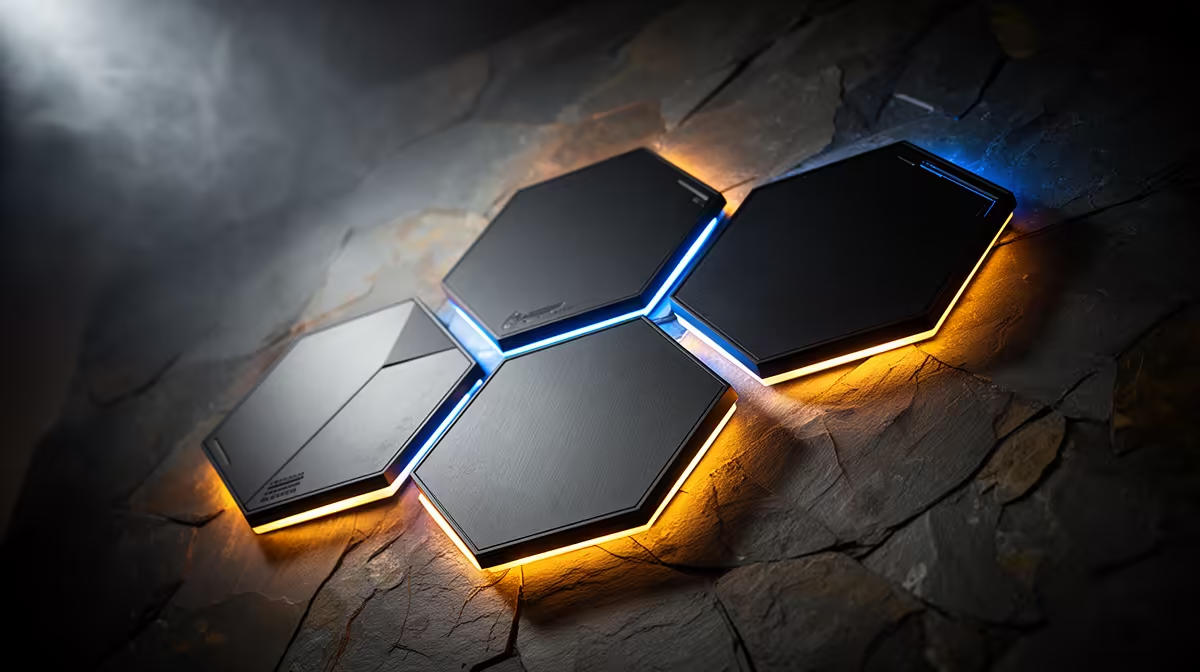
Under R600 you can build a genuinely immersive gaming desk using a combination of a three to five panel USB hexagon kit (R350 to R500) and a basic LED strip for desk perimeter lighting (R100 to R200). Positioned correctly, this combination creates layered ambient lighting that transforms the visual feel of any desk setup without pushing into smart-home territory.
Choosing the Right Kit Under R600 💰
In the R350 to R580 range, you are shopping for three to five panel hexagon kits with basic but functional feature sets. Look for kits that include a USB power cable, a remote control with at least 10 preset modes, and an adhesive mounting system that does not require drilling. Most kits at this price point are Bluetooth-only or remote-controlled without an app, which is acceptable for a first immersive desk build. The primary goal is visual impact from the hexagon shape and ambient colour fill, not advanced features. Compare panel dimensions in the listing: a three-panel kit with 20 cm panels covers more wall area than a five-panel kit with 12 cm panels, so size matters more than count at this tier.
Layering Hexagon Panels with a Budget LED Strip 🔧
The most effective under-R600 immersive desk build combines two layers of lighting: wall-mounted hexagon panels for the vertical backdrop dimension and a desk-edge or monitor-rear LED strip for the horizontal ambient dimension. A USB LED strip at R100 to R200 running along the back edge of the desk shelf or behind the monitor creates a ground-level ambient glow that separates the desk surface from the wall. Combined with hexagon panels at wall height behind the monitor, this creates a two-layer lighting environment with distinct near and far light sources, the technique used by professional gaming setup photographers to create layered depth in high-end desk photos. Total spend: R450 to R680, within reach of most gaming budgets for a single purchase cycle.
Assembly and Layout Tips for Maximum Impact ✨
Mount the hexagon panels first and determine their final position before running any cables. A common mistake is mounting panels too high on the wall, above the monitor's top edge, where they are outside your peripheral vision during gameplay and provide ceiling light rather than ambient fill.
Sub-R600 Installation Tip ⚡
Use the cable routing channels on your desk's rear cable management bar (if present) to hide both the hexagon USB cable and the LED strip power cable in a single organised pass from the desk surface up the wall to the panel cluster. This keeps the entire installation looking clean and intentional rather than like an afterthought, which makes a significant difference in how the setup photographs and feels during use.
FAQ
Can I upgrade a basic under-R600 hexagon kit to smart control later?
Only if the kit's controller is designed for upgrade. Most entry-level kits have a fixed, non-upgradeable controller. To get smart control later you would need to purchase a new controller from the same brand if available, or replace the entire kit with a Wi-Fi enabled system.
Is three panels enough to feel immersive?
Three panels create an accent effect rather than full ambient immersion. They add colour and look good, but seven or more panels are needed for the full visual field transformation. Three panels are an effective starting point; plan to add expansion panels within six months if immersion is the primary goal.
What is the best hexagon panel colour for a multi-purpose desk used for both work and gaming?
Warm white or soft amber static suits work and study, while deep blue or purple suits gaming sessions. If your kit allows scene saving with a remote shortcut, map these two scenes to dedicated buttons for instant switching without navigating a full effect menu.
Building your first immersive gaming desk on a budget?
Evetech has hexagon panel kits and LED strips under R600 that together create a layered ambient setup ready to transform any desk into a gaming environment.