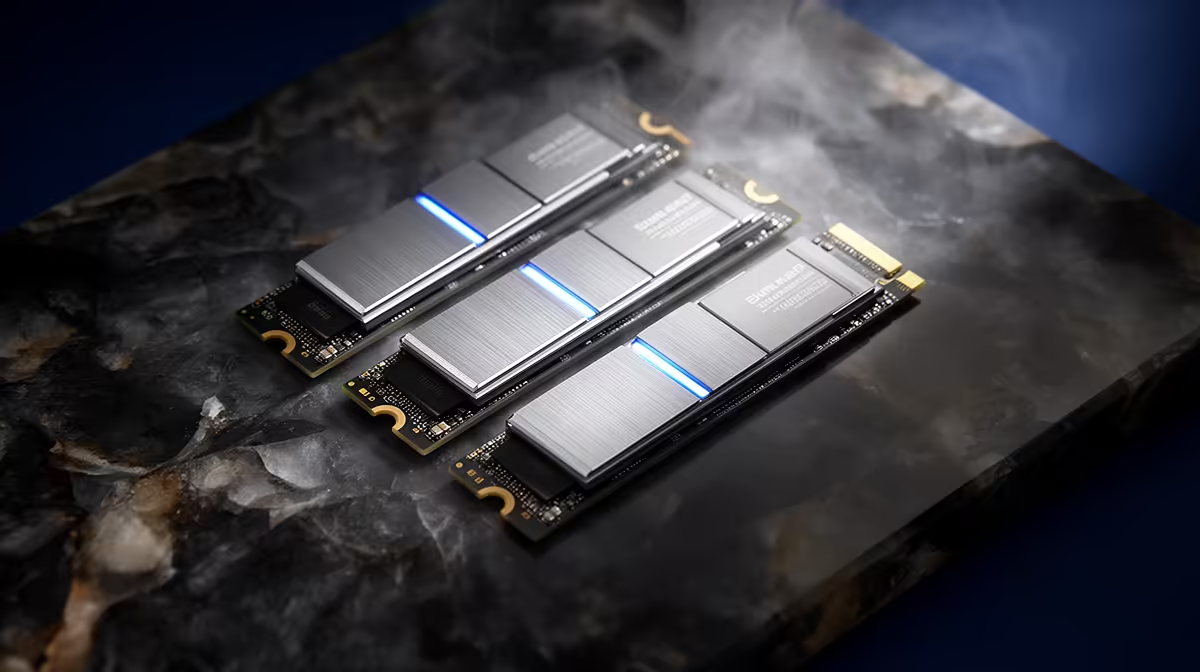
Last-generation SSD stock can be excellent value when a named Gen3 or early Gen4 drive offers more capacity for less than a current replacement. The interface badge matters less than controller, NAND, endurance, firmware and warranty. Buy the drive in front of you, rather than a vague idea of clearance stock.
Quick Answer
Choose the older SSD when its exact price creates a useful saving, your slot cannot exploit the newer interface, and the product still has clear support and warranty terms. Choose the current model when the gap is small, sustained performance is stronger or the old drive's firmware and component history are unclear.
Compare solid-state drives across interface generations with popular SSD models. Record part number, capacity and revision before comparing prices.
Interface Speed Is Only the Ceiling
PCIe Gen3 x4 provides far less sequential bandwidth than Gen4 x4. That difference is real during large transfers that keep the drive busy. Everyday app launches and game loads also depend on random access, CPU decompression and the software engine.
A good Gen3 drive can feel close to Gen4 in a game library. A video editor moving hundreds of gigabytes may save time with the newer interface. Define which use fills your week.
The motherboard can settle the matter. A Gen3 slot caps any faster drive. Paying extra for Gen5 bandwidth in that socket buys no current speed, though the drive could move to a later PC.
Older Does Not Mean Lower Quality
Some mature SSDs use high-quality TLC NAND, onboard DRAM and proven controllers. A new budget model may use QLC, a small dynamic cache or a DRAM-less design. Product generation and product tier are separate.
Check NAND type, controller, endurance and sustained writes after the cache fills. Read exact-capacity reviews because the 500GB version can behave differently from 2TB.
Firmware maturity can be an advantage when early faults have been corrected. It can also become a concern when support tools no longer receive updates. Open the maker's current support page before buying.
Make Sure It Is Really New Stock
Inspect packaging, seal, serial and warranty status. Old retail stock should still be unused. A drive with previous power-on hours, host writes or a registered serial needs to be treated as used, whatever the box looks like.
After installation, read SMART or NVMe health data before copying important files. Confirm zero unexpected usage and check firmware. Keep the invoice and photograph the label before a motherboard heatsink covers it.
Manufacture date alone does not consume NAND endurance on an unused SSD, but warranty terms may run from purchase, manufacture or another trigger depending on the maker and region. Verify the written policy.
Compare the Warranty You Can Use
A five-year headline can also carry a terabytes-written limit and exclusions. Check whether local proof of purchase is enough, who handles the claim and whether the serial is valid for the market.
Do not assign a mature model a perfect reliability record. Every storage device can fail. The advantage is a larger body of field reports and known firmware, which gives you more evidence before buying.
Your files remain your responsibility. A replacement warranty covers eligible hardware under its terms, not the data stored on it.
Capacity May Be the Best Upgrade
A 2TB Gen3 drive can be more useful than a 1TB Gen4 flagship when the smaller volume forces constant uninstalling. More free space also helps cache behaviour and updates.
Calculate the current price per usable gigabyte for the named options, then add endurance and warranty. Do not quote a broad category minimum because an external or low-capacity product can distort it.
Set a capacity floor from your library growth. If both generations meet it, compare workload speed. If only the older model fits the capacity budget, test whether its real performance is already enough.
Watch for Component Changes
Manufacturers can revise NAND or controllers while keeping a retail family name. An early review may describe hardware different from the stock on sale. Look for model suffixes, PCB revisions and updated data sheets.
This matters in a clearance purchase because several production runs may be mixed. If the current specification omits NAND or controller details, avoid assuming the best-reviewed configuration.
Buy from a listing that identifies the exact part. When the product arrives, confirm it before opening the seal if the label exposes the code.
Check Physical and Electrical Fit
M.2 length, key, protocol and sidedness matter. A laptop may accept a 2280 single-sided NVMe drive and reject a thick double-sided model. An M.2 SATA socket cannot use an NVMe product unless the manual says both protocols are supported.
Motherboard M.2 sockets can disable SATA connections or share expansion resources. Read the lane table. Use the board's heatsink or a compatible drive cooler, then monitor temperature under a long copy.
A Gen4 drive is backward compatible with a suitable Gen3 link. This can make the newer model worth a small premium when you plan to reuse it.
Time the Work You Actually Do
For games, compare load times, patch behaviour and any DirectStorage support. For work, time a project copy, media ingest or scratch workload that exceeds the fast cache.
Short synthetic runs can hide slow native writes. Look for tests with the drive partly full and under sustained load. Thermal throttling, cache exhaustion and garbage collection show up there.
The older drive wins when its capacity and mature behaviour cover the job at a better exact price. The newer drive wins when its additional speed saves time you can measure.
Do Not Buy Because It May Disappear
Scarcity is a poor reason to fill an unused slot. Set a need, capacity and ceiling. If the named last-generation model clears all three, buying it now is defensible. If it does not, its remaining stock count is irrelevant.
New products can also push older prices down or remove support. Exchange rates and supply can move either direction. Use today's product comparison and accept that no timing call can guarantee the lowest future price.
Install and Verify
Back up first, even for a secondary drive. Initialise it, update firmware through the maker's official tool and run a long health and transfer test. Check TRIM and free space.
If replacing a boot drive, keep the old SSD untouched until the clone or fresh installation survives several starts and all important files open. Erase it only after the recovery window.
Last-generation storage is worth buying when it is a better complete product for your slot and workload. Age on the spec sheet is not the decision.
FAQ
Is a Gen3 SSD too old for gaming?
No. Good Gen3 NVMe drives remain quick for games, and loading gaps to Gen4 can be small.
Does old stock lose endurance on the shelf?
Unused NAND does not accumulate host writes. Verify health, seal, warranty start and storage history where available.
Should I buy older TLC or newer QLC?
Compare exact endurance, sustained writes, capacity and price. Product tier and workload matter more than release date.
Compare exact old and current SSD part numbers by capacity, NAND, warranty and post-cache speed, then buy only for a slot you need.