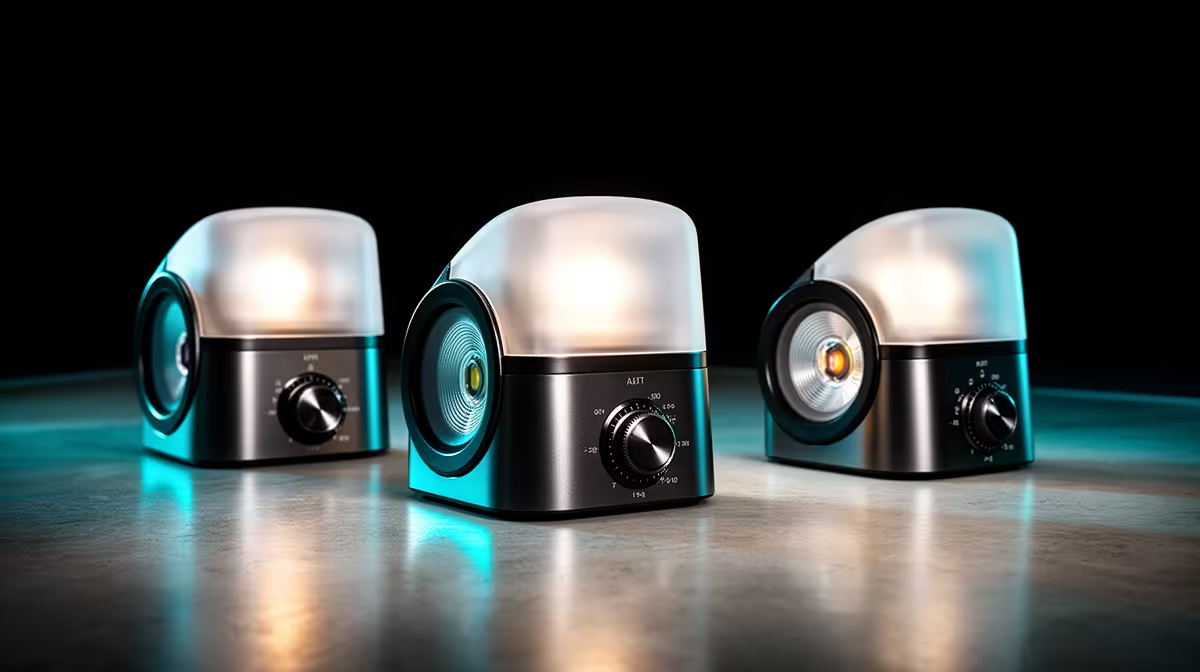
A video light sold without a stand is not an incomplete product. It is a deliberate choice that puts the mounting decision in your hands, which is exactly where it belongs. Your desk, your room layout, and your shooting angle are unique, and a bundled tripod that works for a generic studio setup often does nothing useful for a South African creator working from a flat, a res room, or a home office corner. Choosing video lights without included stands gives you the freedom to pick a mount that actually fits your space, and it usually costs less overall too.
Quick Answer
Buy the light on its own and choose your mount separately. Confirm it has a standard 1/4-20 inch threaded socket and pick a desk clamp, tabletop tripod, cold shoe, or gooseneck arm to match your actual setup. You save roughly R150 to R400 compared to bundled options and get a better fit for your space.
🔧 Why Stand-Free Lights Make Strategic Sense
Lighting bundles look like value until you examine what the stand actually does for your setup. A floor tripod that extends to two metres is ideal for a dedicated studio space. In a koshuis room or a compact Cape Town flat where desk space is the only real estate you have, it is an obstacle that you store in a cupboard and stop using within a week.
When you separate the light purchase from the mount purchase, you evaluate each on its own merits. The light needs to produce clean, adjustable output. The mount needs to fit your physical space without creating new problems. These are two different decisions, and they should be made independently.
The cost saving is a genuine benefit rather than a consolation. Stripped of bundled accessories, a bare video light typically costs R150 to R400 less than the same unit sold as a kit. That difference buys a clamp that fits your specific desk, a cold shoe adapter for a camera setup, or simply stays in your pocket.
The One Thread Specification That Matters
Before purchasing any stand-free light, verify that it has a standard 1/4-20 inch threaded socket. This is the universal mounting thread used across virtually all camera accessories, tripod heads, cold shoes, and clamps. A 1/4-20 socket means the light is mechanically compatible with the entire ecosystem of available mounts without adapters or compromise.
Some budget lights ship with proprietary mounting points or non-standard sockets that lock you into the manufacturer's own accessories. This defeats the purpose of buying stand-free and should disqualify a panel regardless of its other specifications.
🎯 Matching the Mount to the Space
The four practical mount types each solve a different problem, and the right one depends on where you are shooting, what surfaces are available, and how much you want to adjust between sessions.
A desk clamp, either a spring-loaded or screw-tightened version, attaches to the desk edge and holds the light above the surface without occupying any desk area. It suits any setup where the desk is the main workspace and floor space is not available. A clamp rated for about half a kilogram handles any compact LED panel comfortably, and repositioning takes seconds.
A gooseneck arm bolted to the desk edge adds full directional flexibility, letting you point the light at any angle within reach without adjusting the base position. This is useful for setups where the optimal lighting angle changes between activities, such as switching between a talking-head stream and a desk close-up for a tutorial.
Cold Shoe and Tripod Options
A cold shoe adapter converts the standard hot shoe mount on a camera or camera cage into a video light position. This is the natural choice for run-and-gun vlogging, where the light needs to move with the camera rather than stay fixed in a room. A small LED on a cold shoe provides on-axis fill for outdoor shooting or movement-heavy content where a fixed mount is not practical.
A compact tabletop tripod, roughly 20 to 30cm tall with a 1/4-20 head, is the simplest mount option for a desktop setup. It stands on the desk surface, adjusts to basic angles, and moves freely without any installation. The trade-off is that it occupies desk real estate, so it suits larger workstations or setups where the desk surface is not at a premium.
🚀 Planning a Multi-Light Setup From Stand-Free Panels
Stand-free lights become particularly valuable when building toward two or three video lights. A desk clamp for the key, a gooseneck for fill, and a cold shoe panel for background separation can all use the same light models. Moving from a single-light to a three-point setup means adding mounts, not replacing complete bundles.
Pro Tip ⚡
When buying a desk clamp for a South African home setup, check the desk edge thickness before ordering. Most local desks run between 18mm and 30mm thick. A clamp rated for up to 40mm handles nearly everything, but budget clamps rated for narrower profiles will slip on a thicker edge and lose their position mid-session.
The weight rating of each mount is the specification most often overlooked. A compact LED panel under 200g pairs fine with an inexpensive gooseneck or clip clamp. A larger panel closer to 400g needs a mount with a rated capacity to match, otherwise the arm will sag or drift under load and the light will slowly rotate away from where you set it. This is not a theoretical problem; it is one of the most common small frustrations in creator setups.
🔌 What to Check Before You Buy Any Bare Light
Three things matter before committing. First, the 1/4-20 thread is present and accessible in the light's normal operating orientation. Second, the socket position allows natural tilt rather than locking at a fixed angle. Third, the weight is within the mount's rated capacity.
Beyond mechanical checks, the light should offer Kelvin adjustment across at least 3200K to 5600K and stepless dimming. These two features separate panels that serve a growing setup from those replaced after six months.
Frequently Asked Questions
What is the actual financial benefit of buying a video light without a stand?
You typically save R150 to R400 compared to the same light sold as a stand bundle, and you avoid paying for a stand that may not suit your space. That saving is then available to put toward a mount that genuinely fits your desk or room, whether that is a clamp, a cold shoe adapter, or a compact tabletop tripod.
Which thread specification should a stand-free light have?
A standard 1/4-20 inch socket. This universal thread mates with virtually every clamp, tripod, cold shoe, and arm sold for camera accessories without requiring any adapters. A proprietary mounting point locks you to the manufacturer's own accessories and should be avoided.
Can a desk clamp hold a video light securely?
Yes, provided the clamp's weight rating matches the panel and the clamp's jaw opening covers your desk thickness. A clamp rated for 500g and adjustable up to 40mm covers most compact LED panels and most SA home desk edges. Position it near a corner for the most stable contact with the surface.
Is a cold shoe mount practical for streaming from a fixed desk?
It depends on whether the light needs to move with you or stay in one place. A cold shoe on a camera is ideal for run-and-gun content. For a fixed desk stream, a clamp or gooseneck arm positions the light more precisely and holds it more rigidly. A cold shoe adapter can also be mounted on a desk-clamp arm for a hybrid solution.
Does the size of a tabletop tripod matter for a compact video light?
Mostly for height. A tripod under 15cm may not reach a flattering angle for a seated subject. The 20 to 30cm range works better and provides a wider base. For compact panels under 250g, weight rating matters more than height.
Ready to pick a video light that fits your exact setup rather than a generic bundle?
Browse the stand-free video lighting range and find a compact bi-colour panel with the 1/4-20 thread that screws onto the mount you already have, or the one that suits your space.