



Hot-Swappable PCB Architecture in Modern Keyboards: Guide
Learn hot-swappable PCB architecture in modern keyboards—what it is, how sockets and traces work, and how to pick the right board. Speed up swaps, reduce risk, and upgrade faster 🔧⚡
Read moreCompact keyboard layouts trim keys to save desk space and boost efficiency. Learn which keys are removed, remapping tips, and whether a 60% or 65% board fits you. 🧩⌨️
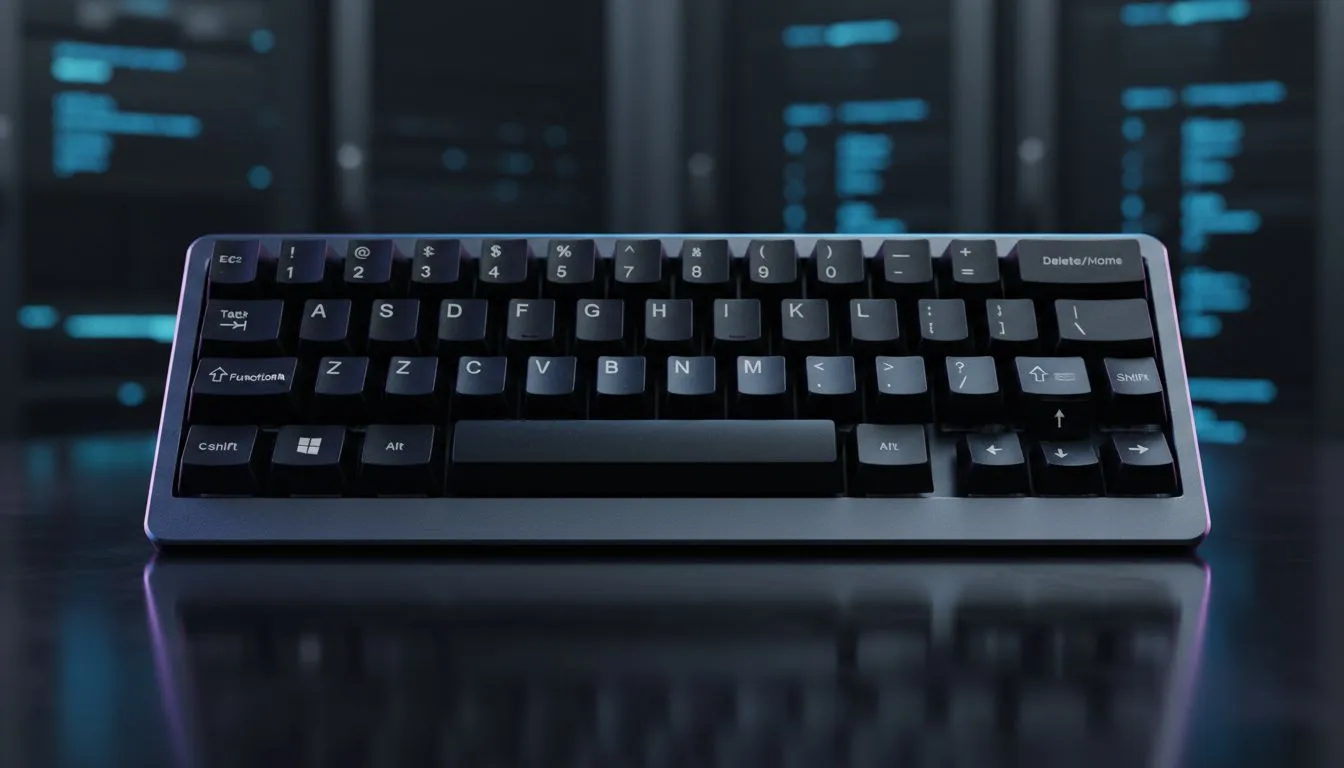
South African gamers and PC buyers, listen up. Switching to a smaller keyboard can free desk space and speed up your play, but you also give up keys. "Compact Keyboard Layouts Explained: What Keys You Lose" walks you through the real trade-offs so you can choose the right board for your rig. Read on for practical tips and where to shop local ZAR deals. ⚡
60%, 65%, Tenkeyless (TKL) and 75% are the shorthand you’ll see. At a glance:
If you want hands-on browsing of compact models and current ZAR pricing, check Evetech’s best gaming keyboard deals for a quick comparison and live stock: https://www.evetech.co.za/best-gaming-keyboard-deals/x/055.aspx
Losing the numpad matters if you do lots of spreadsheet work or enter numeric codes. Losing F-keys affects shortcuts in streaming and productivity apps. The mental switch is smaller than you think, though... many gamers remap layers or use function layers for missing keys.
If you’re price-conscious, Evetech’s list of cheapest gaming keyboards in South Africa is a solid place to test budget-friendly compact boards before committing: https://www.evetech.co.za/components/buy-cheapest-gaming-keyboard-in-south-africa-52.aspx
A wired compact keyboard keeps latency predictable for competitive play, while wireless compact boards add cable-free tidiness. Both types exist across price points. Evetech separates wired options and wireless listings so you can filter by connectivity and compare ZAR prices: wired choices here — https://www.evetech.co.za/components/buy-cheapest-gaming-keyboard-in-south-africa-52.aspx?attributes-connectivity=Wired — and wireless here — https://www.evetech.co.za/components/buy-cheapest-gaming-keyboard-in-south-africa-52.aspx?attributes-connectivity=Wireless.
If you’re downsizing a whole setup, consider a keyboard and mouse combo to match travel-ready layouts and save on cost. Evetech’s keyboard and mouse combos page is useful if you want matched sets that fit a compact footprint: https://www.evetech.co.za/buy-keyboard-mouse-combo/x/1583.aspx
Micro-story: I swapped to a 65% for a year while freelancing in a cramped Cape Town flat. I missed the numpad once for invoicing. A virtual numpad app on my phone bridged the gap—fast and cheap. That’s the point: small fixes often beat full reversals.
On Windows, map a function-layer key to produce a temporary numpad or F-row. Software like VIA or the keyboard’s own firmware (QMK VIA-supported boards) lets you layer keys so a single tap or hold gives you the missing function row or arrows. This preserves your compact layout without losing workflow speed.
Want to shop around for the best deals and compare layouts in ZAR? Start with locally available compact picks on Evetech to see what sizes and prices match your budget: https://www.evetech.co.za/components/buy-cheapest-gaming-keyboard-in-south-africa-52.aspx
Try before you buy if possible. Test layout feel, key spacing and whether the missing keys break your workflow. If you can’t try locally, read hands-on reviews and check return policies. For quick deals on compact gaming keyboards in South Africa, Evetech’s curated gaming keyboard deals are a reliable first stop: https://www.evetech.co.za/best-gaming-keyboard-deals/x/055.aspx
Ready to Find Your Perfect Match? The Mac vs Windows debate is complex, but for maximum power, choice, and value in South Africa, Windows is hard to beat. Explore our massive range of laptop specials and find the perfect machine to conquer your world.
A 60% layout typically removes the numpad, dedicated function row, and navigation cluster; those keys are accessed via layers or function combos.
A 65% keeps dedicated arrow keys and a few nav keys while remaining compact — the main difference in the 65% vs 60% keyboard is arrow availability.
A TKL removes the numeric keypad but retains function and navigation keys, saving desk width while keeping most dedicated controls.
Yes—many pro setups use 60% or 65% boards. Look for low latency, good key rollover, and the best compact keyboard for gaming features.
Access arrow keys via layer toggles or function combos. Some layouts offer dedicated arrow layers or programmable hotkeys as compact keyboard arrow keys solutions.
Remapping often helps. Use firmware or software to assign common keys to layers — compact keyboard remapping tips speed workflows and reduce errors.
Yes—many programmers prefer 65% or 75% layouts for balance. Programming on compact keyboards may require custom layers for symbols and function keys.
Learn hot-swappable PCB architecture in modern keyboards—what it is, how sockets and traces work, and how to pick the right board. Speed up swaps, reduce risk, and upgrade faster 🔧⚡
Read more
Mechanical switch lifespan explained—what the 50 million keystroke rating really means, plus tips to extend switch life and reduce double-press issues 🔧⌨️
Read more
60-percent vs full-size mechanical keyboard layouts—learn what each layout includes, who it suits, and how to choose the right fit 🧩⌨️ for typing, gaming, and productivity.
Read more
Double injection keycaps last far longer than standard printed keycaps in most setups. Learn typical lifespan ranges, what shortens them, and how to maximize durability for smoother daily typing and gaming 😊⌨️
Read more
Full-key anti-ghosting: does it stop missed inputs during fast-paced gaming? We break down latency, polling, and key matrix limits so you can buy smarter 🎮⚡
Read more
Protect mechanical keyboard switches from South African dust and summer humidity with practical cleaning and storage habits. Keep your switches smooth, reduce failures, and extend lifespan. 🌬️💧
Read more
Wondering if a TKL wireless mechanical keyboard is worth it for everyday productivity? We break down latency, battery life, comfort, and workflow gains for real work. ⚡⌨️

Maximise battery life on a fanless 15-inch laptop using efficiency core architecture. Cut idle drain, tune power profiles, and improve thermals for longer runtime. 🔋⚙️

Learn how to reduce desk clutter with a TKL wireless keyboard using fewer cables, smart placement, and tidy essentials. Get a faster, calmer workspace with better ergonomics. ✅🧼

RGB keyboard lighting too distracting? Learn how to manage backlight modes, set brightness, and reduce distraction for focus and productivity 😌🖱️

Are themed gaming keyboards worth the extra cost? Compare build quality, switch options, features, and resale value to find the best fit for your setup 🎮⌨️

Full-Size vs Tenkeyless mechanical keyboards for gaming: find out if a smaller layout truly improves aim, speed, and comfort. We break down layout, desk space, latency-feel, and keybinds 🎮⌨️

Dedicated media rollers vs function key shortcuts: learn which setup gives you better workflow control, faster media access, and fewer mistakes. 🖱️🎧

Best Mechanical Switch Type for Gaming: Clicky vs Linear vs Tactile. Find your feel, speed, and noise balance with practical guidance for FPS, MOBA, and productivity 😄🎮

Direct mouse answer: Mouse not keeping up with your work? Everything that matters about dual-mode 2.4GHz + BT 5.0: DPI behaviour, channel switching, battery curves and per-app button mapping. Covers when 2.4GHz USB wins (low-latency desk) and when BT 5.0 wins (laptop, d

Plain wireless mouse guide: Mouse not keeping up with your work? Everything that matters about wireless productivity mouse: DPI behaviour, channel switching, battery curves and per-app button mapping. Includes DPI tuning tips, channel switch shortcuts, and ZAR-aware fea

Real productivity numbers: Set up your wireless mouse in this order: everything that matters about wireless productivity mouse: DPI behaviour, channel switching, battery curves and per-app button mapping. Includes DPI tuning tips, channel switch shortcuts, and ZAR-aware

Pen not feeling like paper? Stylus lag and skipping usually trace to old drivers, dirty nibs, or display refresh mismatches, not the pen itself. Covers pressure curve tuning, tilt thresholds, nib swap timing, and SA pricing brackets.