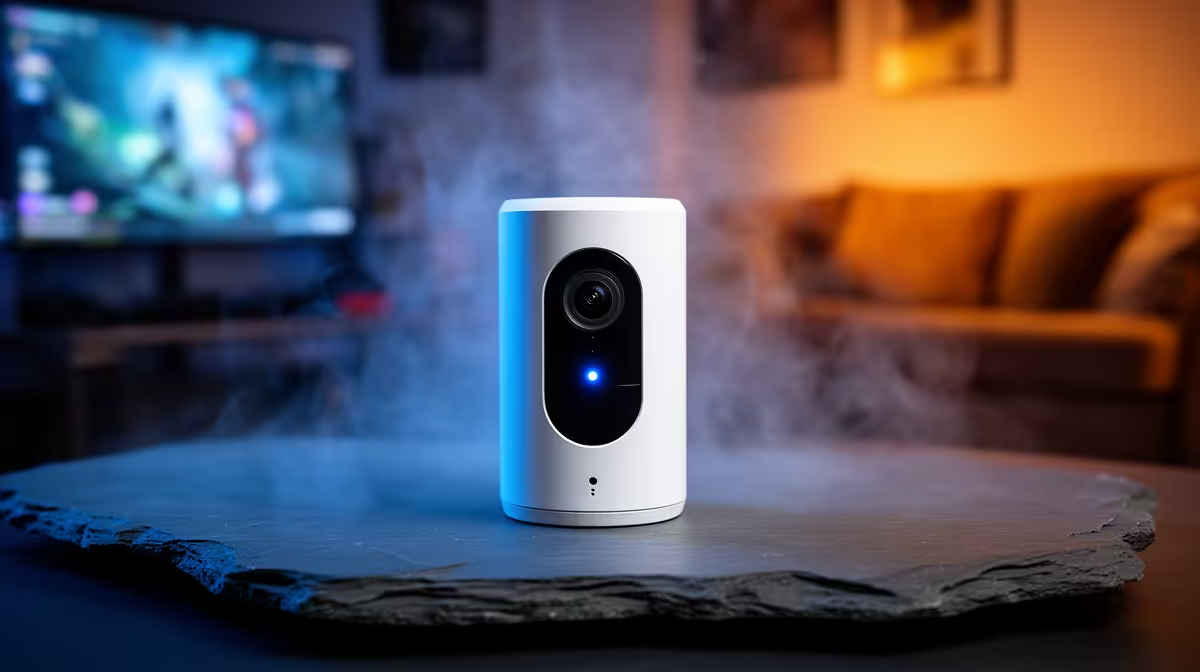
A content creator should choose a wireless security camera around the studio’s entrance, equipment risk, privacy and available network, not image resolution alone. A camera can document activity, but it does not physically secure expensive gear or replace appropriate locks and response planning.
Map the area without filming private work
Identify doors, windows and equipment zones, then mark a view that captures necessary movement without exposing computer screens, client material, bedrooms or neighbouring property. Test Wi-Fi at the mounting position and decide how the camera receives continuous power.
The Tapo C212 indoor Wi-Fi camera at R451 is a verified indoor-camera reference. Confirm its current live specifications, storage arrangement, app support, included power equipment and warranty. Do not use an indoor rating outdoors or assume cloud features are included without ongoing terms.
Compare any candidate by viewing angle, night performance, motion alerts, local and cloud storage, retention controls, account security, update policy, two-way audio, mounting, warranty and local support. Use strong unique credentials, enable multifactor protection where available and restrict shared access.
Test alerts during normal uploads and streams so camera traffic does not disrupt production. Display appropriate notice where required, protect client confidentiality and rehearse what happens after a useful alert. Buy only when placement, storage and response are all defined.
Protecting a creator workspace? > Compare Evetech security cameras by rating, storage and account controls.