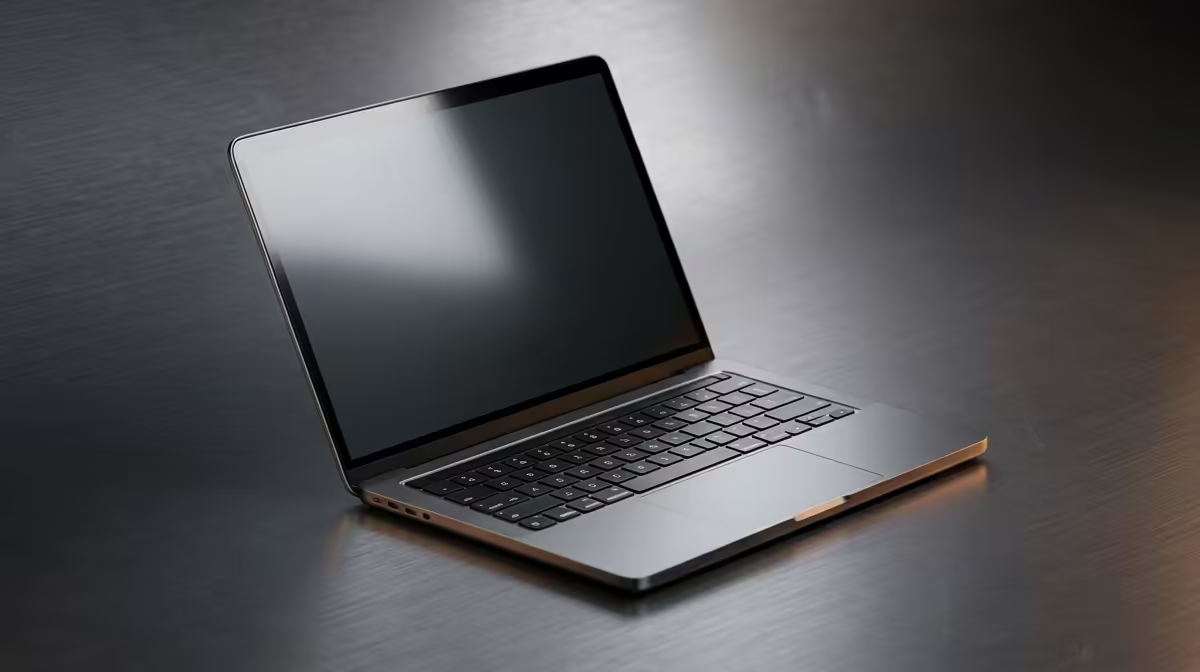
Your corporate laptop is the unsung hero of your 9-to-5. It’s your portal to productivity, your connection to colleagues, and... let's be honest, probably your after-hours streaming device too. But when it starts lagging during a crucial presentation or overheating on a deadline, that hero quickly becomes a villain. Proper corporate laptop maintenance isn’t just an IT problem; it’s your first line of defence against lost productivity and the high cost of replacement in South Africa.
Foundational Corporate Laptop Maintenance Habits
Getting the basics right is half the battle. These simple, consistent habits form the bedrock of a healthy machine, preventing common issues before they even start.
1. Keep It Physically Clean 🧼
Dust, crumbs, and fingerprints aren't just unsightly; they can cause real problems. Dust buildup in vents and fans leads to overheating, which throttles performance. A dirty screen causes eye strain.
How to do it:
- Weekly: Wipe the screen with a microfibre cloth. Use a separate, slightly damp cloth for the chassis and keyboard.
- Monthly: Use a can of compressed air to blast dust out of the keyboard and cooling vents. Hold the can upright and use short bursts.
2. Manage Your Battery Health
Modern laptop batteries don't need to be drained to 0%. In fact, that harms them. The sweet spot for lithium-ion battery longevity is keeping the charge between 20% and 80%. Avoid leaving it plugged in at 100% all day, and keep it out of hot cars or direct sunlight, as extreme temperatures degrade battery life faster.
3. Ensure Proper Ventilation
Your laptop breathes through its vents. Blocking them is like forcing a marathon runner to breathe through a straw. It will overheat, slow down, and potentially damage internal components. Never use your laptop on a soft surface like a bed or couch for extended periods. A simple laptop stand can work wonders for airflow, a principle that even the best gaming laptop deals rely on for peak performance.
Software and Security Best Practices
A clean machine on the outside is great, but internal digital hygiene is just as crucial for smooth, secure operation. This is where good corporate laptop maintenance really shines.
4. Stay Updated... Always
Those update notifications aren't just there to annoy you. Software updates for your OS, drivers, and applications contain vital security patches and performance optimisations. Running outdated software is like leaving your front door unlocked. Set your key apps and operating system to update automatically.
Quick Performance Boost ⚡
Many work laptops get bogged down by apps launching at startup. Press Ctrl + Shift + Esc to open Task Manager, click the "Startup" tab, and disable any non-essential programs you don't need the second your machine boots up. You'll notice the difference immediately!
5. Tame Your Storage
A nearly full hard drive or SSD is a slow one. Your operating system needs free space to function efficiently. Aim to keep at least 15-20% of your primary drive free.
Easy wins:
- Empty your Recycle Bin regularly.
- Uninstall applications you no longer use.
- Move large, old files to cloud storage or an external drive.
6. Run Regular Security Scans
While your company's IT department likely has network-level security, running a local scan with Windows Defender or your installed antivirus is a great proactive step. It can catch anything that might have slipped through the cracks, ensuring your data and the company network stay safe.
Protecting Your Investment for the Long Haul
Physical and digital care will take you far, but a few final tips on handling your device will ensure it survives the daily grind for years to come.
7. Use a Padded Laptop Bag
This seems obvious, but many people just toss their expensive work machine into a regular backpack. A dedicated, padded laptop sleeve or bag is essential for absorbing the shocks and bumps of a daily commute. It’s the cheapest insurance you can buy for a R20,000+ device.
8. Be Gentle with Ports and Cables
Yanking cables out at an angle can damage both the cable and the port on the laptop itself—a costly repair. Always plug and unplug peripherals carefully and straight. Using a good quality surge protector at your desk is also a wise move to shield the sensitive internals, whether you're running powerful Intel laptops on special or any other high-performance machine.
9. Don't Ignore Warning Signs
Is the fan suddenly making a grinding noise? Is the machine getting unusually hot? Are you seeing random blue screens? Don't just hope these problems go away. Report them to your IT support. Early intervention can prevent a minor issue from becoming a catastrophic failure.
10. Know When It's Time for an Upgrade
Sometimes, no amount of maintenance can overcome old hardware. If your laptop struggles to handle modern software, takes forever to boot, and has a battery that lasts less than an hour, it's probably costing more in lost productivity than a replacement would. Often, a new generation of efficient and powerful AMD laptops on special can offer a massive leap in performance and battery life.
Is It Time for an Upgrade?
Proper corporate laptop maintenance can work wonders, but even the best-kept machine eventually reaches its end. When slow performance starts costing you time and money, a fresh start is the best investment. Explore our massive range of laptop specials and find the perfect workhorse to power your productivity.