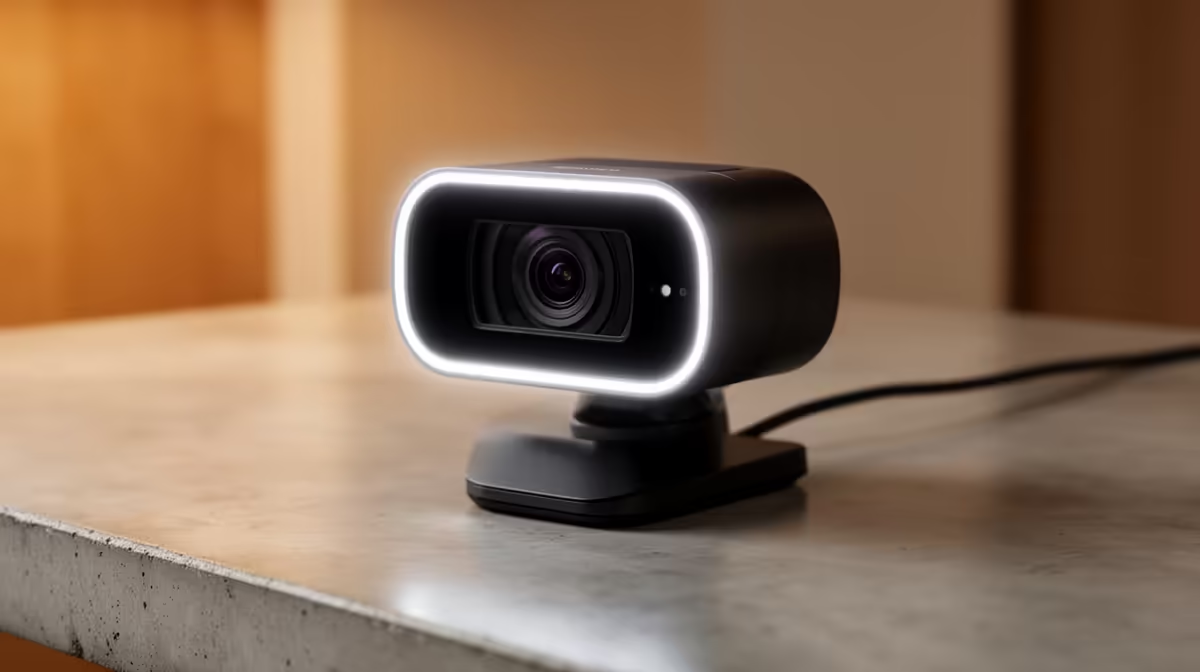
Staring at a pixelated, stuttering version of yourself on a video call is frustrating, isn't it? In today's world of remote work and online collaboration, that grainy image does more than just annoy you… it undermines your professionalism. Achieving crystal-clear meetings isn't just a tech upgrade; it's a direct investment in your productivity and how you're perceived. A quality webcam ensures your ideas, not your blurry feed, take centre stage.
Beyond the Pixels: Why Clarity Boosts Productivity
Let's be honest, the tiny webcam embedded in your laptop bezel was an afterthought for the manufacturer. It’s designed for occasional use, not for back-to-back Teams calls or pitching a new client. These built-in cameras often struggle with low resolution, poor colour accuracy, and terrible performance in anything but perfect lighting.
The result? You look washed out, shadowed, or like you're broadcasting from a potato. This isn't just a vanity issue. When your video is sharp and smooth, your non-verbal cues… a confident nod, a reassuring smile… are communicated effectively. This builds trust and engagement, leading to more productive and successful interactions. Upgrading is simpler than you think, with even budget-friendly webcams under R1000 offering a massive leap in quality.
Unlocking Crystal-Clear Meetings: Key Features to Look For ✨
When you start shopping, the specs can seem a bit daunting. But you only need to focus on a few key areas to ensure you get the right tool for the job. Forget the jargon; here's what actually matters for achieving those crystal-clear meetings.
Resolution and Frame Rate
- Resolution: This is the sharpness of the image. 720p is the absolute minimum, but 1080p (Full HD) is the modern standard for professional clarity. It's the sweet spot for quality without demanding too much from your internet connection.
- Frame Rate (fps): This determines how smooth the video looks. 30fps is perfectly fine for static meetings. If you move around a lot or want that ultra-smooth broadcast look, aiming for 60fps is a great idea. You can find plenty of solid 1080p models under R2000 that deliver on both fronts.
Lighting and Focus
Great video is all about light. A good webcam will have features like automatic low-light correction, which is a lifesaver during an unexpected outage or in a dimly lit home office. Autofocus is another crucial feature, ensuring you stay sharp and in focus even if you lean in or shift in your chair. Some premium webcams with advanced features even offer software controls to fine-tune your image perfectly.
Quick Lighting Hack 💡
No ring light? No problem. The best light is free. Position your desk so you face a window. This natural, diffused light is incredibly flattering and costs nothing. If that's not possible, place a simple desk lamp behind your monitor, bouncing its light off a white wall in front of you for a soft, professional glow.
Your Setup Matters: Quick Wins for Better Video Calls
A great webcam is step one, but a few simple tweaks to your setup can elevate your presence even further. This is how you go from looking good to looking like a pro.
First, positioning is key. Your webcam should be at eye level. Looking down at the camera is unflattering, and looking up makes you seem distant. Use a small tripod or even a stack of books to get the height just right.
Second, check your background. A cluttered or distracting background pulls focus away from you. A clean, simple wall, a bookshelf, or a virtual background works wonders. It shows you've put thought into your presentation. Taking these small steps is vital for ensuring your online communication is as clear and effective as possible. 🚀
Ready to Upgrade Your View?
Stop letting a fuzzy webcam hold you back. An upgrade is a small price for a huge boost in professionalism and productivity. Shop our full range of webcams at Evetech and make sure your next call is a crystal-clear success.