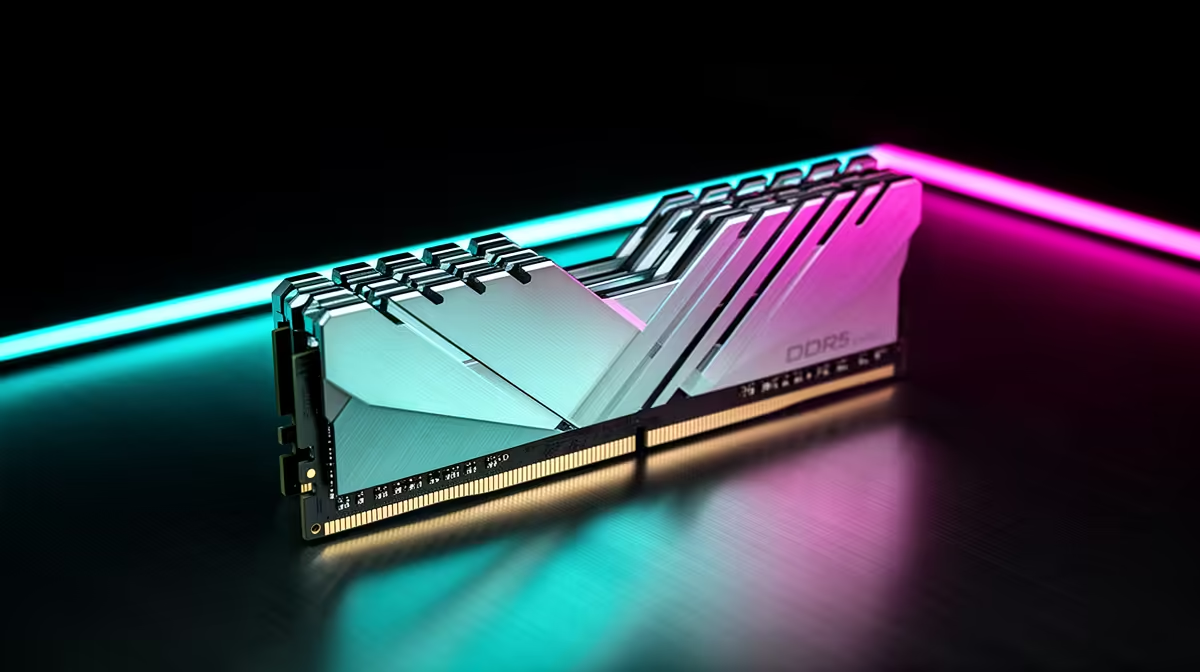
DDR5 RAM in a shared gaming space gets used by people running everything from a single game to a dozen browser tabs and a stream, so the buying order, what is must-have, nice-to-have and skip, matters more than chasing headline speeds. Knowing the priorities keeps a shared build fast and affordable.
Quick Answer
For shared gaming spaces, the DDR5 must-have is 32GB at 6000MT/s CL30; nice-to-have is RGB and matched timings; skip is anything above 6400MT/s for tiny gains. A Kingston Fury or Corsair Vengeance 32GB 6000 CL30 kit (around R1,800 to R2,800) is the shared-build sweet spot.
Must-Have: Capacity And Sweet-Spot Speed
In a shared space several users multitask, so 32GB is the must-have, since 16GB stutters when a game, a browser with many tabs and a stream run at once. The speed sweet spot is 6000MT/s at CL30, which Ryzen 7000 and Core platforms run cleanly and which delivers nearly all the gaming benefit. A Kingston Fury Beast or Corsair Vengeance 32GB 6000 CL30 kit hits this exactly, giving a shared build the headroom and speed it actually uses.
Nice-To-Have And Skip, In Rand
Nice-to-have: RGB for a shared showpiece desk and tighter CL28 timings, which cost a little more for a small gain, available on kits around R2,500 to R3,500. Skip: speeds above 6400MT/s, which add cost and instability for frame-rate gains under 2% in most games, and 64GB unless someone does heavy content work. The 32GB 6000 CL30 kit at R1,800 to R2,800 is the must-have core; spend extra only on RGB if the look matters in a shared room.
Set Up DDR5 For A Shared Build
Buy a matched 2x16GB kit rather than mixing single sticks, so dual-channel and stable timings are guaranteed across users. Enable the kit's EXPO or XMP profile in BIOS to run the rated 6000MT/s CL30, since RAM defaults to a slower speed otherwise. Confirm your motherboard supports the kit's speed on its QVL, and leave 64GB and ultra-high speeds alone unless the shared rig also handles serious editing or virtual machines.
FAQ
How much DDR5 RAM for a shared gaming PC?
32GB is the must-have, since several users multitasking exceed what 16GB handles smoothly. A 2x16GB kit keeps a shared build responsive.
What DDR5 speed is best for gaming?
6000MT/s at CL30 is the sweet spot for Ryzen 7000 and Core platforms, delivering nearly all the gaming benefit. Speeds above 6400MT/s add cost for under 2% more frames.
Do I need to enable EXPO or XMP?
Yes, otherwise the RAM runs at a slower default speed, not its rated 6000MT/s. Enable the profile in BIOS after confirming the kit is on your board's QVL.
Buy a 32GB 6000MT/s CL30 DDR5 kit, enable EXPO in BIOS, and check current Kingston Fury and Corsair Vengeance pricing at Evetech.