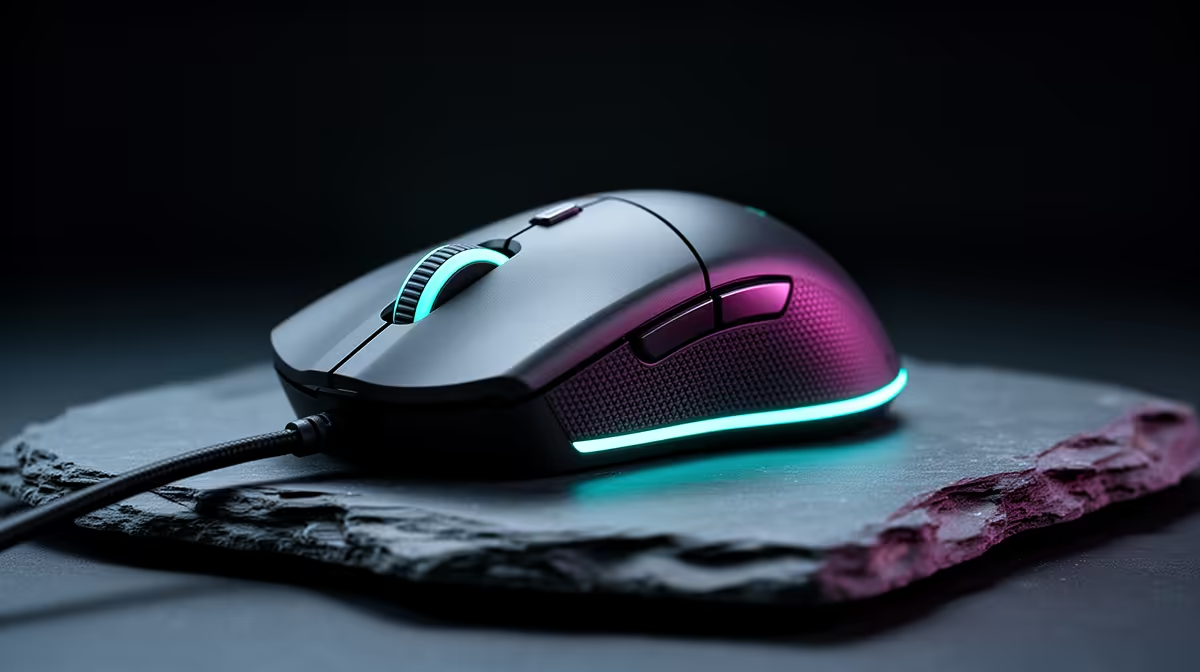
The right mouse comes down to weight, sensor and grip, not RGB. Walk this decision path to land on the shape and switch that suits how you play, with SA pricing in mind.
Quick Answer
For competitive esports, choose a lightweight wireless mouse (under 60g) with a flagship optical sensor and optical switches; the low weight and 1000Hz+ polling let you flick and micro-adjust without fatigue. Skip extra buttons you will not bind.
Shape, weight and sensor for competitive esports
Competitive shooters and MOBAs reward high refresh: aim for 240fps+ at 1080p so frametimes stay flat. A 240Hz or 360Hz panel and a CPU that holds 1% lows matter more than raw GPU horsepower here. A sub-60g symmetrical shape with a top-tier sensor (think 26,000+ DPI capable, though you will play at 400-1600) and optical main switches gives the cleanest aim. PTFE feet and a quality pad matter as much as the mouse.
Budget tiers for SA buyers
Under R500 covers a dependable wired mouse with a decent sensor; R500-R1,200 buys lightweight wireless with optical switches; R1,200-R2,500 reaches flagship sensors and sub-60g shells. Within a R20,000 peripheral plan, R800-R1,800 on the mouse is well spent before adding a good pad.
Wireless, switches and the pad
A good wireless mouse is now genuinely lag-free, so buy wireless if the budget reaches it for cable-free flicks. Optical main switches avoid the double-click failures that plague older mechanical switches. Pair any mouse with a large cloth pad, because a worn or small pad undoes an expensive sensor.
FAQ
Does mouse weight really matter?
For fast genres, yes; a sub-60g mouse reduces fatigue and lets you flick more precisely. For slower story or strategy games, comfort and button count matter more than shaving grams.
What DPI should I game at?
Most players sit between 400 and 1600 DPI and adjust in-game sensitivity. A high maximum DPI on the box is marketing; sensor consistency and tracking matter more than the headline number.
Are optical mouse switches better?
Yes, optical switches eliminate the unwanted double-clicks that develop on older mechanical switches over time. They are now common on mid-range and flagship mice.